If you're not seeing where to enter increase suggestions in a compensation worksheet, it's likely because the necessary columns weren't included during setup. You can fix this using the Column picker.
To add or edit base salary, bonus, or other increase amounts in your worksheet:
-
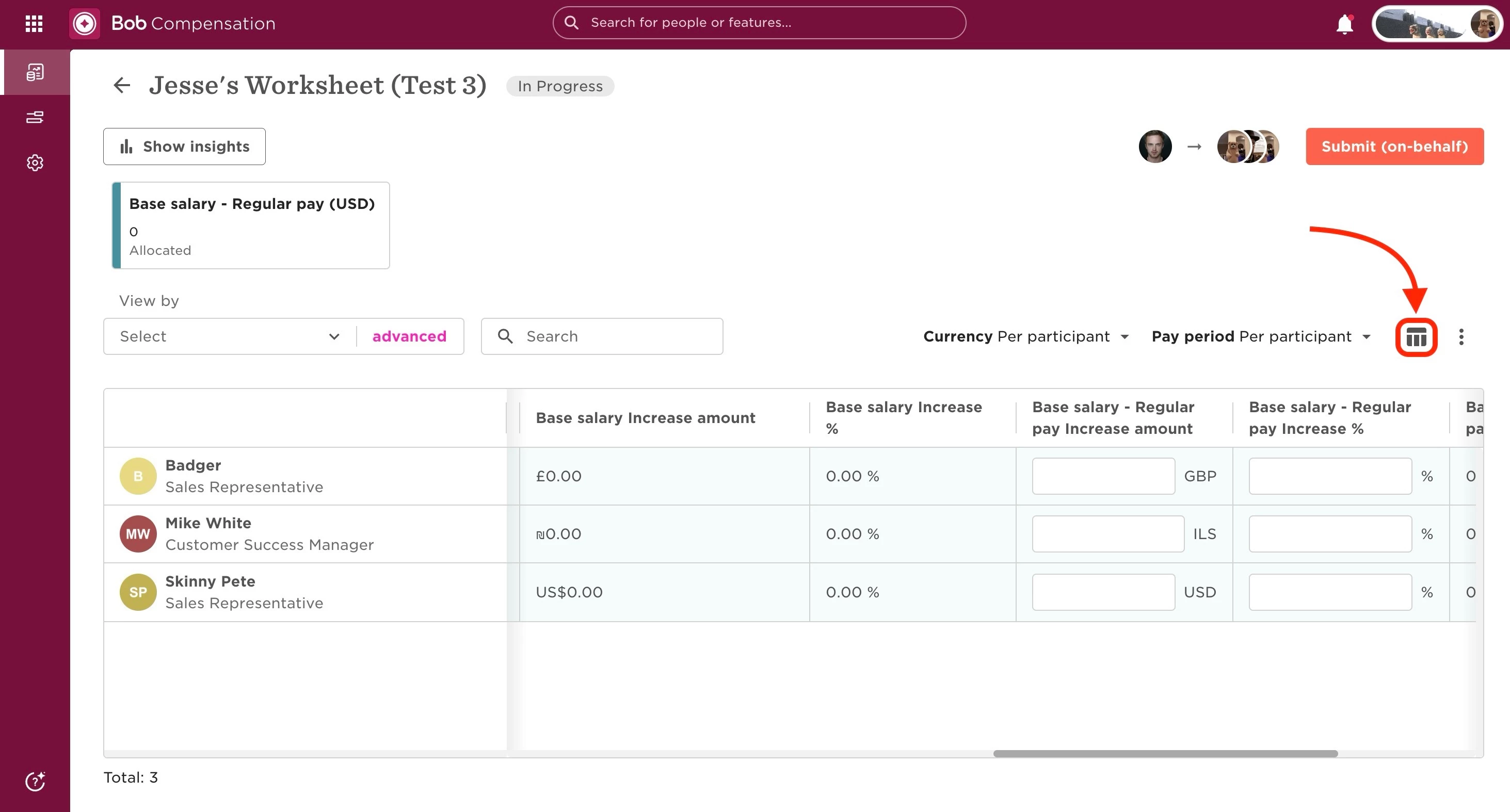
Use the Column picker (top right of the table) to add the relevant columns—e.g., Base pay - Regular pay Increase % or Base pay - Regular pay Increase amount
-
If the fields still aren't editable, it's likely due to permissions. Make sure you have the correct payroll view permissions for the relevant sites
-
If specific employees still don’t show editable fields, check their eligibility for that compensation component
For more related info, see also: Planners Unable to Input Data into Worksheet Columns