

In some cases, the edit menu (three dots) next to a carryover balance isn’t available for specific employees, even though it appears for others.
This usually happens when an employee has multiple carryover "buckets" from previous years.
Employee with a single Carryover "bucket":
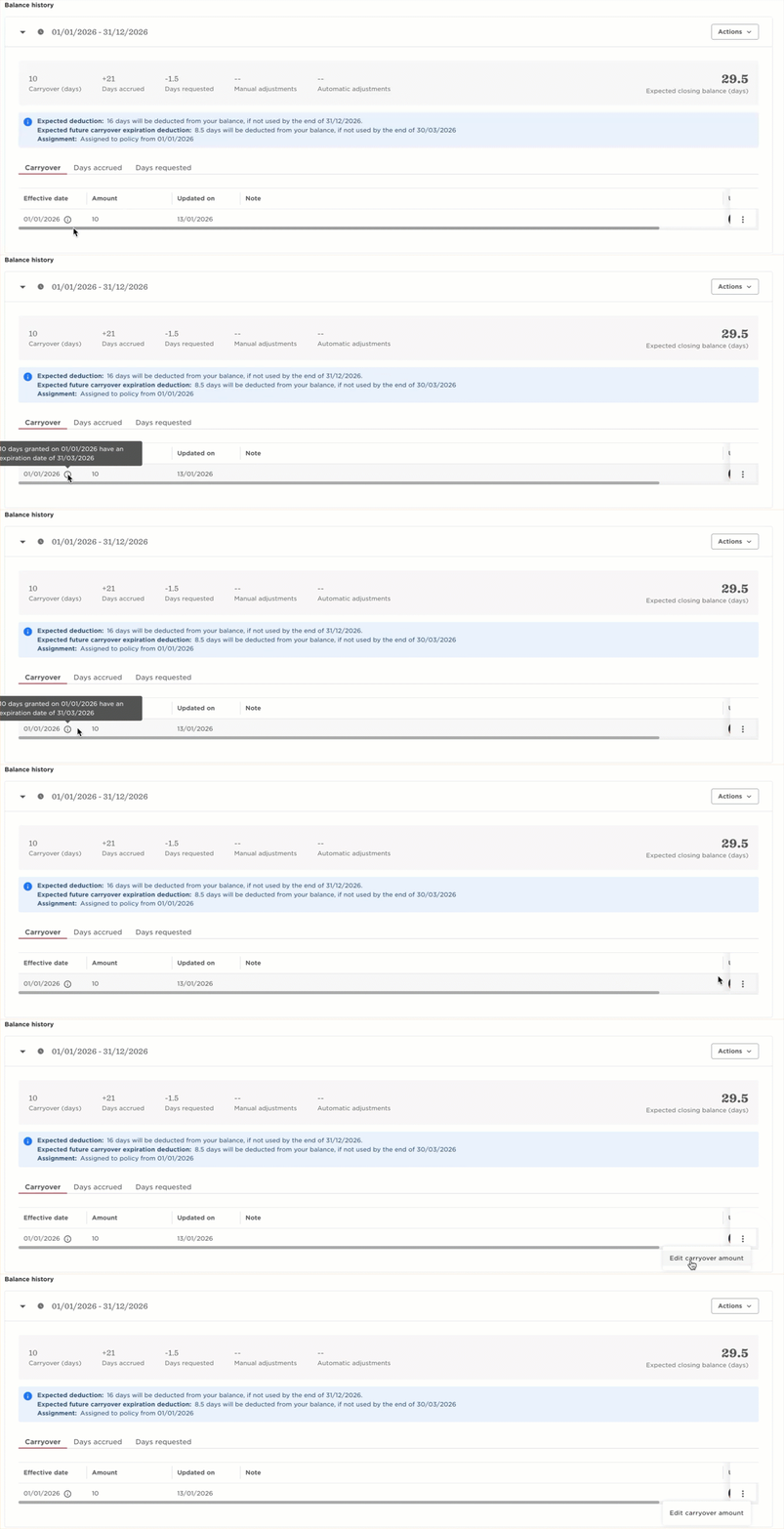
Employee with several Carryover "buckets":
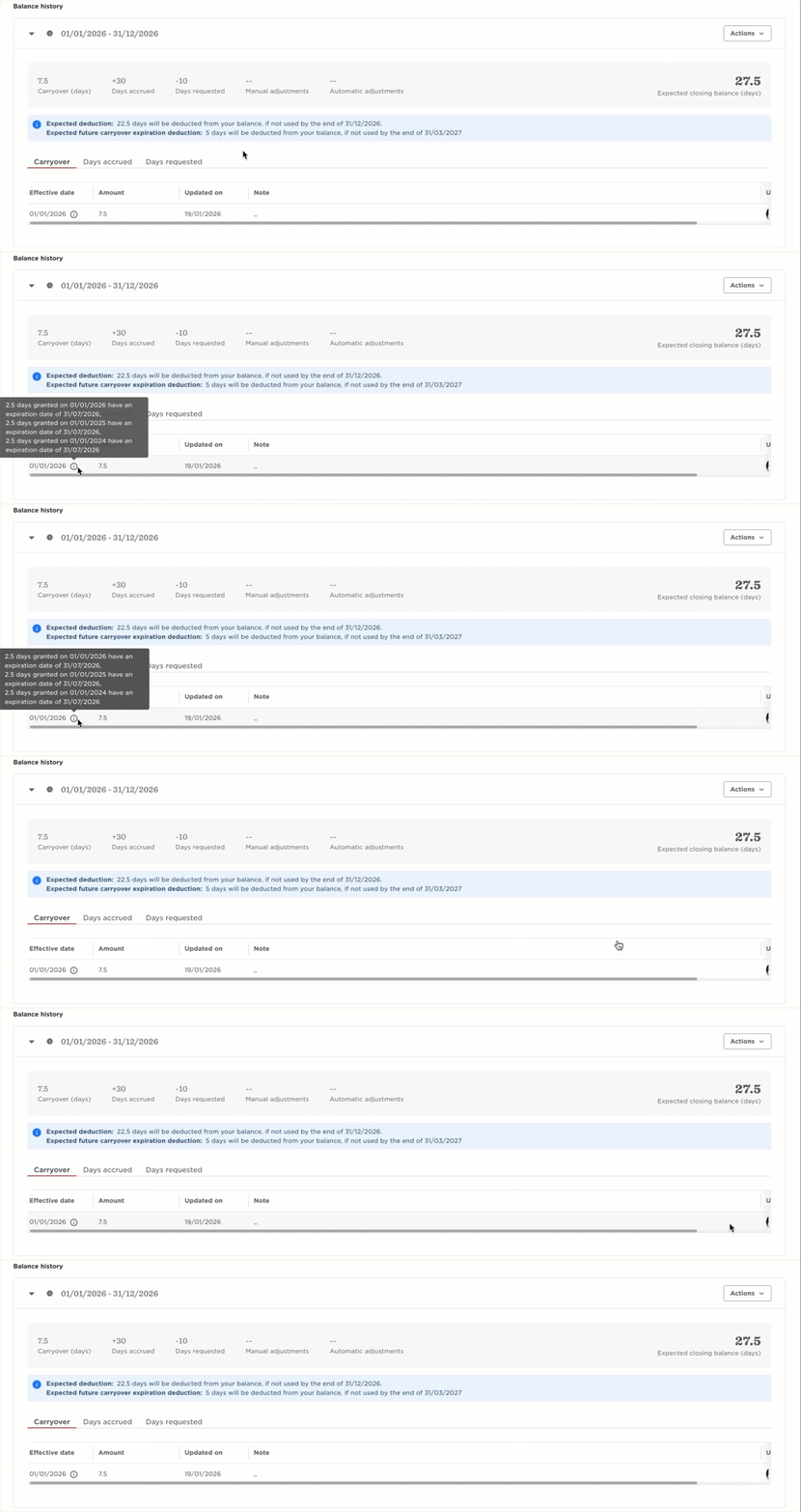
When more than one active carryover entry exists, Bob disables the manual carryover edit option for that employee. As a result, the three dots next to the current year carryover row won’t appear in Time off → People's Time Off → Balance activity.
What you can do instead:
If you need to adjust the carryover balance for employees with multiple carryover events, you can still do this using a Starting Balance import.
A starting balance import:
- Updates the effective carryover balance
- Works even when manual editing is unavailable
- Can be used to update multiple employees at once
This is the recommended approach when the carryover edit option isn’t shown in Balance Activity.