

When an employee is terminated, their holiday balance should automatically recalculate based on the termination date. If you notice that the balance hasn’t been prorated, it’s often due to how the termination was processed.
If “Allow time off requests after termination” was selected during the termination flow, the system won’t adjust (prorate) the balance.
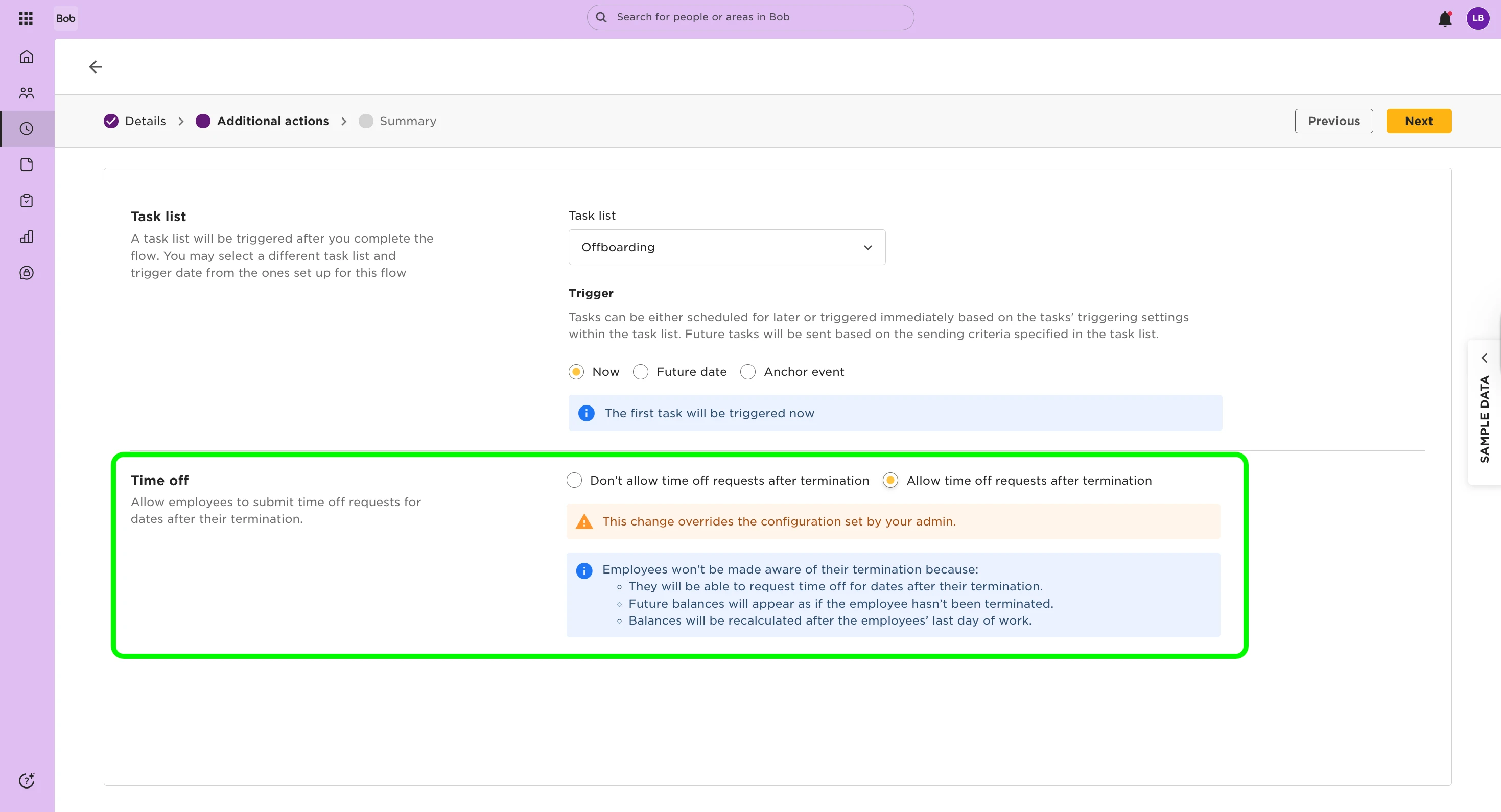
To check the correct balance:
- Go to Analytics > Reports > + Add Report > Point in Time Balance
- Set the date to the employee’s termination date
- Review the Balance as of date column for the prorated accrual balance
This report gives you the accurate holiday balance as of the termination date, helping you confirm whether the employee has taken more time off than accrued or is owed additional pay.