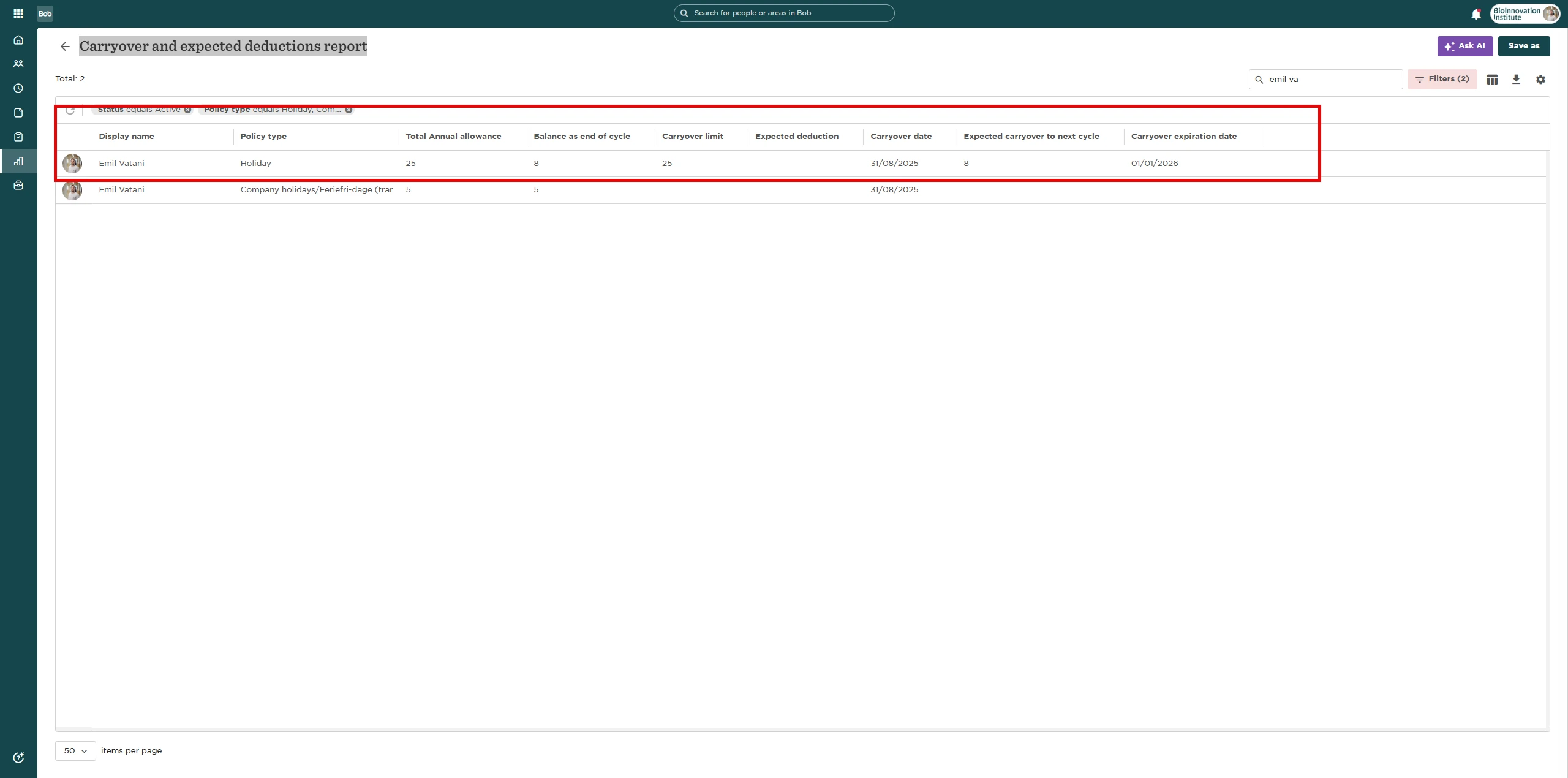
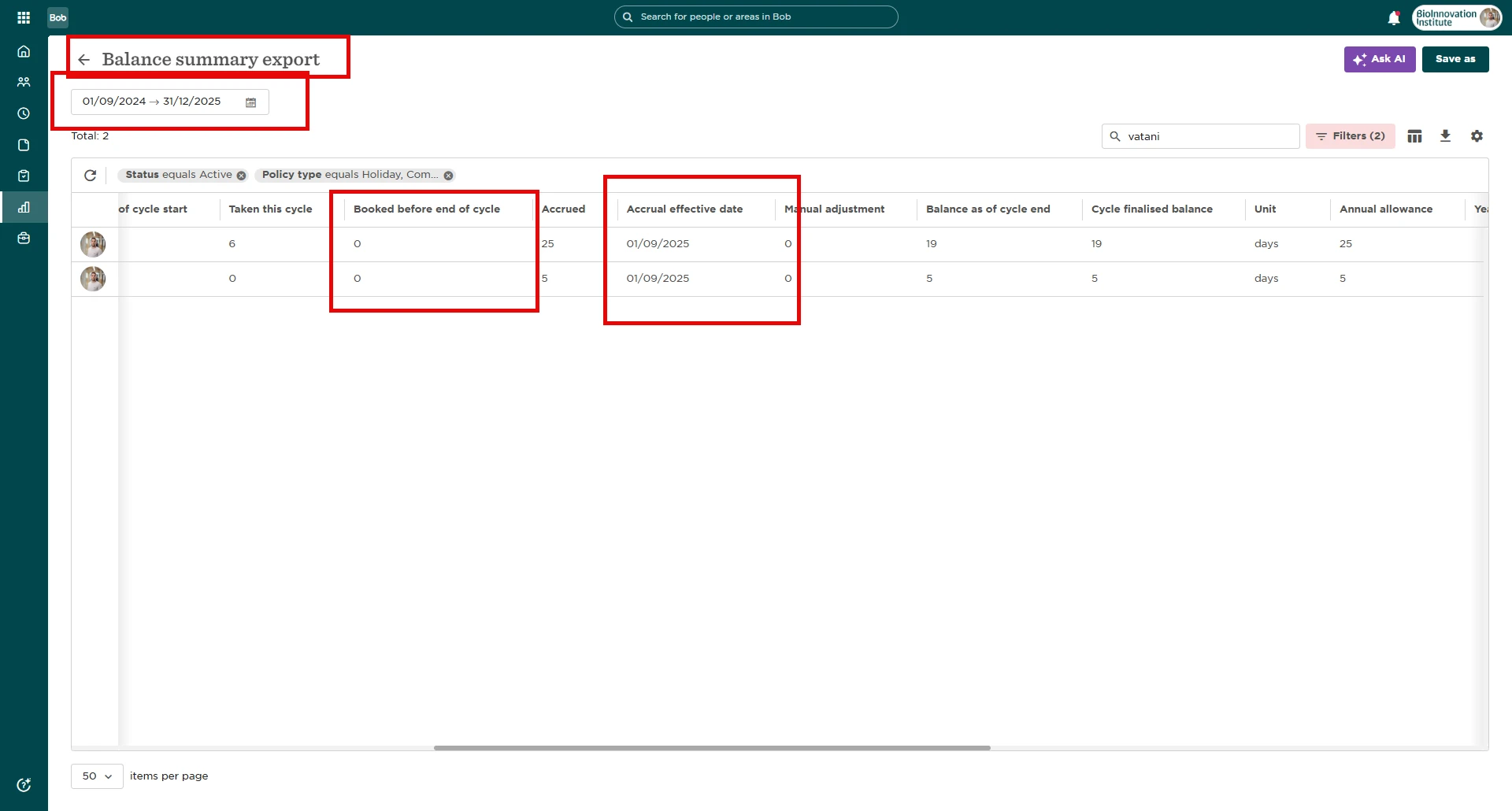
Need to check which time off days are booked but not yet used?
There’s a quick way to see this from the Policy Balances view.
How to see booked (upcoming) days
-
Go to Time > People’s Time Off > Policy Balances
-
Open the column picker
-
Select the column “Booked before end of cycle”
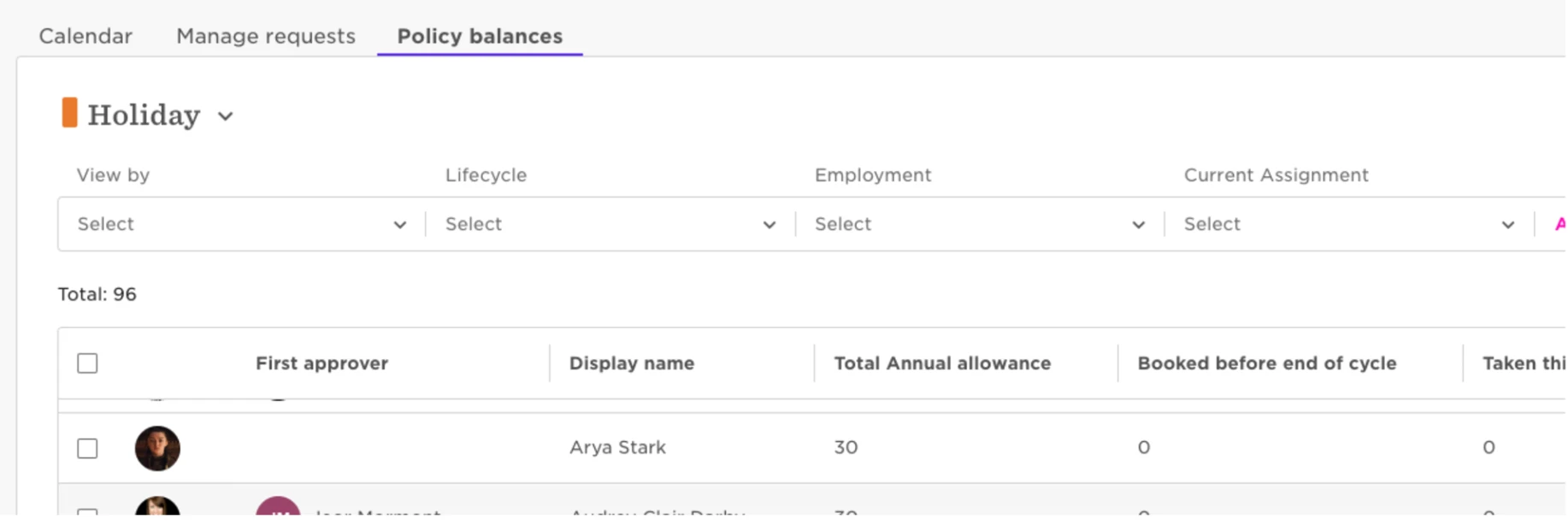
That’s it!
This column will show you how many days employees have booked but haven’t taken yet. Perfect for getting ahead on planning or reviews.