

If an employee can’t upload documents to a time off request because the Upload file button is greyed out, it’s usually due to missing permissions. You can fix this in just a minute by updating the permission group.
Here’s how to update the relevant permissions:
Steps to Enable Upload Permissions:
-
Go to System Settings > Account > Permission groups.
-
Select the All People – Own Data permission group.
-
Turn on the Upload, edit, and view attachments in their own requests permission.
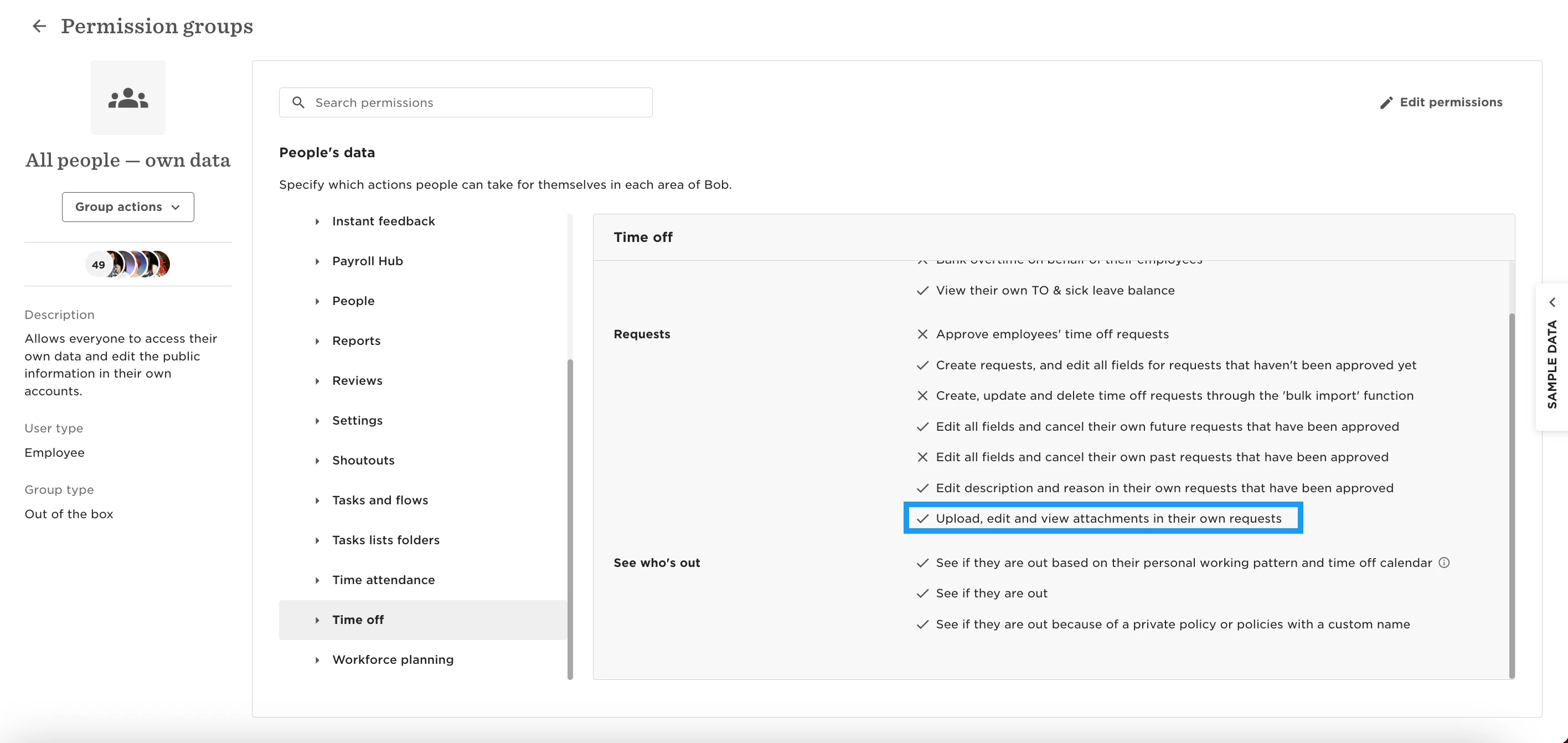
Once this permission is active, all employees will be able to upload their own sick notes or any other relevant documents without any issues.