

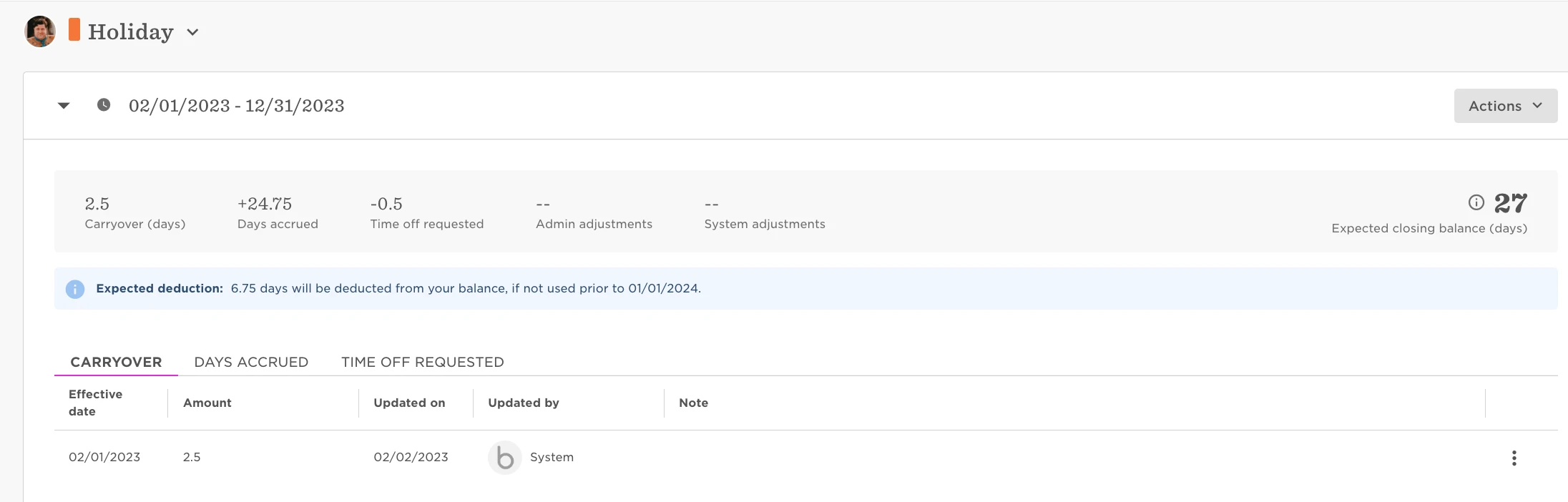
In Employees Balance Activities you are able to see; Carryover, Days Accrued, Days Requested, Admin Adjustments and System Adjustments.
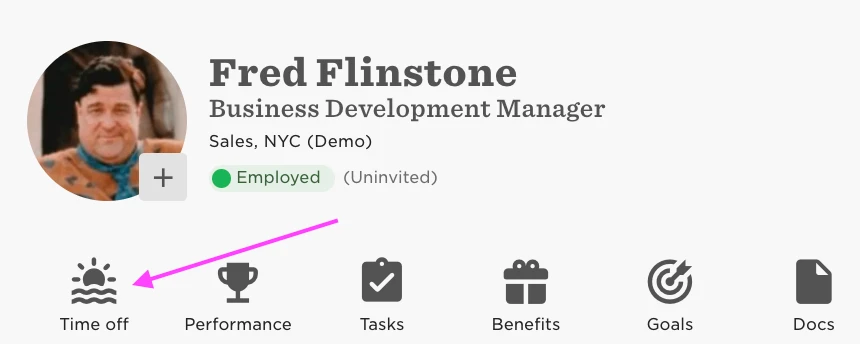
To view an employee’s balance activity: navigate to their profile and there you will see a shortcut through to their Time Off page.
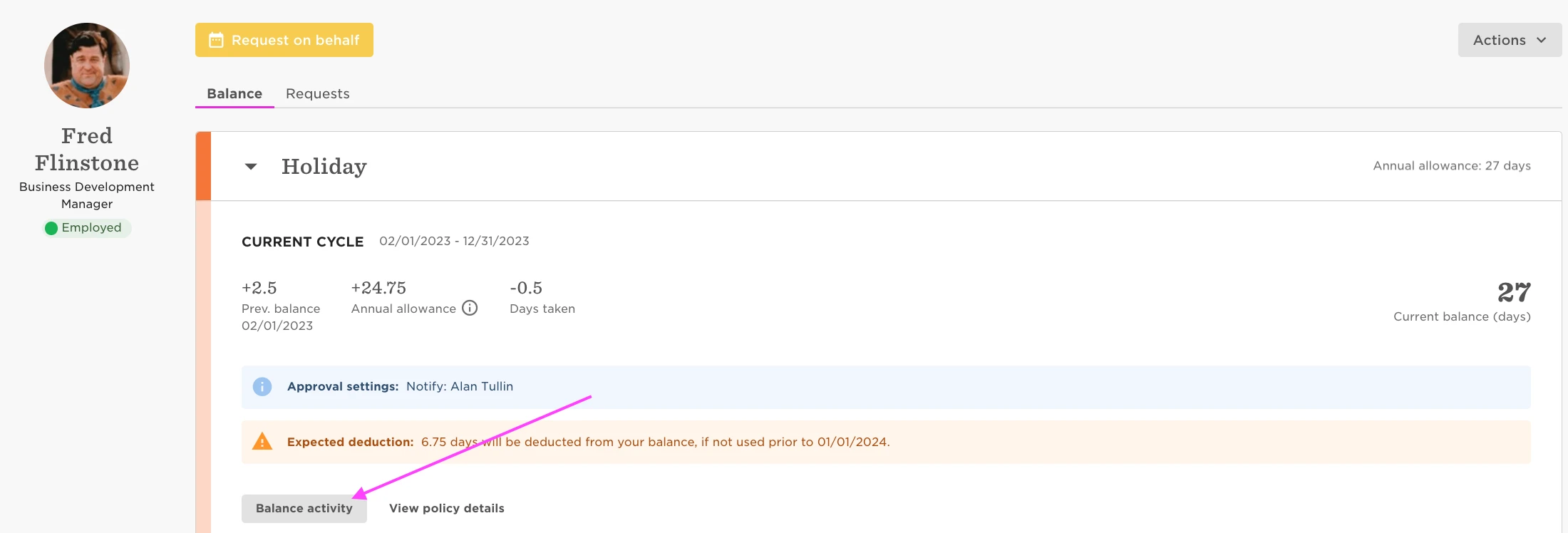
Within time off, click on the policy in question (Holiday in this example) and you will see an option to select the employee’s ‘Balance Activity’
There you will be able to see previous balances, time off requests, days accrued, etc.
For more details, refer to this Help Center article.