

Allow One Time Off Request to Override Another Using Request Override
This is useful when an employee needs to submit a new time off request that overlaps an existing one, without canceling the original request first.
For example, an employee may have Work From Home booked in advance and later need to request Sick leave for the same day. By default, Bob blocks the new request due to a conflict. Enabling request override allows the new request to replace the existing one instead.
How request override works
When enabled for a policy type, employees can submit a new time off request that overlaps an existing approved or pending request. The new request overrides the existing one for the same dates.
Enable request override
-
Go to Time.
-
Open Time off settings.
-
Select Policy types.
-
Choose the relevant policy type.
-
Click Actions > Edit.
-
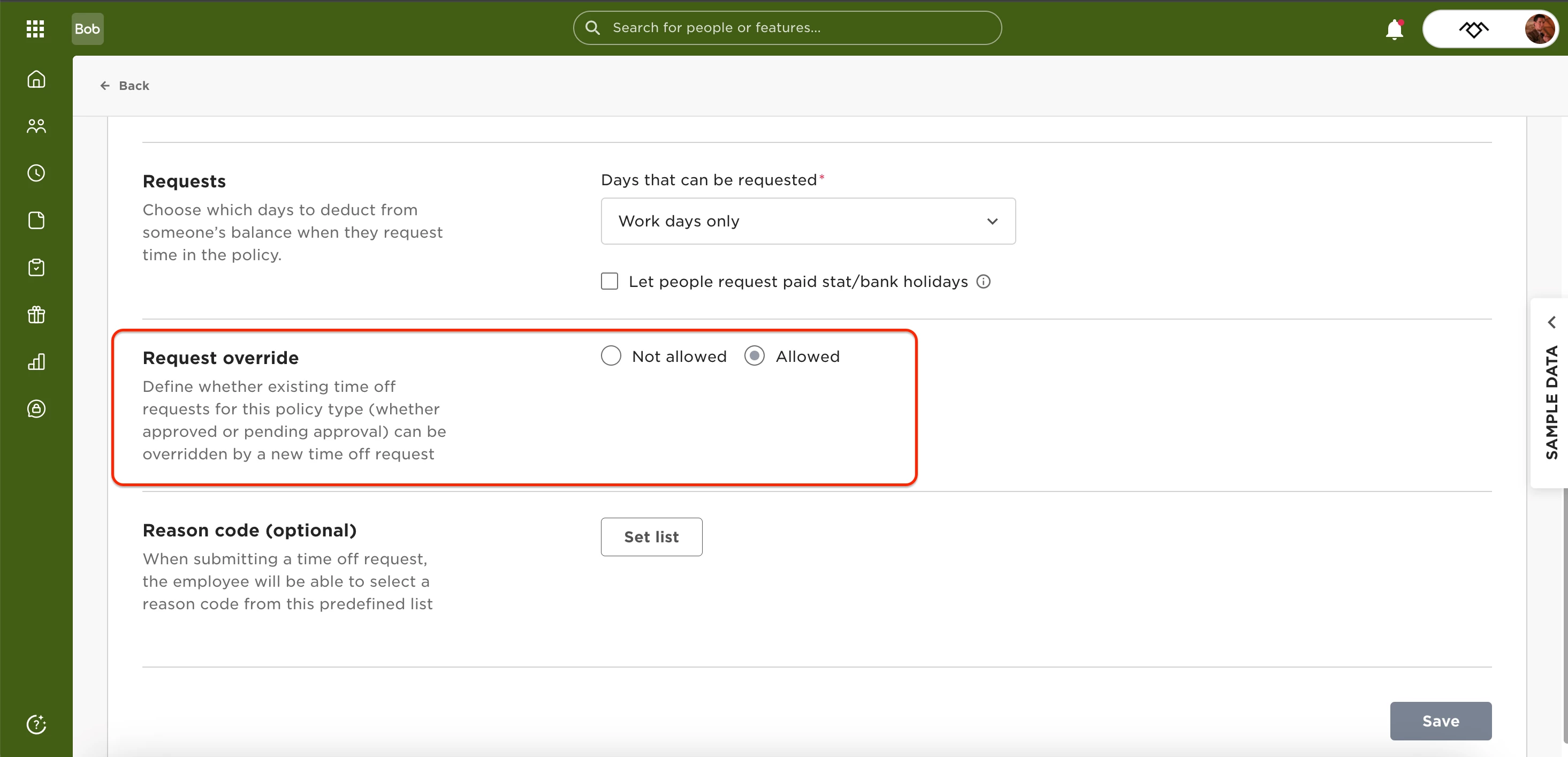
Under Request override, select Allowed.
-
Click Save.
Keep in mind
-
Request override is set per policy type.
-
The existing and new requests must use the same request format (for example, both full-day).