
The Policy can prorate the accrual for your employee according to their termination date.
You can prorate the accrual for the employee according to their termination date in the time off policy settings.
To set this up go to the ‘Proration of allowance’ step → under the ‘what happens on termination’ section → select to prorate up to termination date
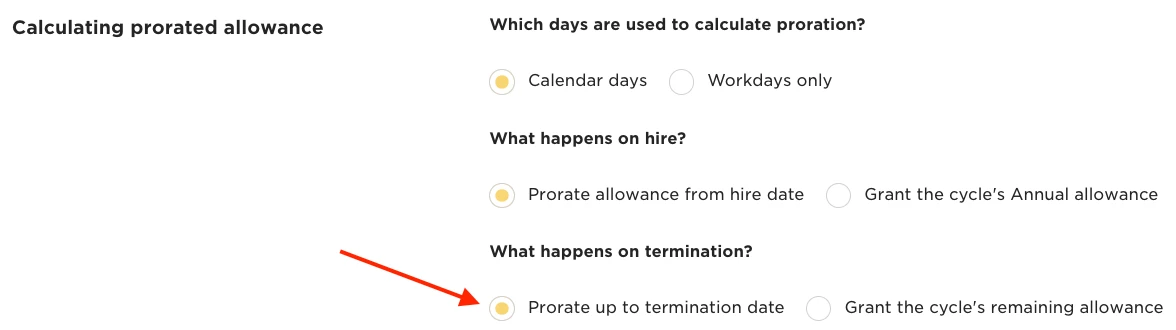
This will prorate the accrual for the employee based on the termination date in the Lifecycle table on their profile. The employee will receive the monetary equivalent of any unused days/hours up to their last day.
Please note: the proration will only display on annual cycles if the system display is set to ‘as annual accrual’
For more details, refer to this Help Center article.