


Time Off Policies Not Assigned to Employee: Troubleshooting

  • Aug 16, 2025 11:46 AM UTC
  • 3 replies
  • 208 views
  • Translate All

Omri Negbi
Bobber

If a time off policy isn’t showing up for an employee as expected, here are the most common reasons to check.

Employee Status

  • Policies only assign once the employee status is Employed

  • If the employee is still marked as Hired, policies won’t appear—even if their start date has passed

  • Once they become Employed, policies will apply retroactively from their start date

New Hire Flow Setup

  • Automatic assignment works only if one policy per policy type is selected in the New Hire flow

  • If multiple policies are included under the same type, none will assign automatically—you’ll need to assign them manually after setup

Policy Configuration

  • Go to Settings > Time > Time off settings > Policies

  • Open the relevant policy and check that:

    • It’s active and visible

    • It’s linked to the correct employee group or individuals

Policy Types and Naming

  • Policies are grouped under a policy type (e.g., Vacation)

  • Employees see the policy type, not the policy name

  • Use clear, unique names internally to avoid confusion when assigning

Assigning a Policy Manually

If a policy wasn’t assigned automatically, you can assign it manually from:

  • People’s Time Off > Policy balances tab

  • Time off settings > Policies tab

  • Policy set-up wizard (when creating a new policy)

  • New hire flow wizard (Step 3: Features)

    For full step-by-step instructions, see Assign a time off policy

If everything looks correct and the policy still isn’t assigning, review the policy configuration again or reach out to support for help.

3 replies

Hi ​@Omri Negbi 


Reading through the information above, I have a question. Should the person who starts the hiring flow have access to manage Time Off settings? For example, I have specific Time Off policies assigned to the hiring flow, but if the person who starts the flow does not have access to this section, will the policies still be assigned automatically when the employee is employed?


And my second question: which permission needs to be enabled to grant access to this section in the hiring flow?


Translate

Jessica Lane
Bobber

Hi ​@Iaroslav Iegupov 👋🏻


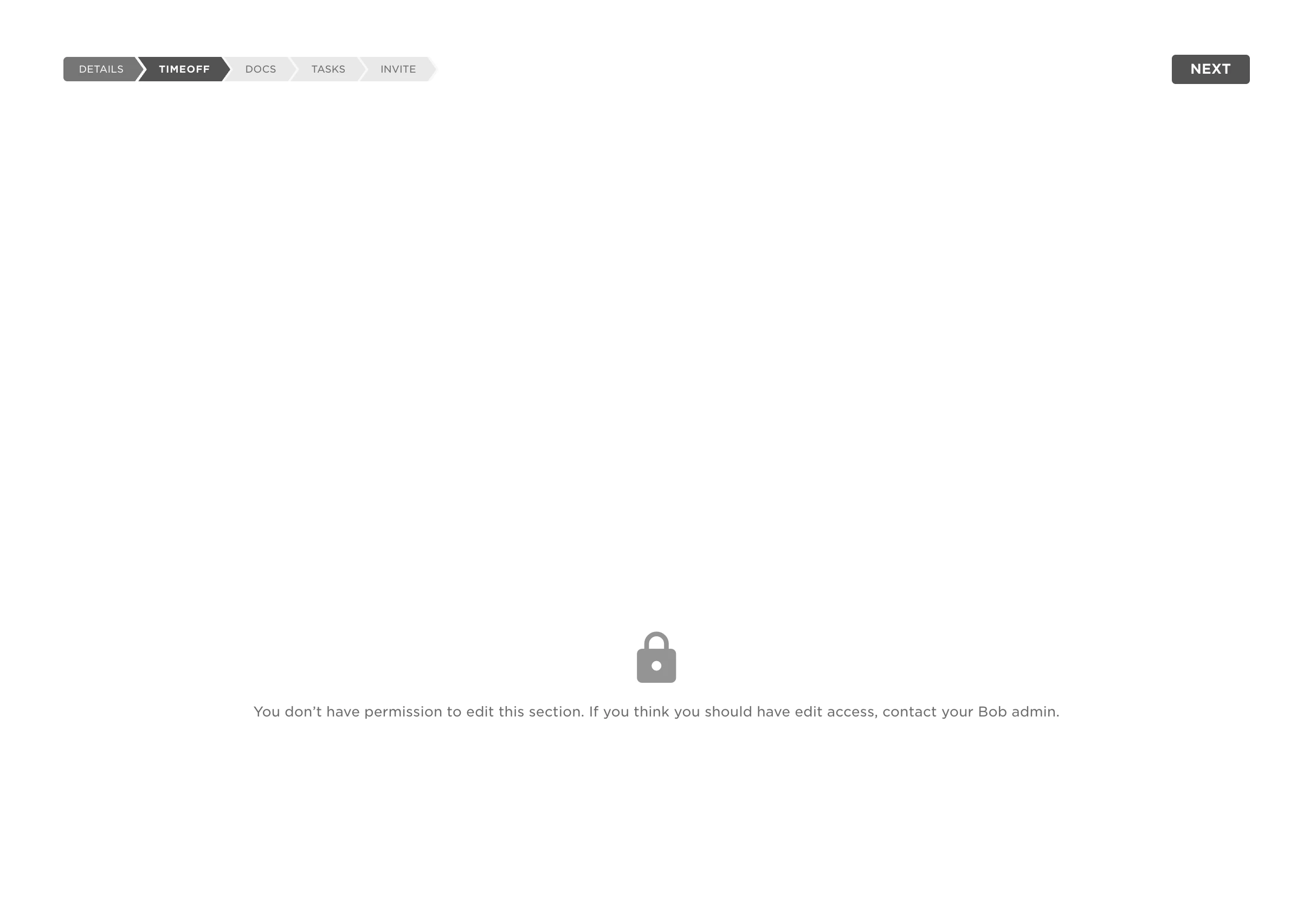
Yes, the employee triggering the new hire flow needs to have time off permissions in order for the time off policies to be assigned during the new hire flow. 


They should have the following permissions:

People's data > Time off:

​?name=Screenshot+2023-03-23+at+16.51.45.png

Translate

  • Mar 16, 2026 5:56 PM UTC

Thank you for this.

So, if I understood correctly, only an active employee with the Lifecycle status “Employed” will be assigned to my time-off policies.

After that, I will need to manually assign the time-off policies to the employees who are currently on LOA when they come back. Will I need to do that everytime an employee goes on LOA or if it will only be for the first configuration? Are they taking out of the policy automatically by the system?

Let’s say with annual vacations if I want them to accue while on leave, how is it going to calculate if they are not assigned to the policy when they are gone?


Translate