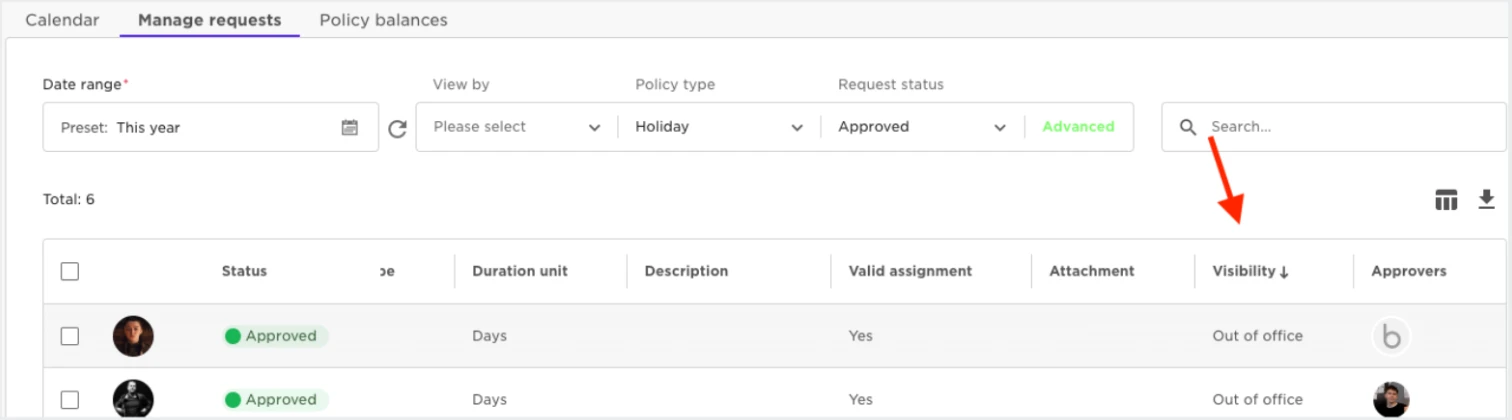
If you head to Time > People's Time Off > Manage Requests. There you can search for the employee and use the filter to isolate the policy it was made under. Once found you can scroll to the right and find the column titled 'Visibility'. It will show us whether this request is private or not 🧐️
You are able to change a public request to a private one if you select it via the Tick box and use the drop-down. You are not able to change a private request to a public one. The employee placed the request under in the confidence that it would be private. This preserves this faith with the employee.