
Define whether time off requests for this policy will expose the policy name publicly in the calendar and homepage for all employees, or will it be hidden from all users.
You can set a custom public name for this policy that will not reveal the name of the policy (such as ‘Out of office’ or ‘Not working’). You can set the same custom name for different policies to group them under the same public name -
Time → Time off Settings → Policies → select the relevant policy in the list → Actions → Request step:
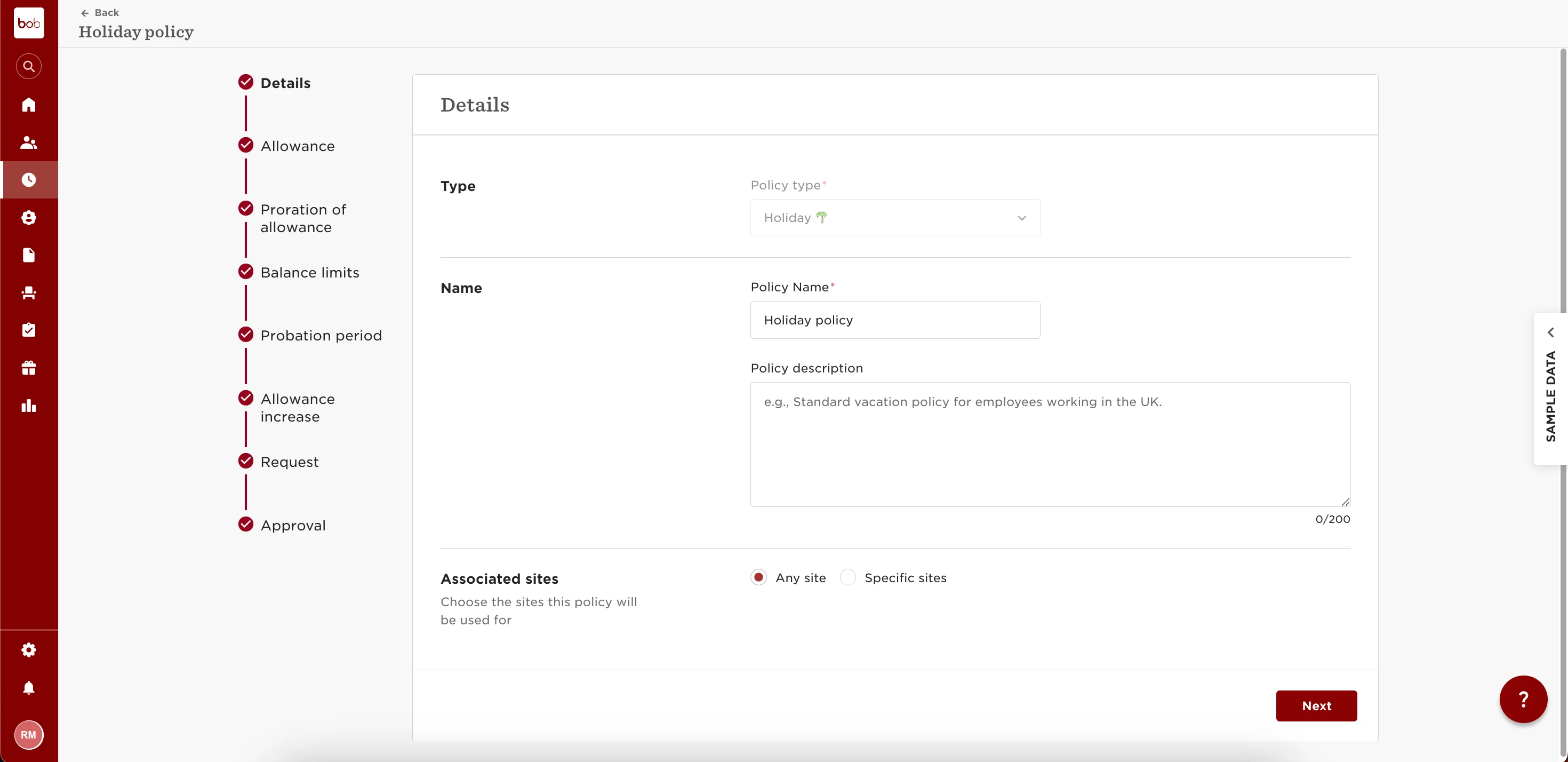
### You can set more than one policy with the same custom name ###
Notes:
- The custom name will apply only to future booked requests once set.
- If a request has been taken when there was no custom name, adding one will not change the request visibility retroactively.
- If the request has been taken under a certain custom name, changing the name will not impact the previous requests under the previous custom name
- The same logic is relevant for any changes in the visibility settings (Public→Private \ Public→Custom name\ or vice versa)