
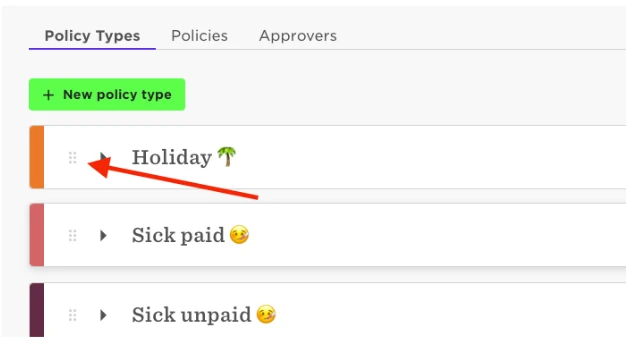
To reorder the order the policies present themselves Head to Time > Time Off settings > Policy Types. Once there you can select the type by clicking on the six faint dots to the left of the bar.
I've pointed to them here in the screenshot below.

To reorder the order the policies present themselves Head to Time > Time Off settings > Policy Types. Once there you can select the type by clicking on the six faint dots to the left of the bar.
I've pointed to them here in the screenshot below.
Already have an account? Login
Not a customer yet? Enquire today. Create an account
Enter your E-mail address. We'll send you an e-mail with instructions to reset your password.