You can record hours for different projects on the same day by adding a new work entry or switching projects.
When clocking in from the Homepage:
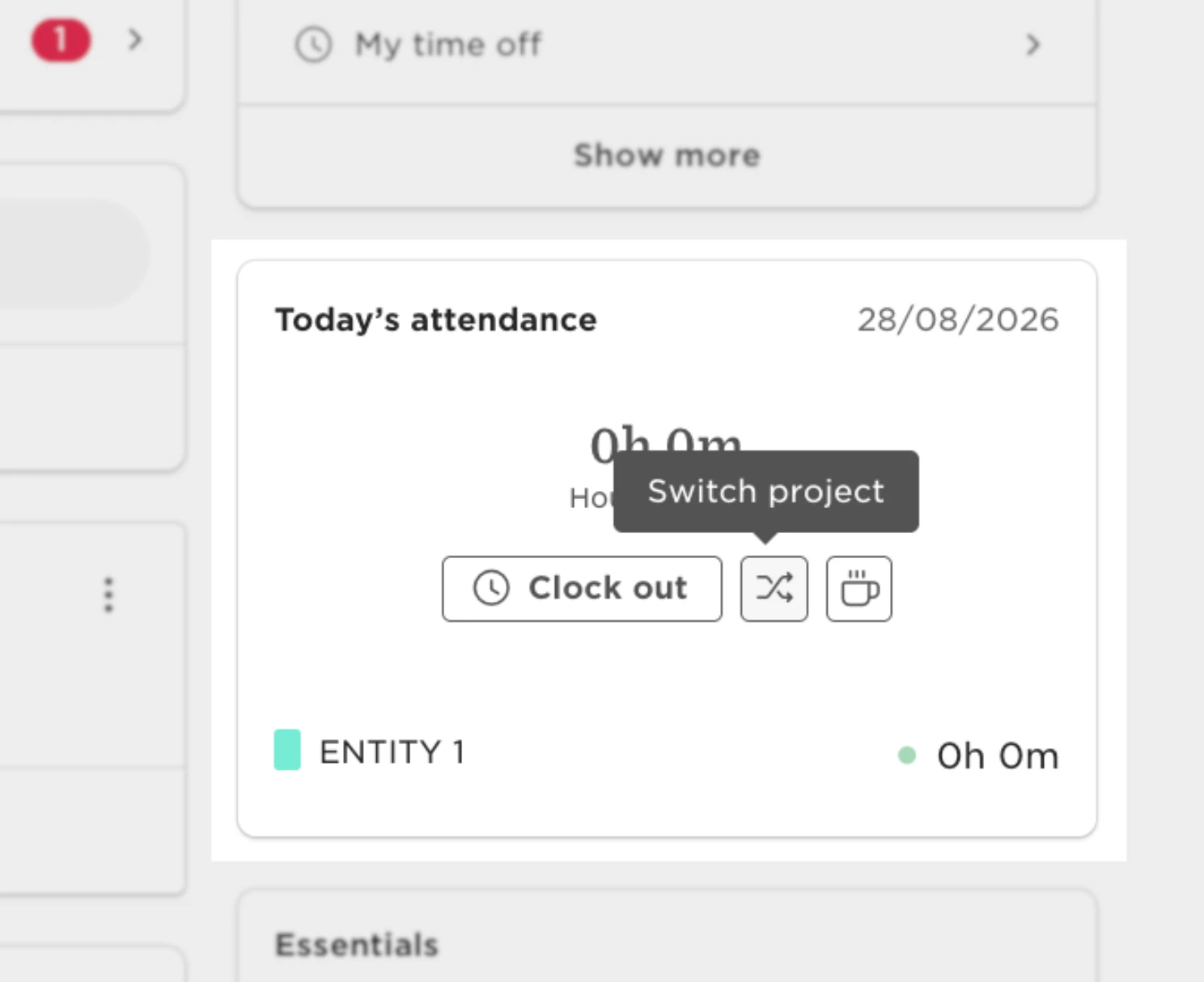
Use the ‘Switch project’ button in the Attendance widget while being clocked in to add a new work entry and change the project.
When clocking in from your timesheet:
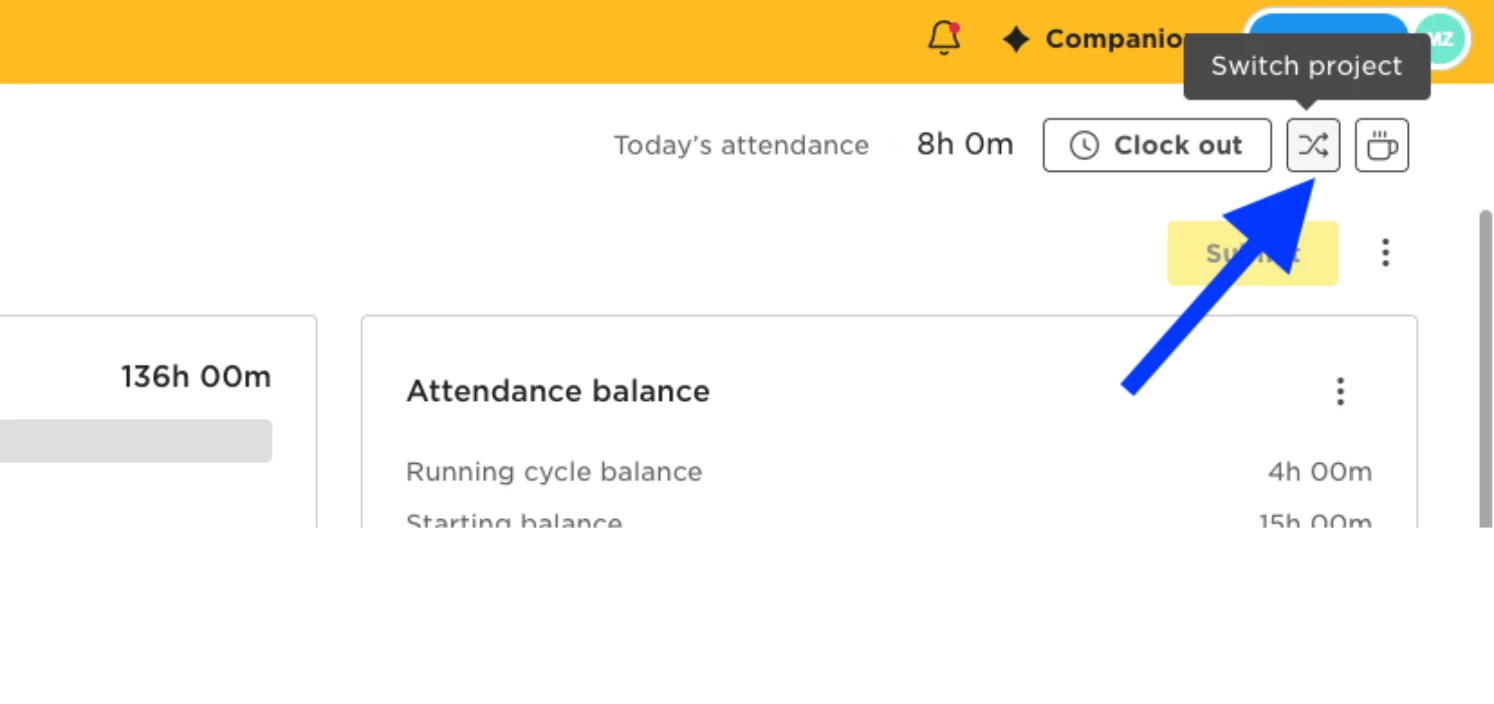
Use the ‘Switch project’ button on top-right corner while being clocked in to add a new work entry and change the project.
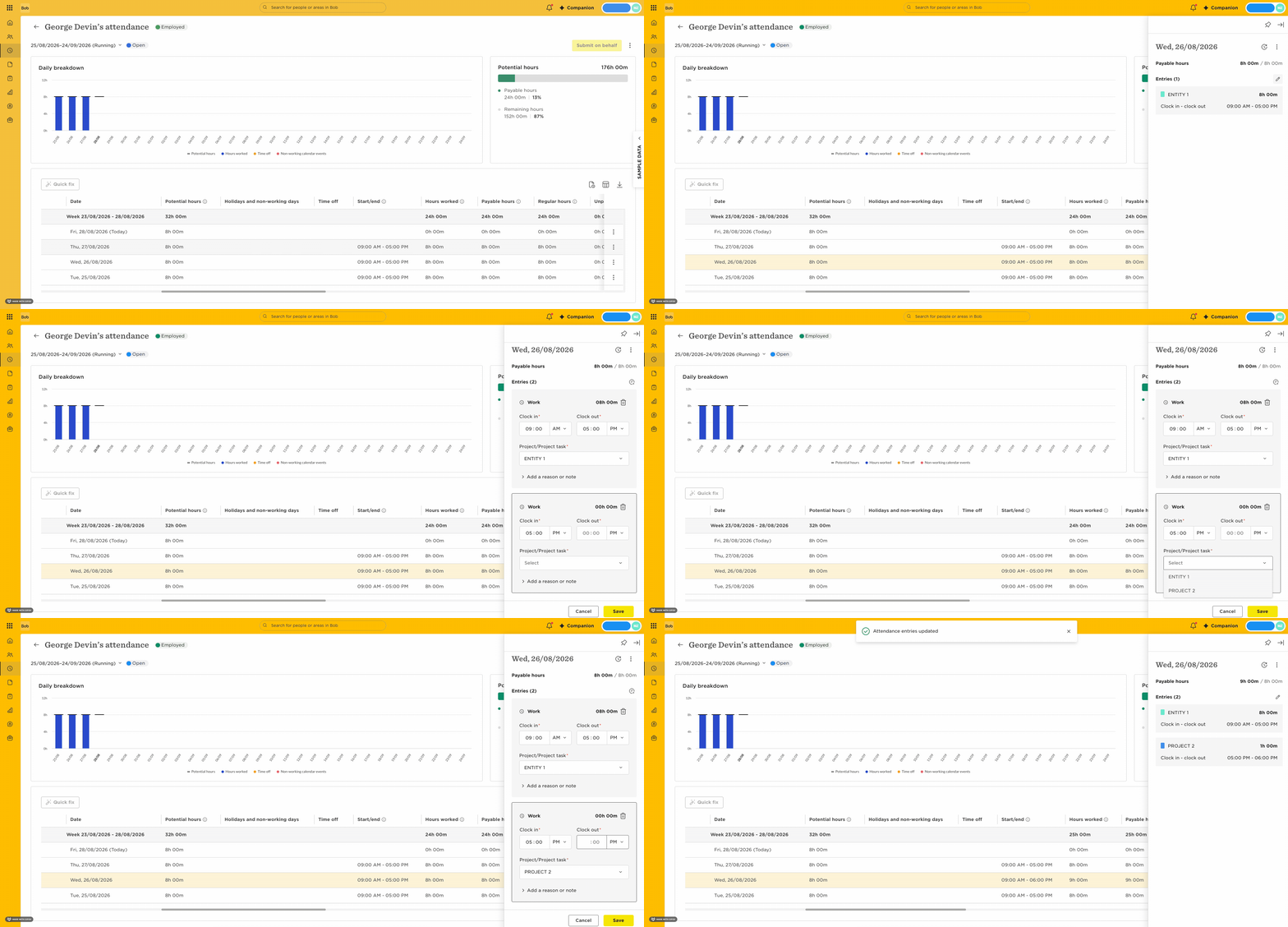
When manually editing your timesheet:
- Click on a date row.
- Add a new work entry for a project you worked on that day; select the relevant project and enter the time spent on it.
Or, if there was a work entry already, click on the pencil icon to edit your entries.
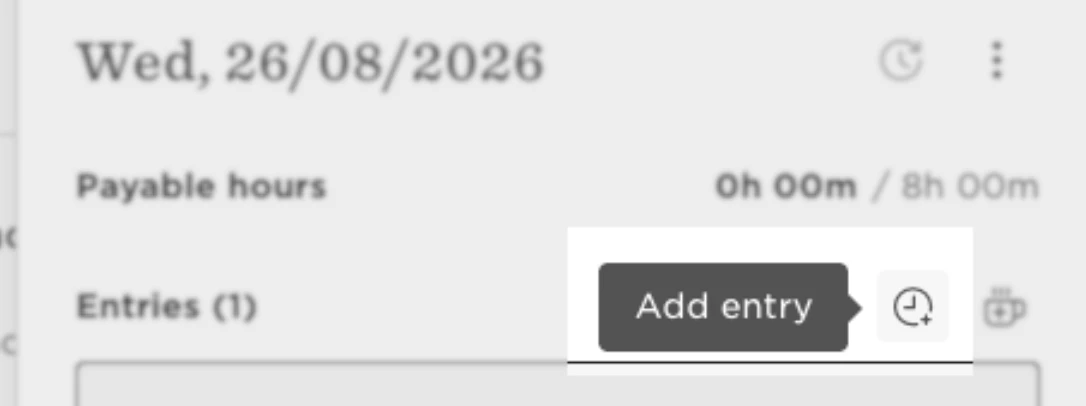
- Use the ‘Add entry’ button, shown below, to record time for additional projects.