To do this go to Time Off → Time off Setting → Policies → select the appropriate policy from the list → Actions → Edit → go to the ‘balance limits’ step → ensure that the Allow employees to go into a negative balance feature is toggled OFF
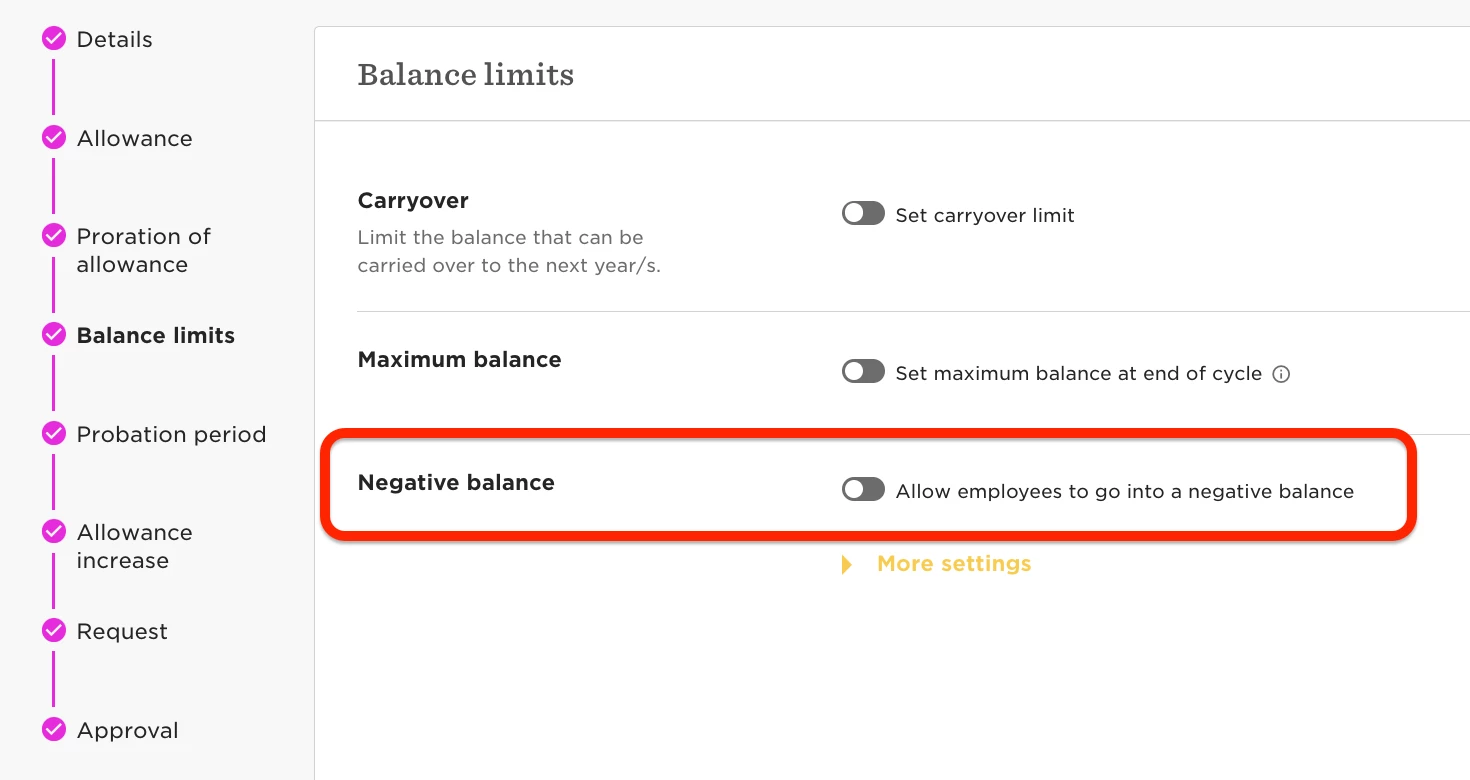
This will ensure that employees can't request more days than they are entitled to, stopping them from going into a negative balance.
For more details, refer to this Help Center article.