
When is this relevant?
When a request in bob is submitted, the policy’s visibility settings at the moment of submitting the request defines the request visibility.
If the policy setting is changed afterward, this will NOT update the request visibility. In order to bypass this, canceling the request and resubmitting is required:
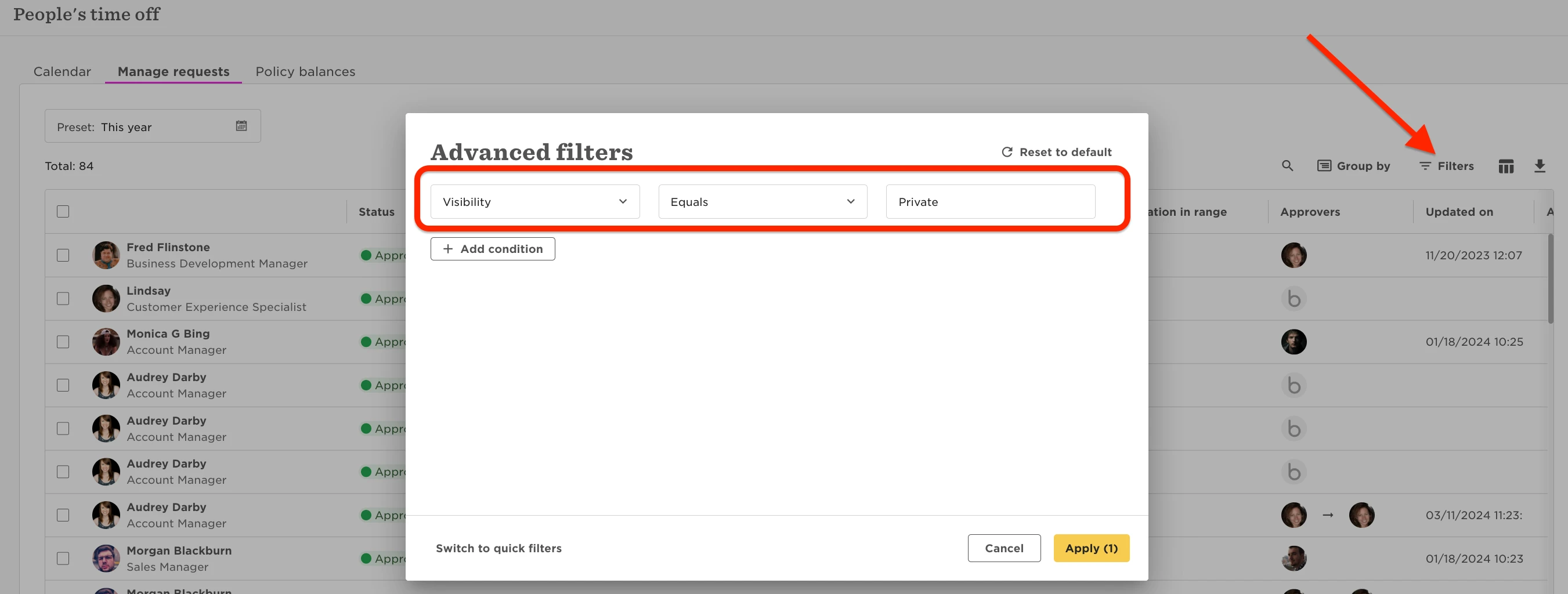
You'll want to go to Time → People’s time off → Manage Requests, adjust the filter for the visibility to be 'private' and adjust the timeframe to the appropriate period.
Make sure to type 'Private' with the capitalization to match it
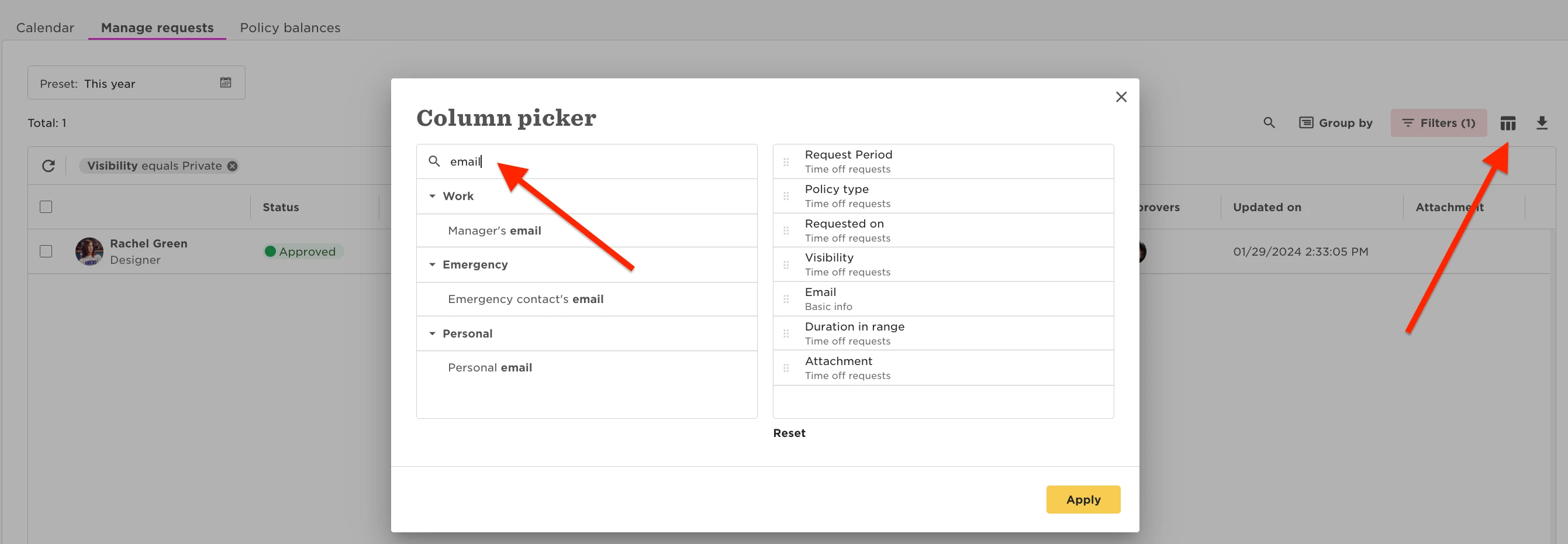
Be sure to add 'email' as a column on the report, before downloading:
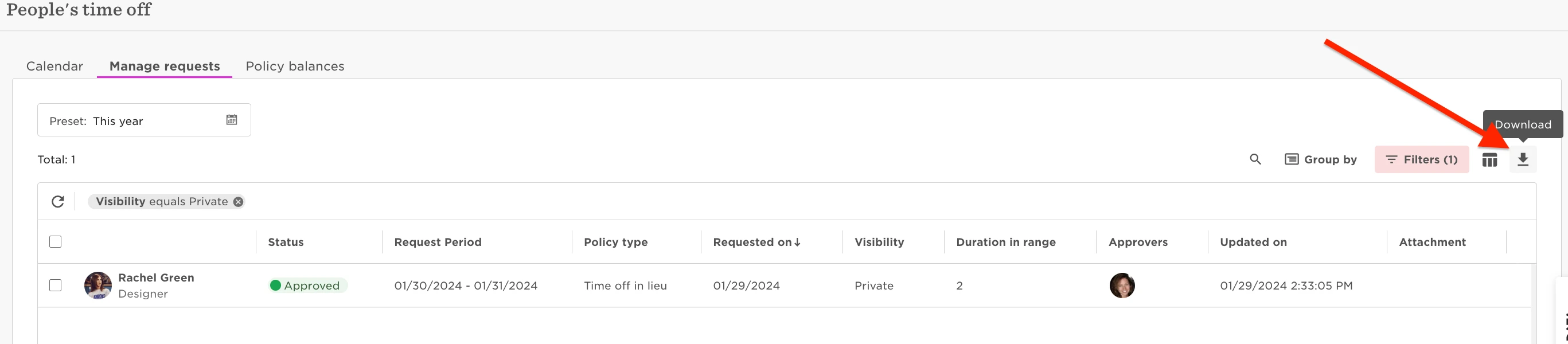
Then export this view via the downward arrow on the right-hand side.
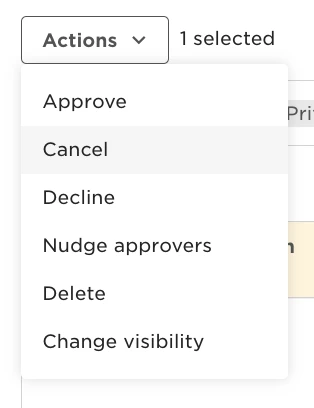
You can then cancel all the requests shown, in that filter.
Then, using that downloaded sheet, we can use that to re-import the requests, but they'll now have the new 'public' setting in place.
The import will need to have the following columns of data:
1.) work email
2.) policy type
3.) start date of the request
4.) end date of the request
If there are half days used, then add in time off - end date length = "morning"
Head to Settings → Data management → Import → Import time requests you can download the provided template as a basis.

Using all the information from that cancelled sheet, re-import here.