The only way to do that in addition to an approver currently is a task list.
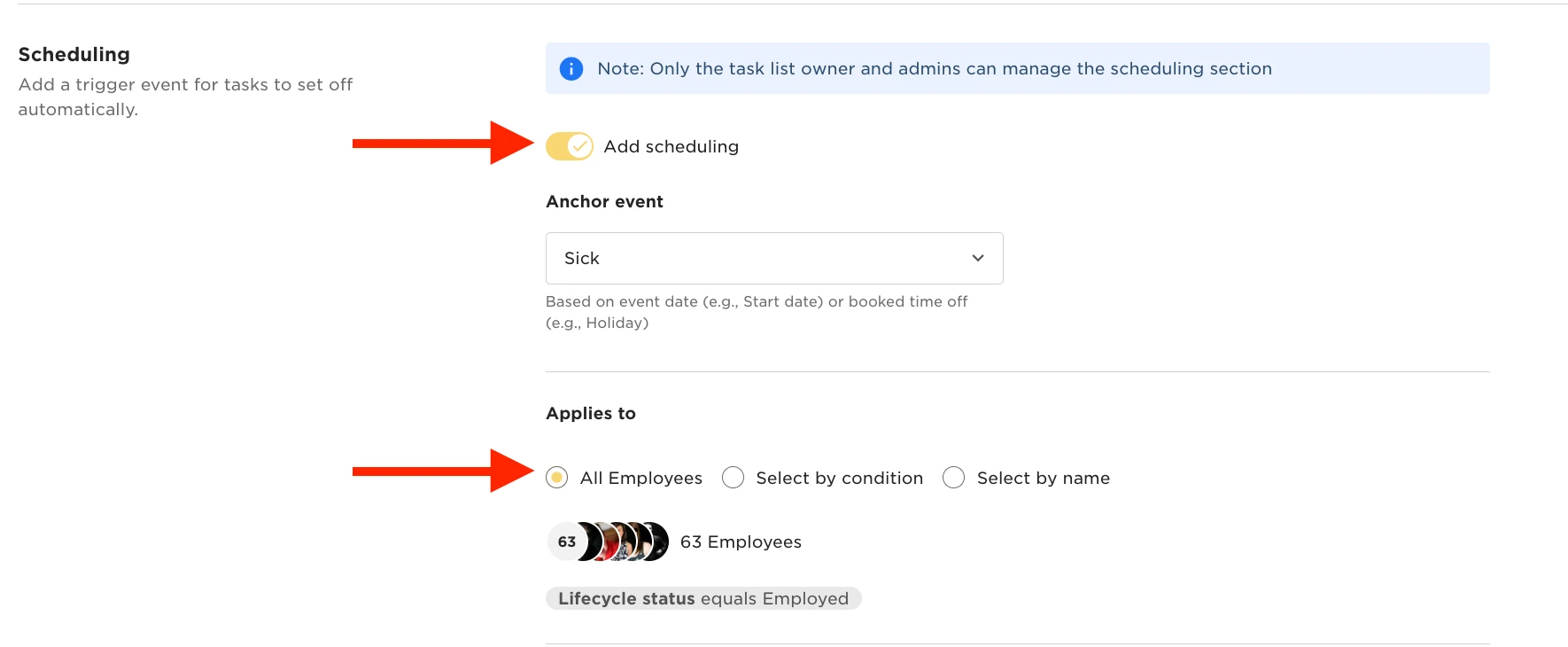
If you head to Tasks > Task List Settings > there you can create a New Task list and use the Time Off request as the anchor event. Then you can create one solitary task within the task list.
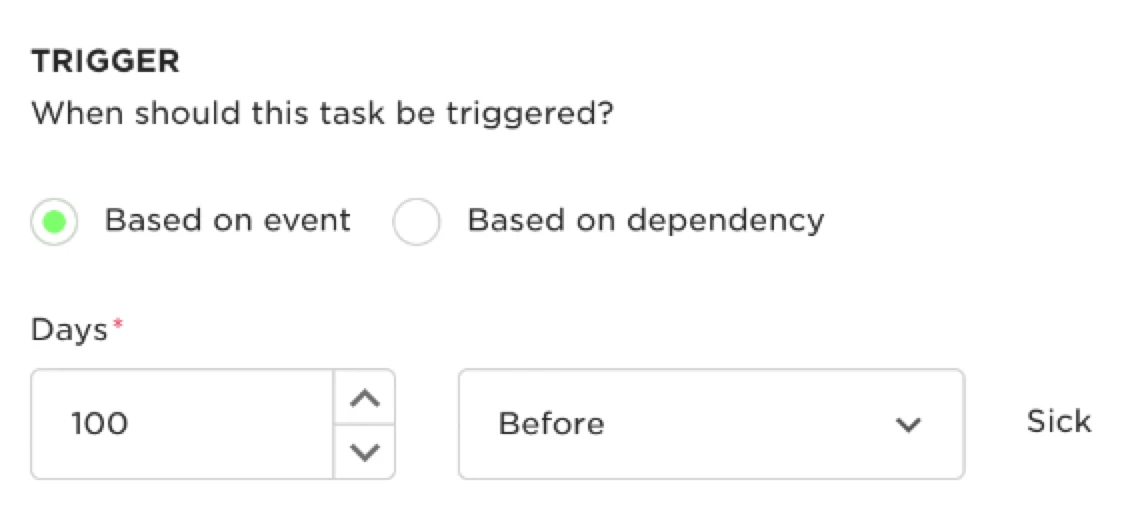
This task is going to go to you and/or your HR team notifying you about the request. The Trick is to set the Trigger to have a big window before the actual request date.
In my screenshot, I've done an example. It may seem strange but with this setup a request made now by myself to book off leave in 3 weeks' time would result in an instant task being sent out as it's within the window. Same with a request made for tomorrow or 99 days from now.