


If a leaver’s holiday allowance isn’t prorating as expected, check the option selected during the termination flow.
When Employee isn't aware of termination is selected, employees can continue requesting time off for dates after their termination. Future balances remain visible, and balances are recalculated only after the employee’s last day of work.
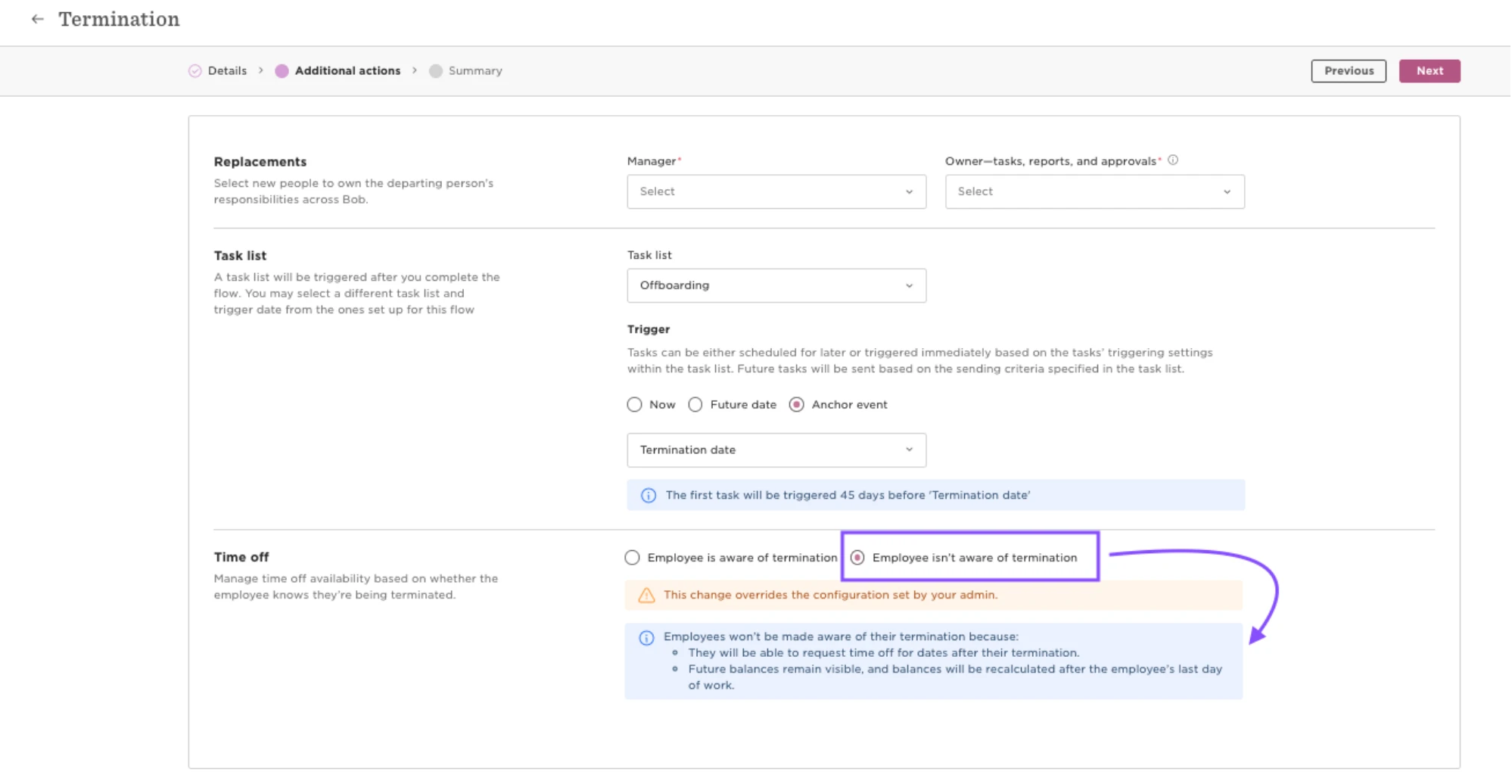
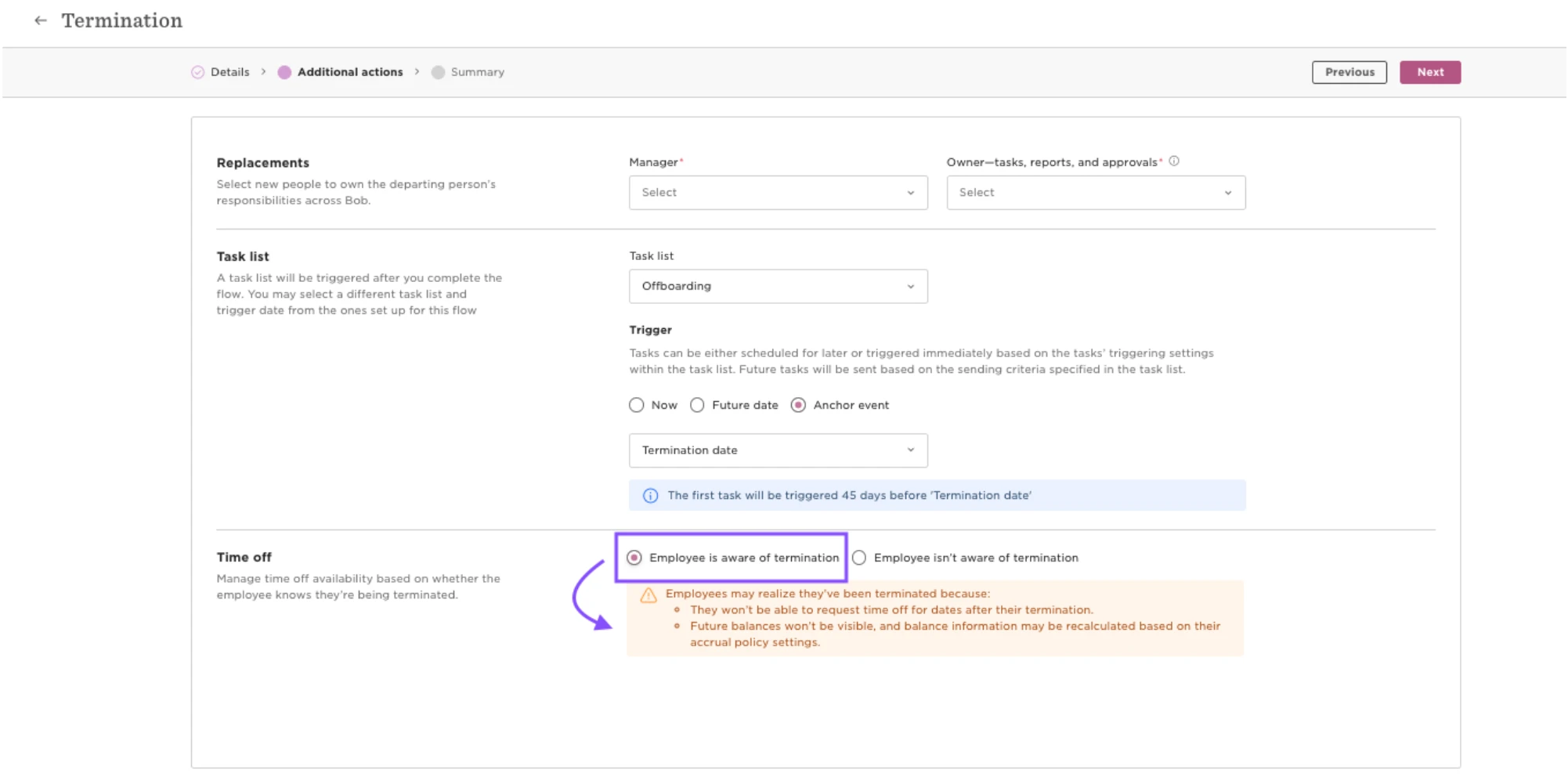
If you need the balance to reflect the termination before the employee’s last day of work, select Employee is aware of termination instead.
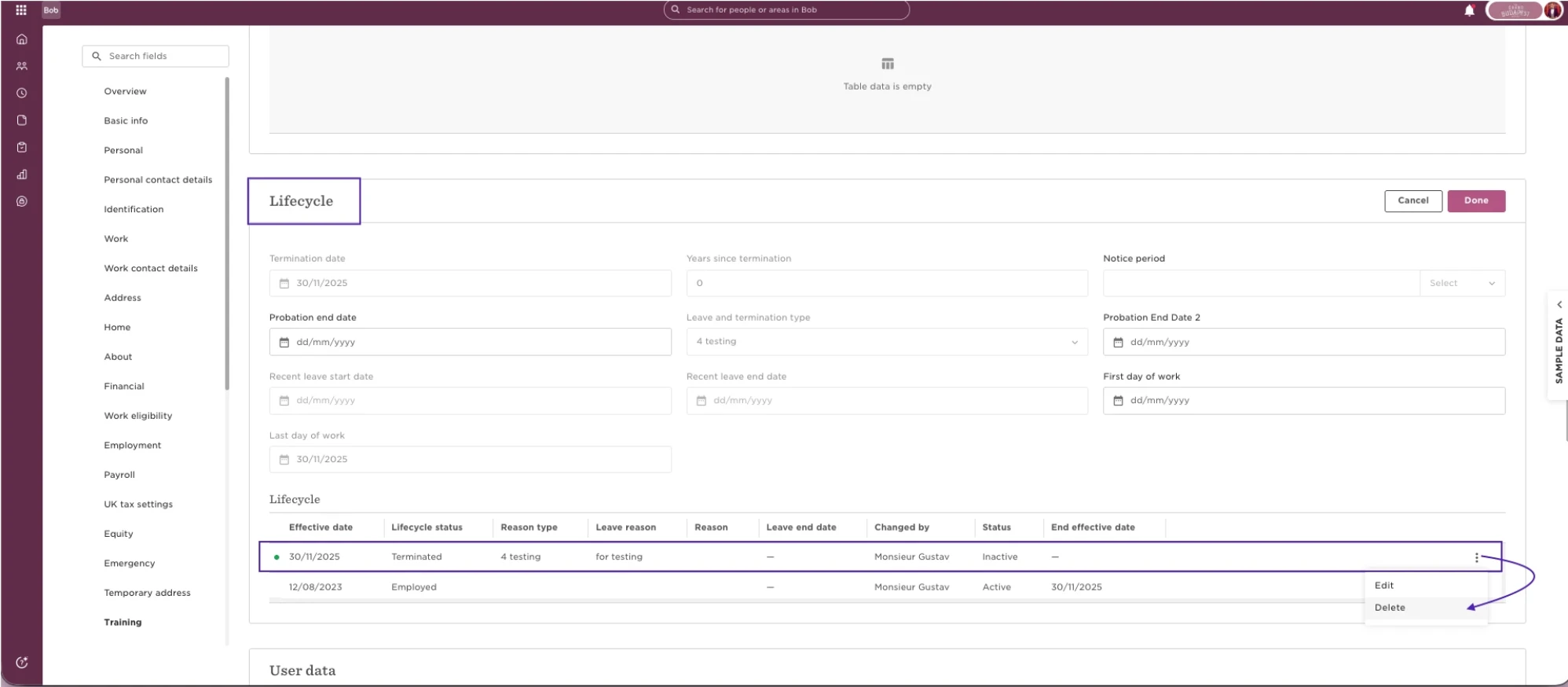
To correct an existing termination:
- Go to the employee’s lifecycle and delete the existing termination row.
- Re-trigger the termination flow.
- Select Employee is aware of termination.
With this option:
- Employees won’t be able to request time off for dates after their termination.
- Future balances won’t be visible.
- Balance information may be recalculated based on the employee’s accrual policy settings.
- Complete the termination as normal.