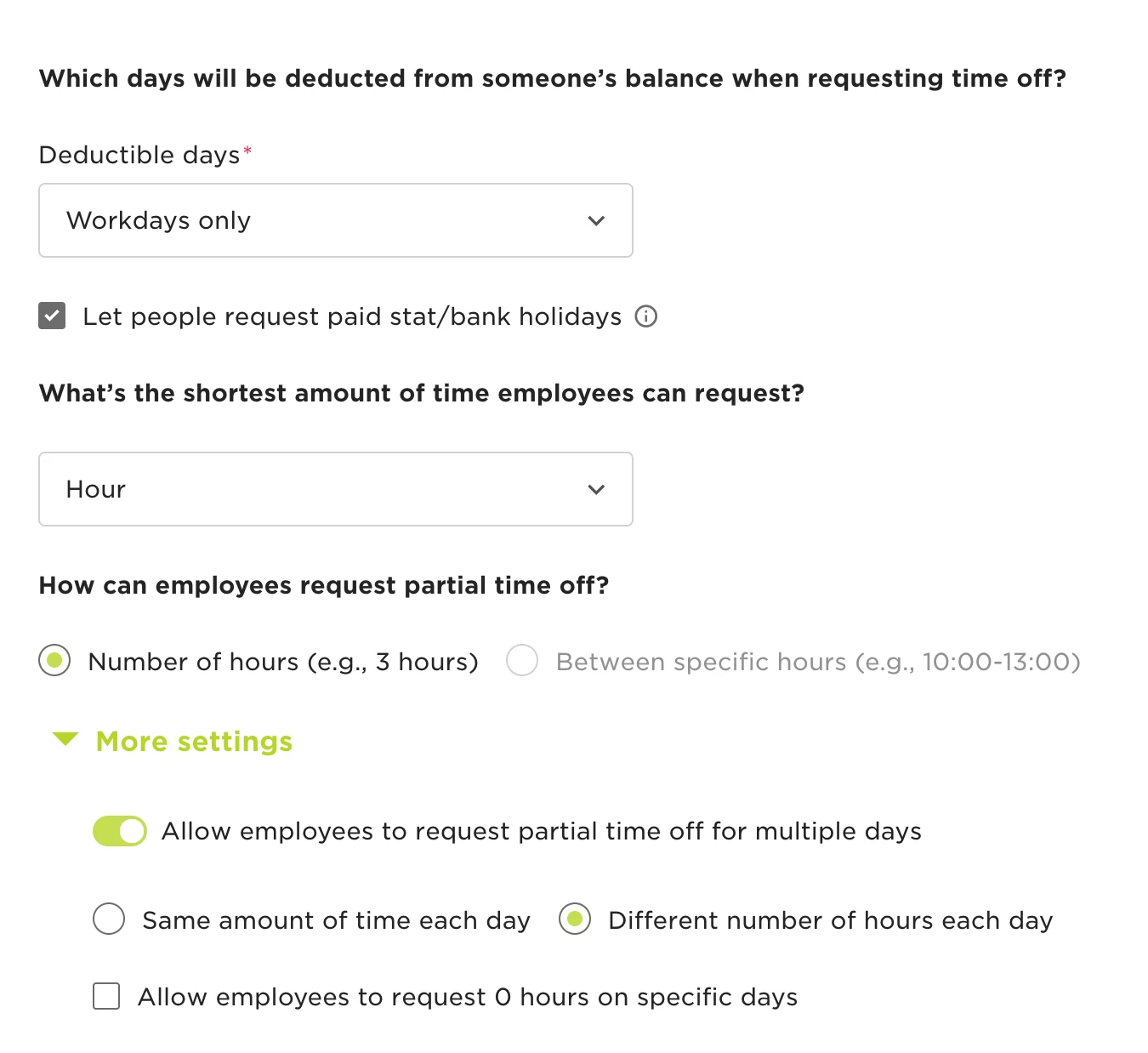

If employees are experiencing issues with requesting half-day holidays, it may be due to policy settings. To address this, follow these steps:
- Navigate to Time > Time Off Settings > Policies.
- Select the relevant policy.
- Click on Actions > Edit > Request.
- Review the minimum time employees are allowed to request.
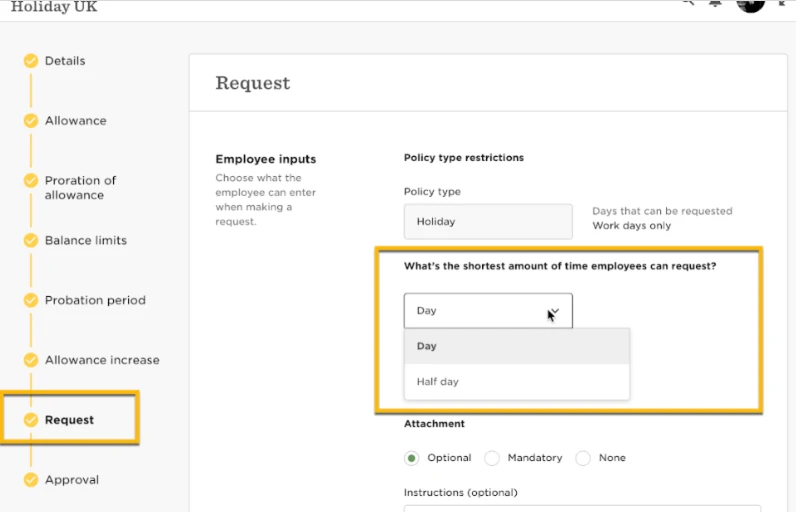
By ensuring the settings permit half-day requests, you can resolve this issue efficiently and allow your employee to request a half day.