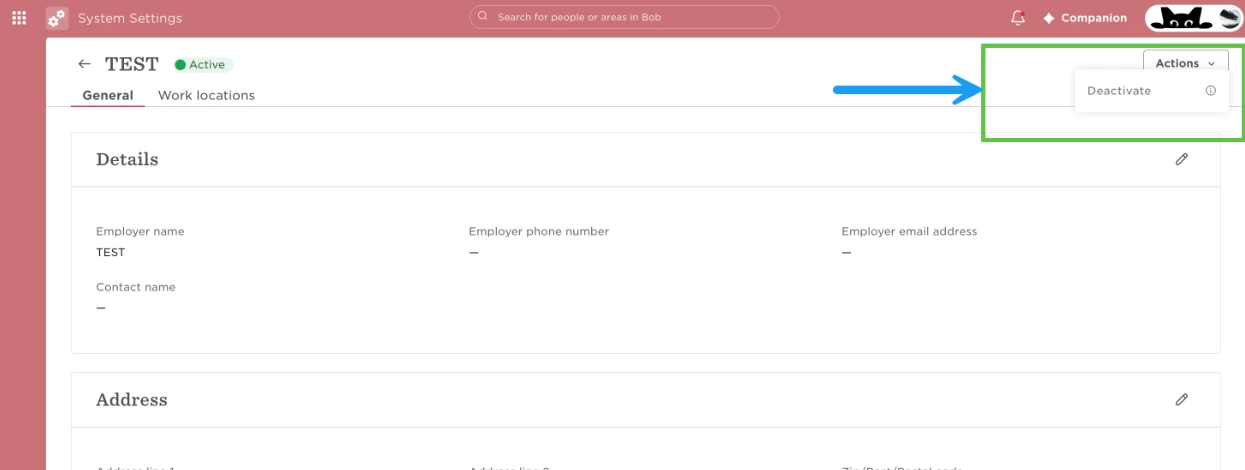
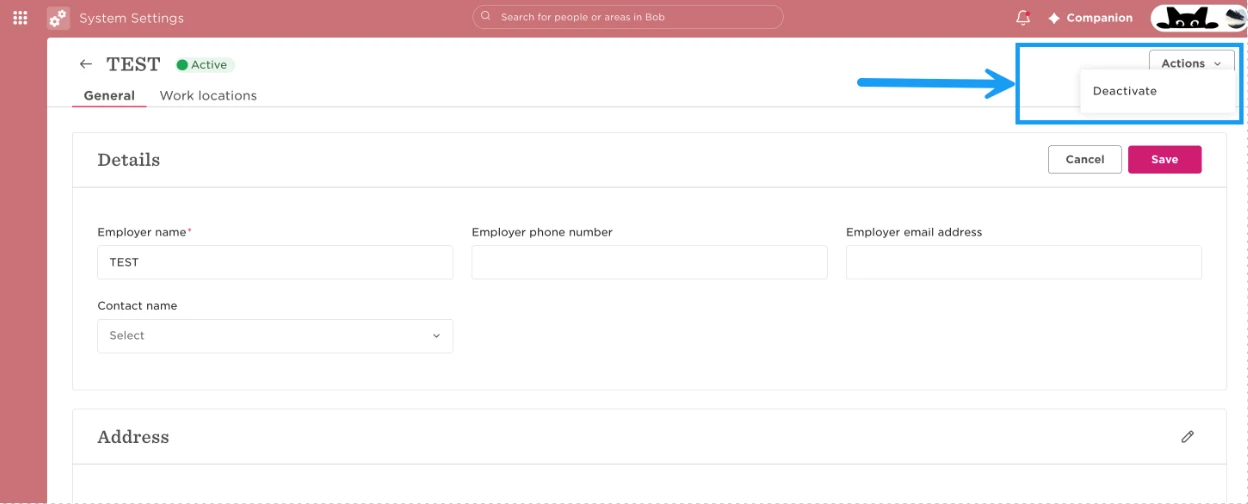
If Bob won’t let you archive a site because Time off policies are still associated with it, check the policies’ Applies to conditions—even when no active employees remain at the site.
A site can still be referenced by active Time off policies even when there are no employees currently assigned to it. In this case, you’ll need to remove the site from the relevant policy conditions before archiving it.
- Go to Time > Time Off Settings > Policies.
- Open each Time off policy associated with the site.
- Go to Details > Applies to.
- Check whether the site you want to archive is included in the policy’s Applies to conditions.
- If it is, remove the site from the conditions and save your changes.
- Repeat this for each policy linked to the site.
- Try archiving the site again.
Example: If you’re trying to archive a site with no active employees but Bob still shows the “deactivate” option greyed out, Time off policies are still associated with it, review the Applies to conditions for those policies. Remove the site wherever it appears, save the changes, and then archive the site.