


Control who can view attachments in time off requests by updating the relevant permissions.
To allow employees to see documents attached to other employees’ requests, make sure both of the following permissions are enabled:
- Upload, edit, and view attachments in people’s requests
- View all fields, approve or decline requests that are pending approval of others
You can find these under:
Settings → People’s data tab → Time off
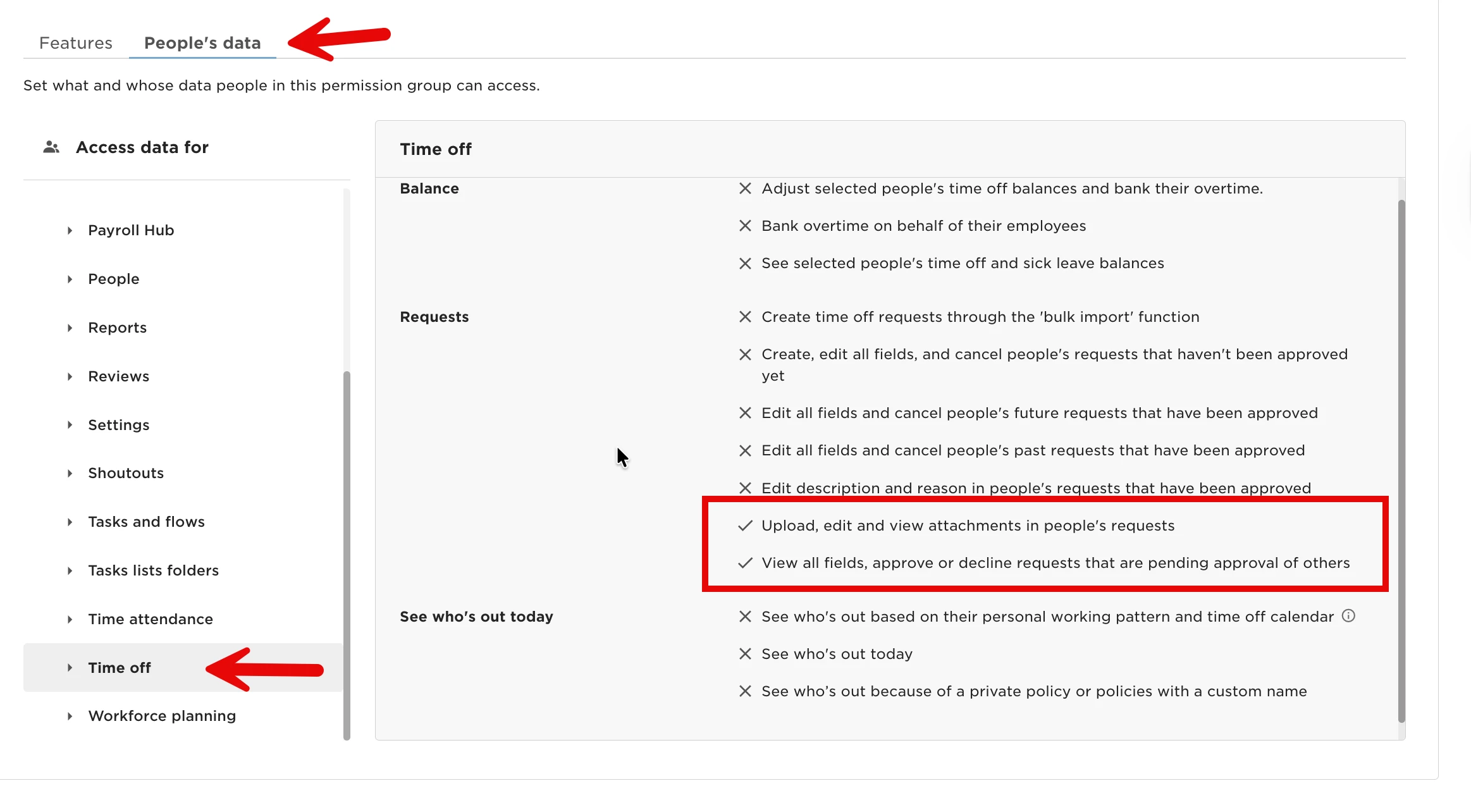
If either of these permissions isn’t enabled, attachments won’t be visible in other employees’ requests.