Reward employees with extra time off based on how long they’ve been with the company.
You can automatically grant additional allowance days after specific work anniversaries. Here's how to set it up:
-
Create a new time off policy
Start by creating or editing a time off policy where you'd like to apply this rule. -
Turn on the years of service allowance
In the Policy Details section, scroll to Allowance Increase.
Toggle on Grant additional days based on years of service.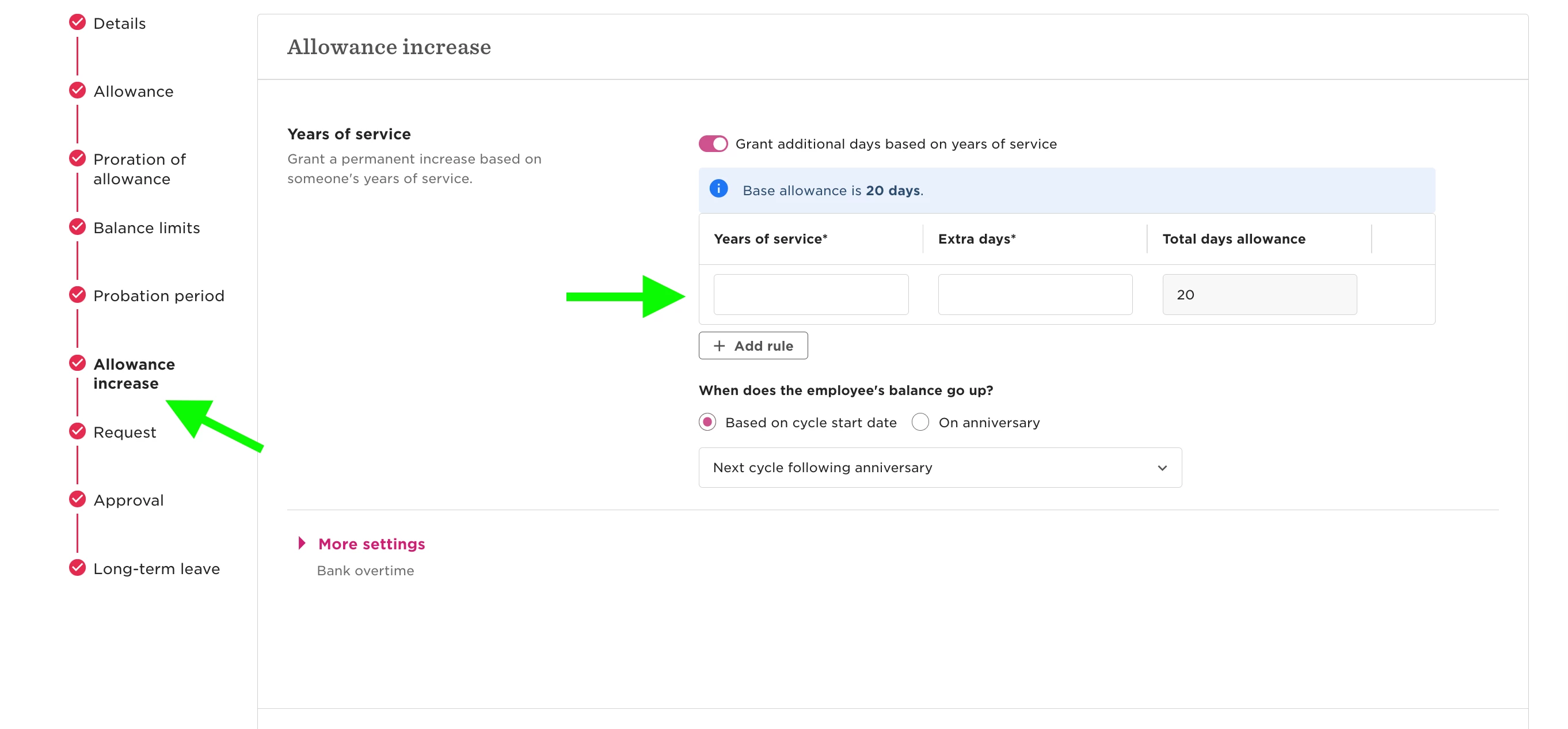
-
Set your rules
-
Choose the milestone year(s) when extra days should kick in
-
Add the number of extra days to grant
-
Pick the reference date that determines when those years are counted

-
Important: The extra allowance will apply starting the year after the selected milestone is reached. For example, if you add a rule for Year 3, the extra days will be granted in Year 4.