

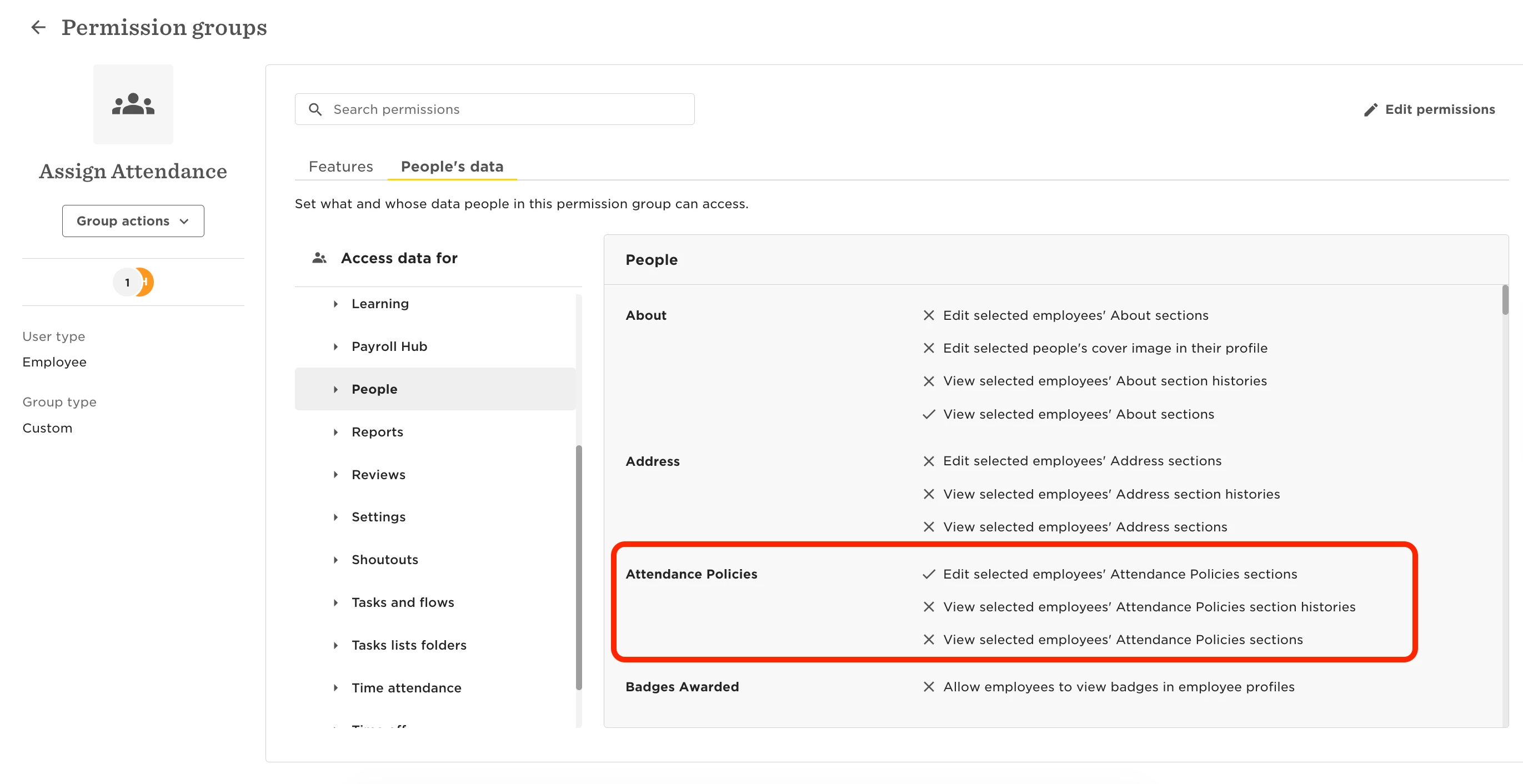
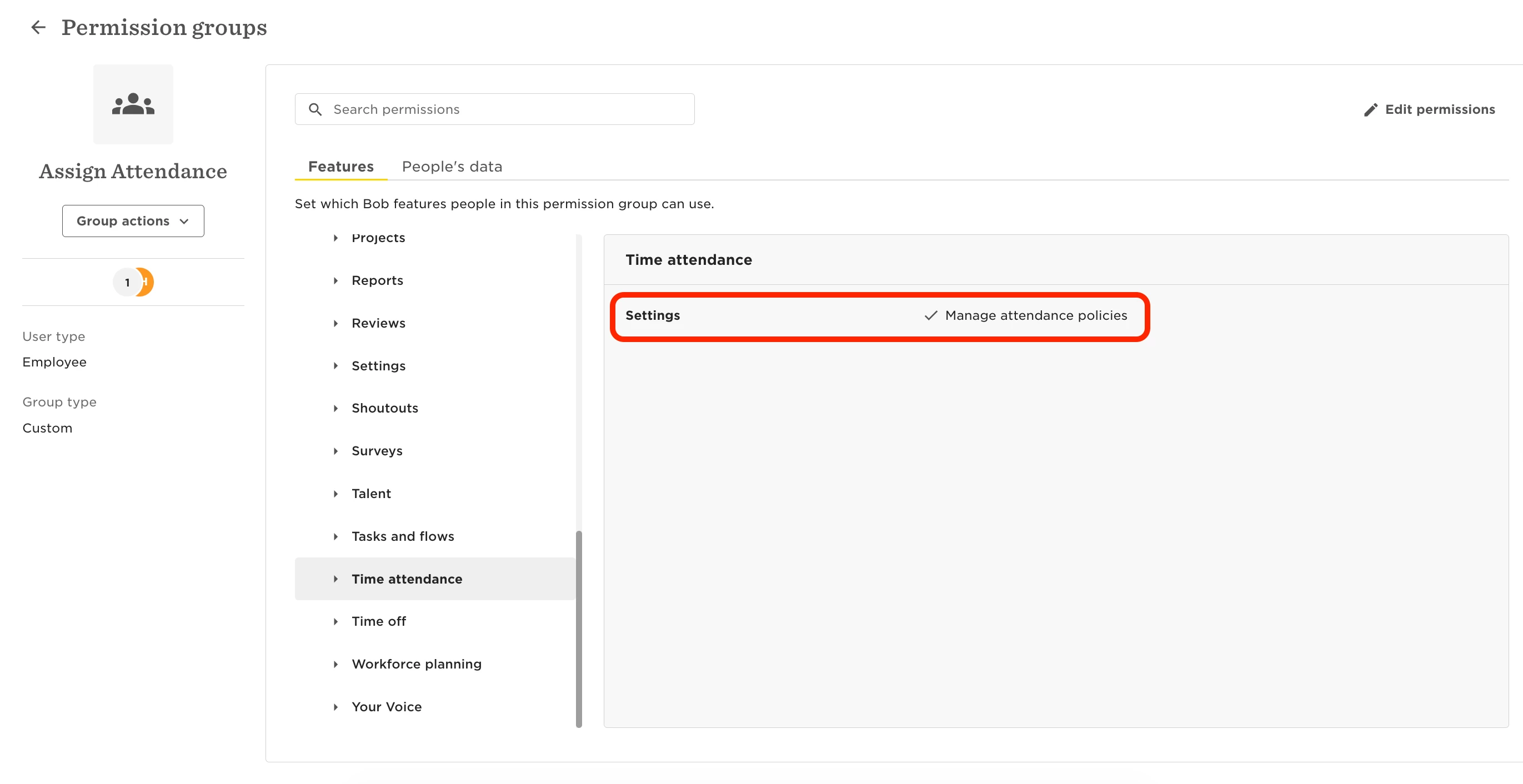
To let a user assign people to attendance policies, make sure they have both of these permissions:
-
People’s data > People > Attendance Policies > Edit selected employees' Attendance Policies sections
-
Features > Time & Attendance > Settings > Manage attendance policies
Example case
You want the UK HR team to assign attendance policies only to UK-based employees.
-
Create a custom Permission Group.
-
Add the UK HR team as members, either with automatic conditions or by selecting them manually.
-
Grant them the permissions to:
-
Edit selected employees' Attendance Policies sections
-
Manage attendance policies
-
Under People’s data > Access data for, define who they can manage.
-
Use a condition like 'Site - Equals - UK' to limit access.