


Make sure you have the required Reports permissions to download Israeli payroll reports.
To download an Israeli payroll report:
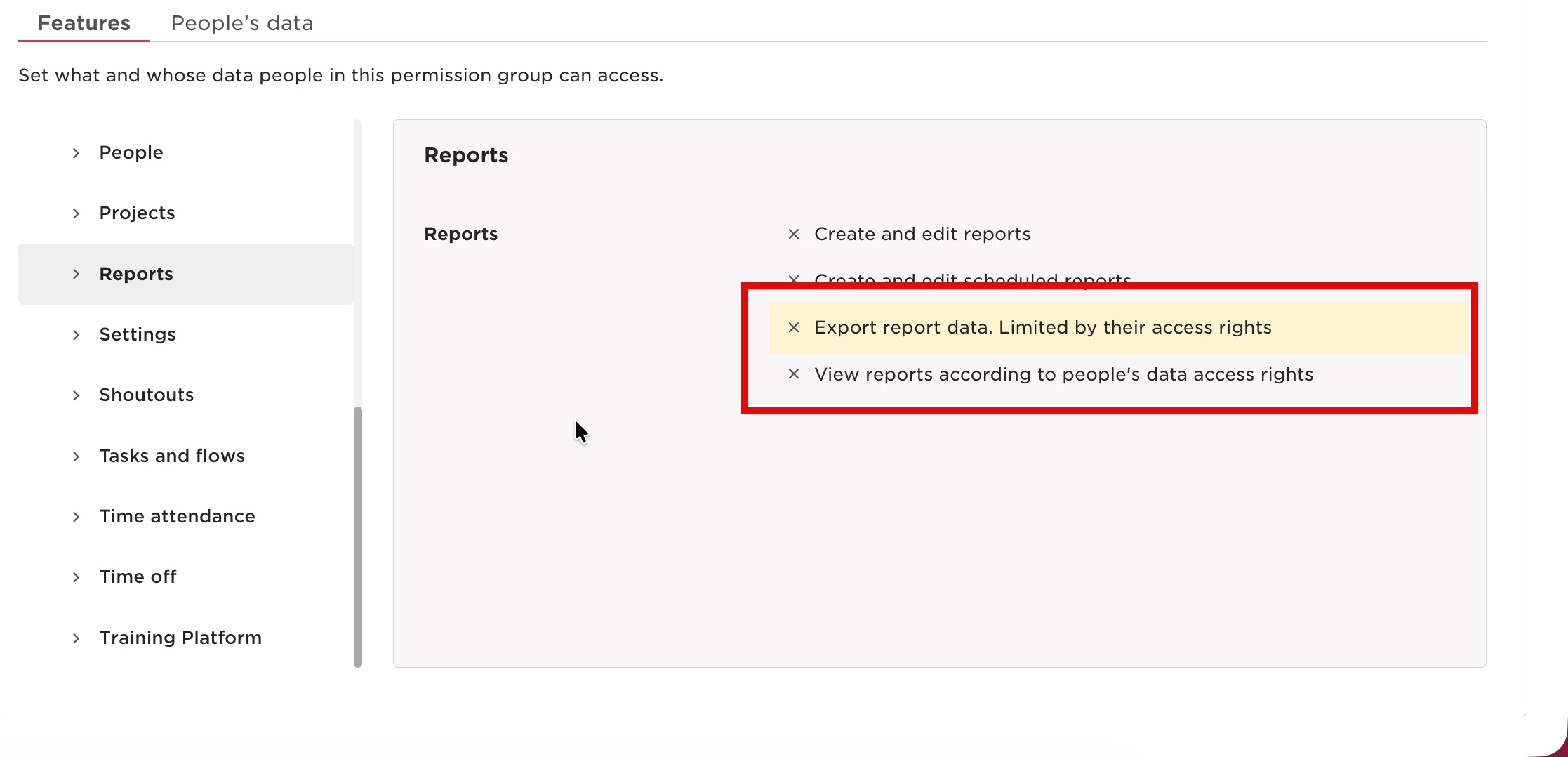
- Go to Settings → Permissions → Project Management Access → Features → Reports.
- Make sure the following permissions are enabled:
- View reports according to people's data access rights
- Export report data (limited by their access rights)
Once the permissions are enabled, try downloading the Israeli payroll report again.
If you still can’t download the report after enabling these permissions, check that both permissions are correctly assigned to your role.