On October 29th 2024 HiBob will implement a change that affects the logic for displaying Regular (non-overtime) hours for attendance policies where both daily and weekly overtime are enabled.
Please ensure your payroll team is informed and updated accordingly.
Note: This type of attendance policy setup is specific to California's unique overtime regulations.
Nature of the Change
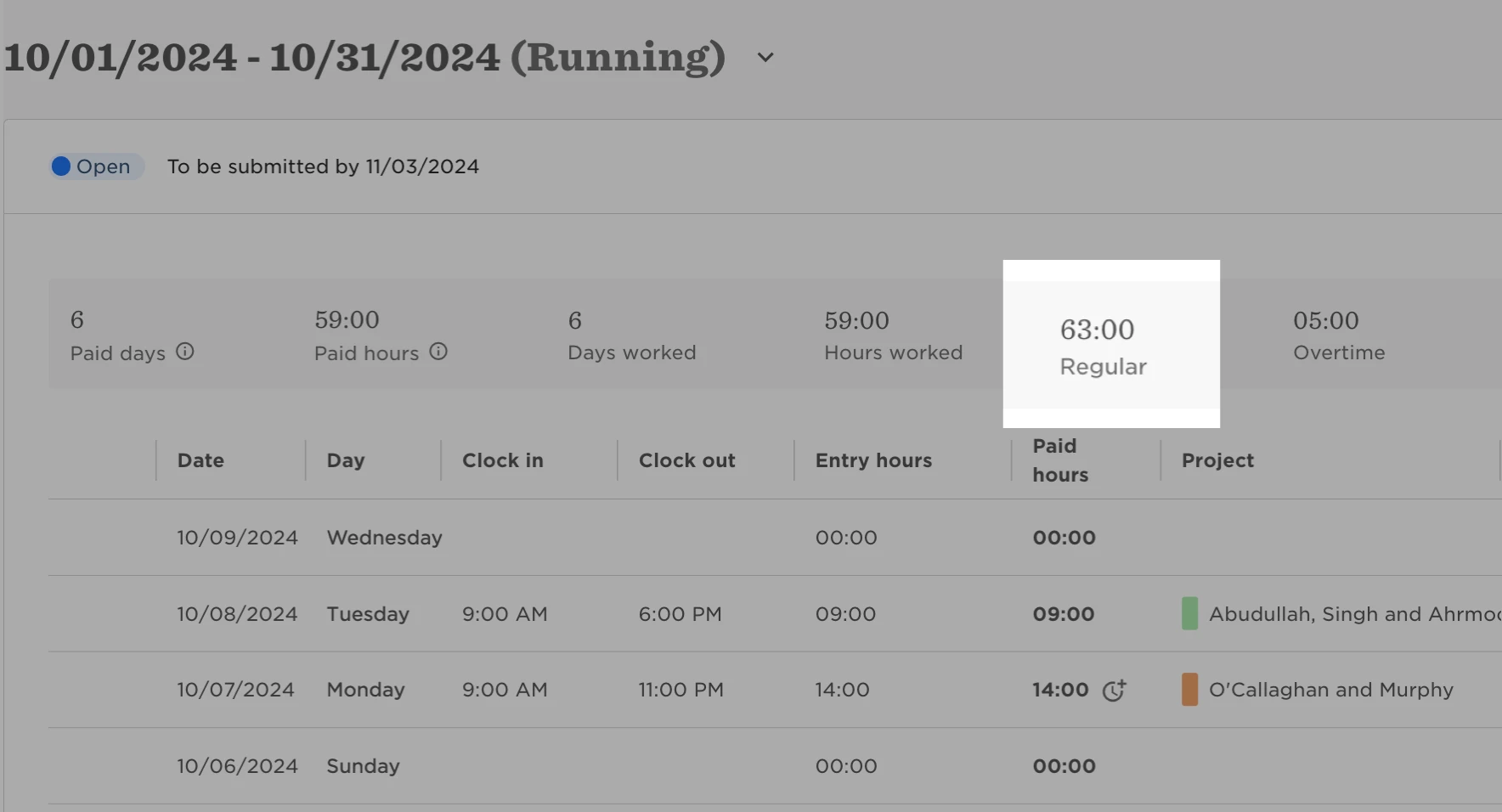
This change applies to the way the total Regular hours and Overtime hours are displayed in Timesheets and aggregated reports for an attendance policy that has both daily and weekly overtime enabled, when the date range includes a work-week that spans two consecutive cycles
Up till now, all Regular hours and Overtime hours worked in that first week would be included in the second cycle’s totals.
With this change:
- Regular (non-overtime) hours worked will be included in the total Regular hours for the cycle in which they were worked.
- Weekly Overtime hours will continue to be included in the second cycle’s total Overtime hours - irrespective of which cycle they were worked in.
Notes:
- The change will impact attendance policies only if both daily and weekly overtime are enabled, and an attendance cycle begins in the middle of the working week.
- The Work week start day is selected in the Overtime and undertime section of the policy setup when Weekly overtime is enabled.
Example
- An employee is assigned to a monthly cycle, running from the 1st-end of month.
- In the employee’s attendance policy, daily and weekly overtime are enabled.
- The Daily overtime threshold is nine hours.
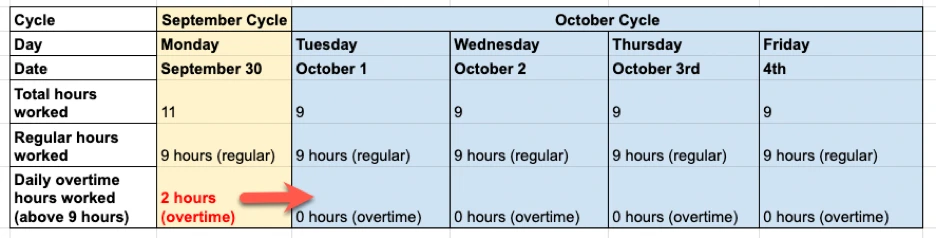
In this example, the last day of the September cycle is Monday, September 30, and the new, October cycle began on Tuesday, October 1.
On Monday, September 30, the employee worked 11 hours, which consisted of nine regular hours and two overtime hours.
Before the change
- All 11 hours worked on Monday would be recorded in the totals for the October cycle.
Following this change:
- The nine regular hours worked on Monday will be recorded in the total Regular hours for the September cycle.
- The two overtime hours worked on Monday will be recorded in the total Overtime hours for the October cycle.
Important Notes:
- This change affects only attendance reports for policies with both weekly and daily overtime enabled at the same time.
- The calculation and recording of overtime hours remains unchanged. Therefore, overtime worked in the September cycle will continue to be logged in the October cycle when the work week ends, to ensure accurate calculation.
- This change will affect only open or finalizing cycles. Timesheets and reports including hours worked in Locked past cycles will not be affected, unless these timesheets are re-opened (Extended Cycle).
Impact on the current cycle - aka Transition cycle
The cycle that is running on Monday, October 29th 2024 (the date the change in recording logic will be implemented) will be called the “Transition Cycle”.
If your transition cycle began in the middle of the working week, the regular hours worked at the start of that week will not be recorded at all because:
- Before the change, they would have been recorded as part of the current, transition cycle.
- Now they should be recorded as part of the previous cycle.
However, the previous cycle is already locked, so they cannot be recorded as part of either cycle.
How to check how many missing hours employees worked
If you need to report on the Regular hours that employees worked, you can view them in their individual timesheets or check the Timesheet summary or Daily summary report to view multiple employees’ hours at once and export the data.
This allows you to check the number of Regular hours employees worked during a work week that spans two cycles.
You should note down the total Regular hours worked on the days at the end of the first cycle, because they will not have been displayed in the totals in Timesheets or aggregated reports.
- From the left menu, select Analytics > Reports.
- Click + Add Report, and from the left menu select Time & Attendance templates.
- Select either the Timesheet summary or Daily summary report
- Filter the report to show the relevant attendance policy and employees.
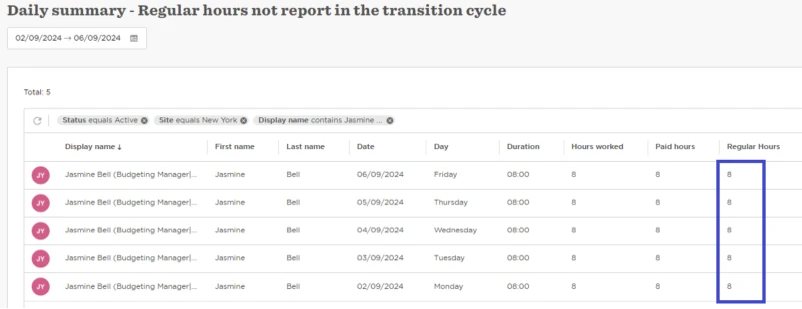
- In the date picker, choose only the days from the beginning of the week at the end of the cycle before the transition cycle.
- The hours worked will appear in the Regular Hours column.
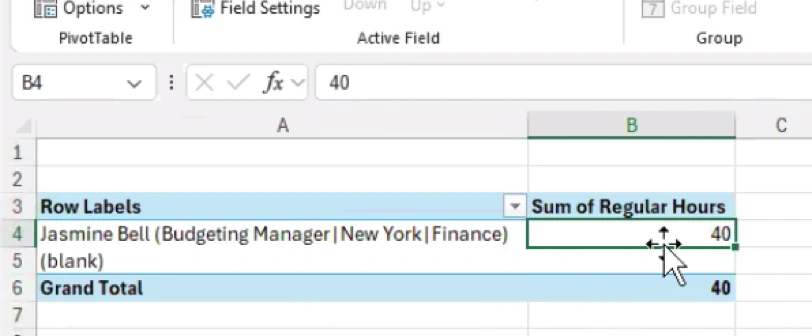
It is recommended that you download the report and use the Pivot table to automatically calculate the total Regular hours each employee worked that week on the days included in the first cycle.