

In most cases, you can manually extend an attendance cycle to reopen it and change its status from Locked to Finalizing.
This allows you to amend, submit and/or approve timesheets after the cycle has closed.
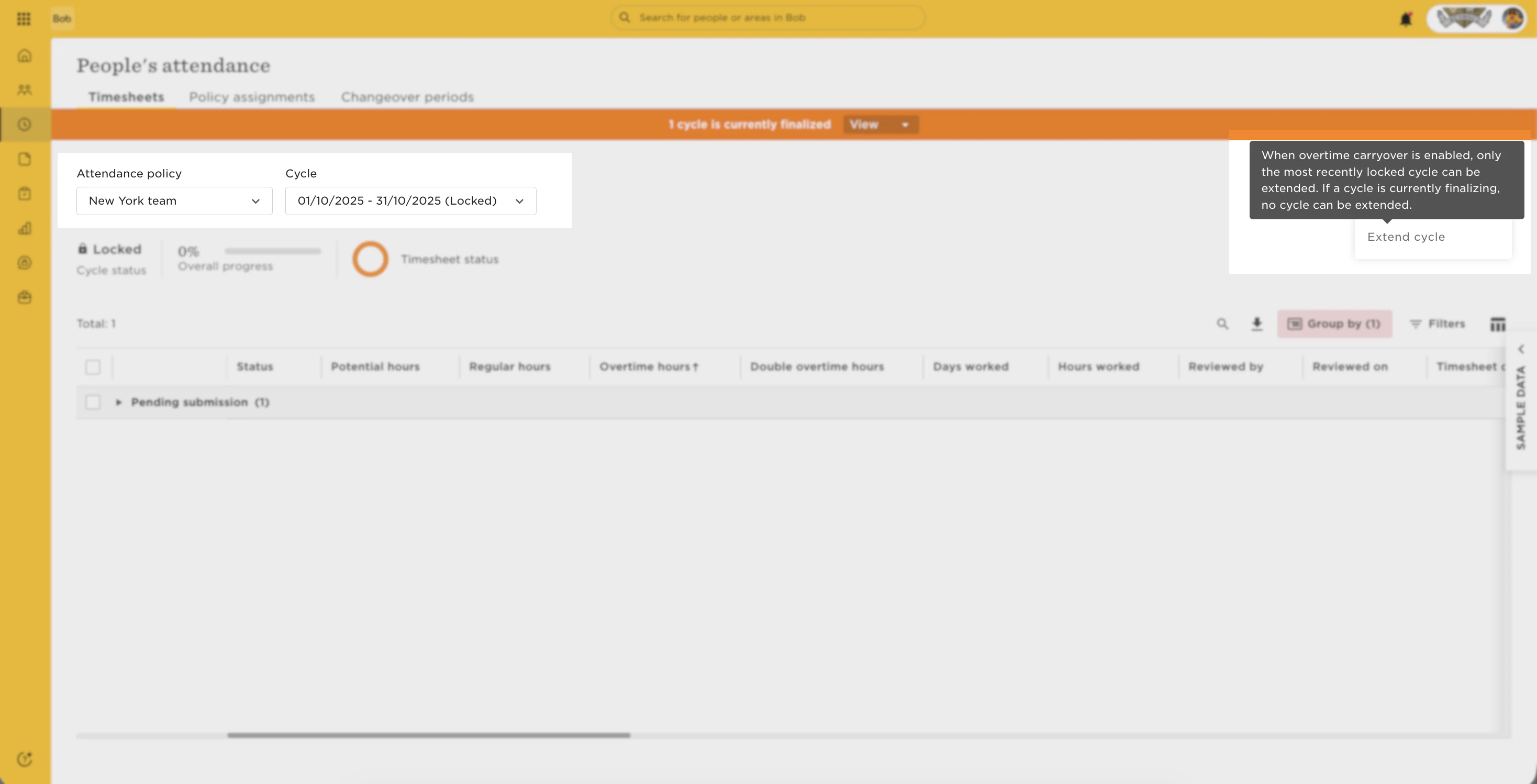
You do this by going to Time > People’s attendance, select the relevant attendance policy and cycle, then choose Actions > Extend cycle.
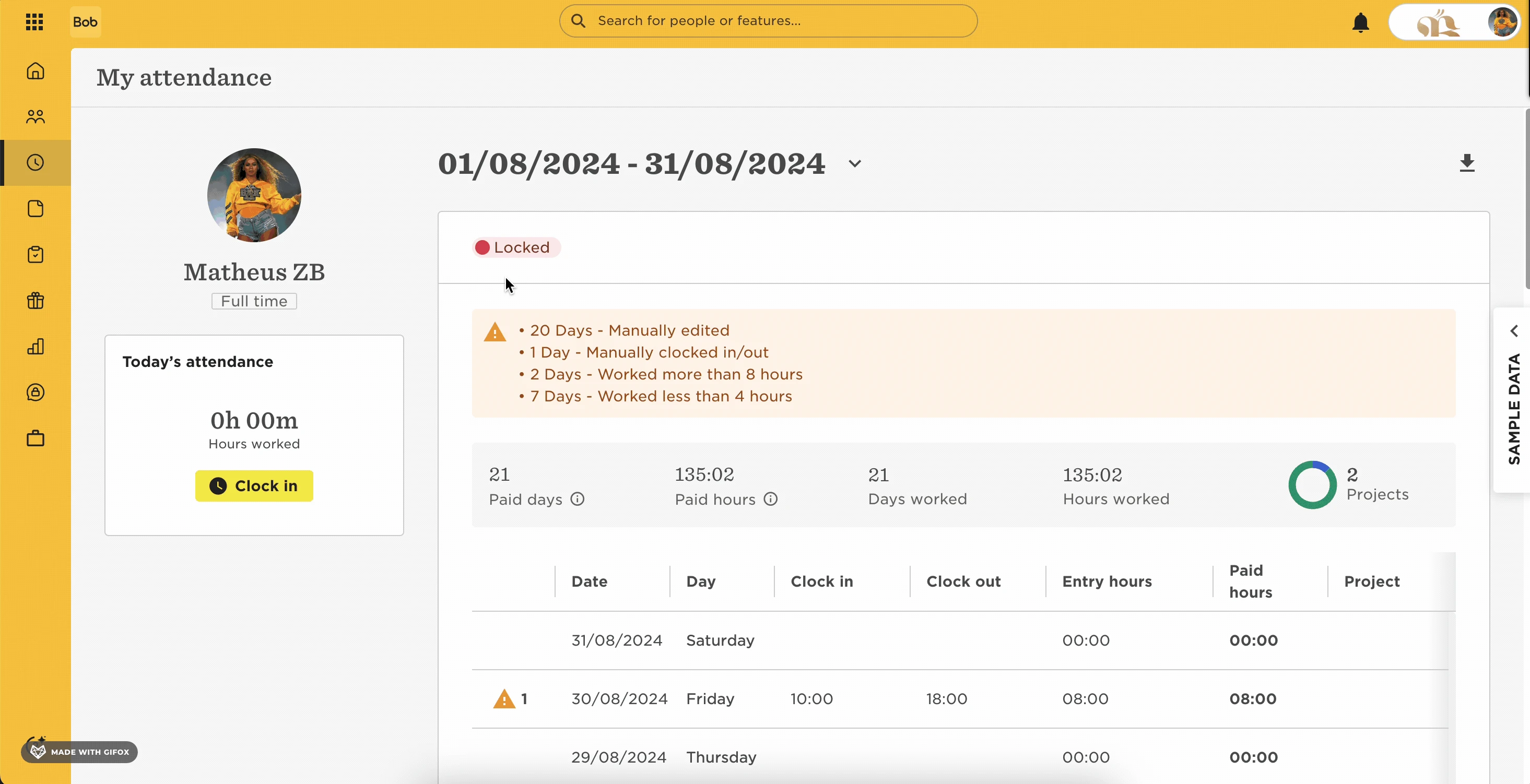
However, if your attendance policy has overtime carryover enabled, only the most recently closed cycle can be extended. Earlier cycles can’t be reopened, and you’ll see a message explaining this limitation.
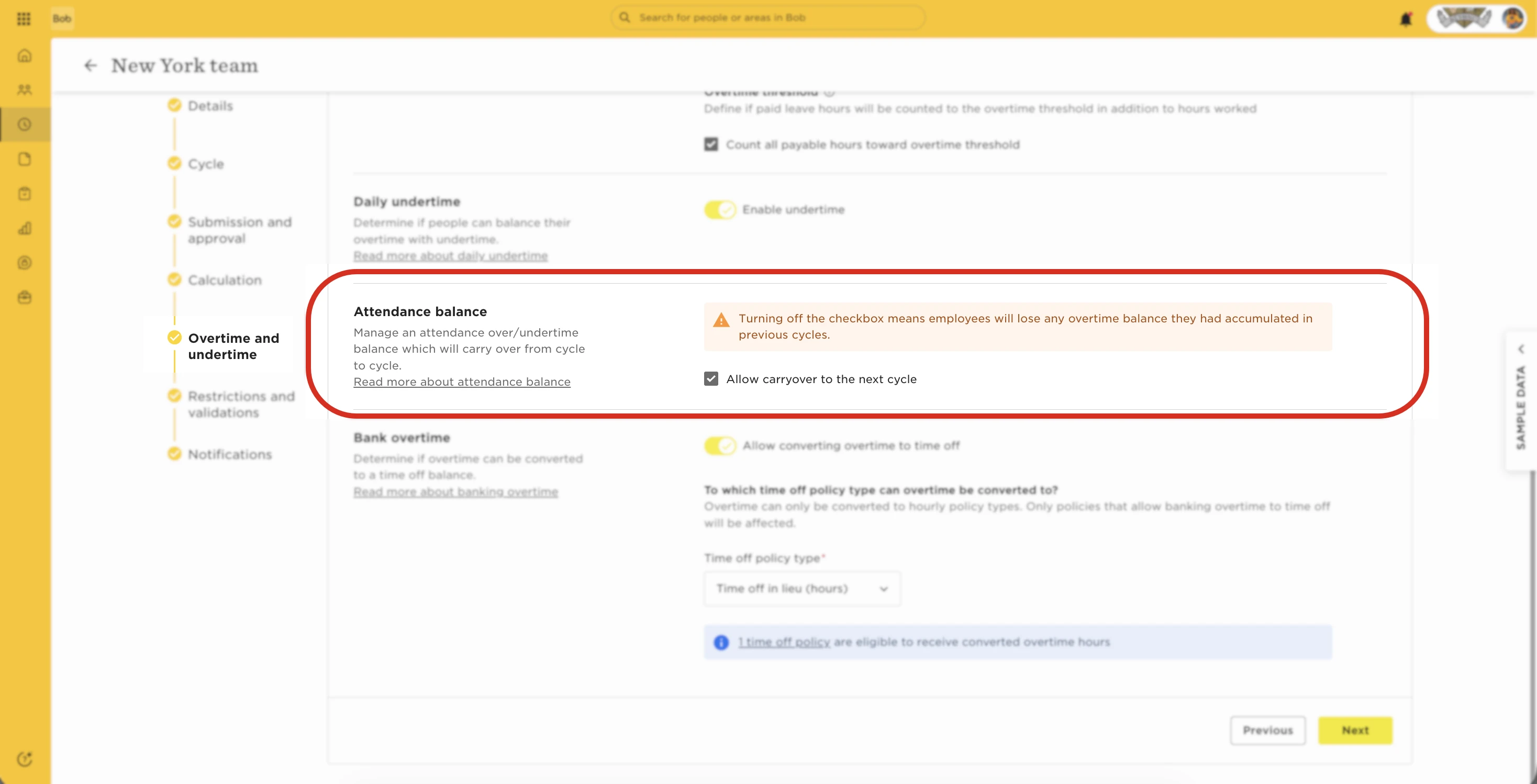
This happens because overtime balances depend on the sequence of closed cycles, and reopening older cycles could affect those calculations.
If you need to extend a cycle that isn’t the latest one, the only workaround is to temporarily disable overtime carryover. It’s important to note that doing this will remove any accumulated overtime balances from previous cycles.
If you decide to proceed, we recommend:
-
First, back up employees’ overtime data by generating and exporting the relevant attendance reports from Bob, for example.
-
Next, disable the overtime carryover setting in the attendance policy. At this point, all existing overtime carryover data will be cleared.
-
You can then extend the required cycle(s) and process the timesheets as needed.
-
Once you’re done, re-enable the overtime carryover setting in the policy.
-
Finally, restore employees’ overtime by importing it into their current timesheets using Import over/undertime balance adjustments.