
If the attendance settings are set up so it's the direct manager to approve the timesheets, then you'd have to manually change the employees' manager temporarily.
A better workaround for this, would be to open a permission group for an appointed person to be able to manage the employees' attendance whilst the manager is on vacation:
- Create a custom permissions group in Settings > Account > Permission groups, add the temporary approver as a group member.
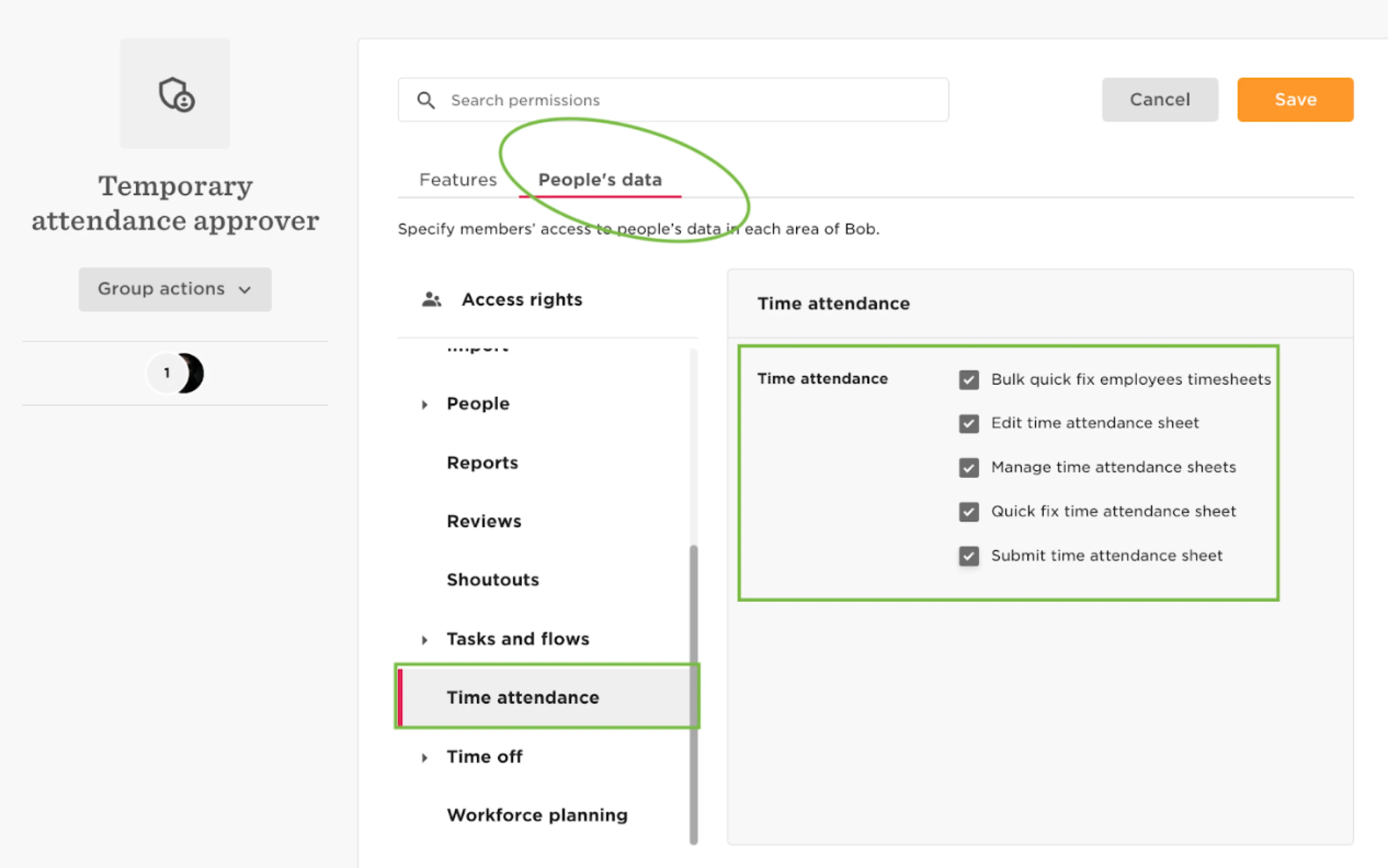
- Open the following permissions:
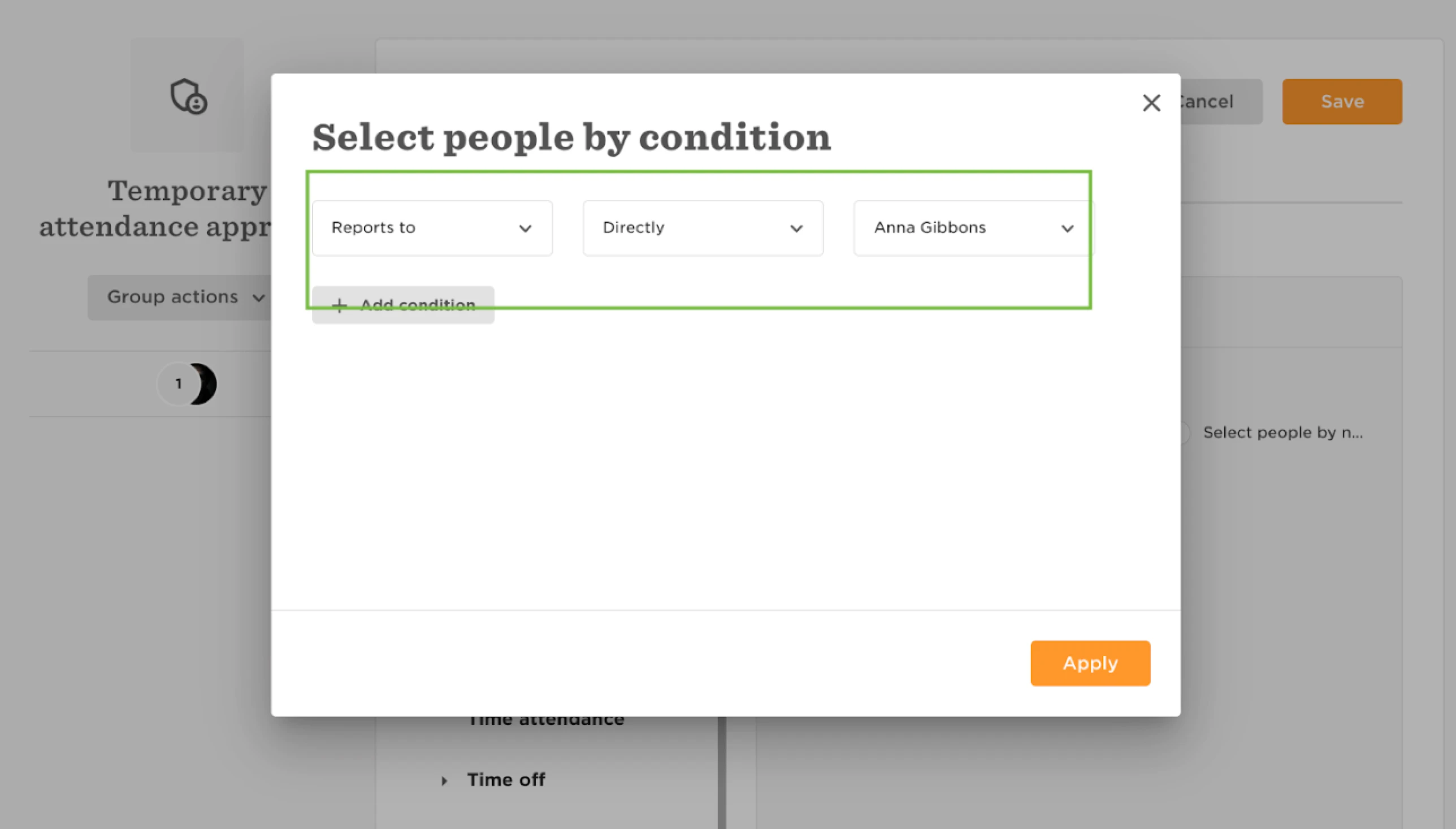
- Where it says "Access rights", click on select people by condition and apply the condition "Reports to directly {select the manager on vacation}":