

When the Termination flow looks grayed out, we recommend checking if the flow applies to all relevant employees.
To do so please go to:
→ Settings
→ Flows
→ Leave & Termination
→ click the Manage button
On the Details page, there will be an "Applies to" section at the bottom. Here you can confirm what users are selected for this flow, and ensure that the flow is set to apply for all employees:
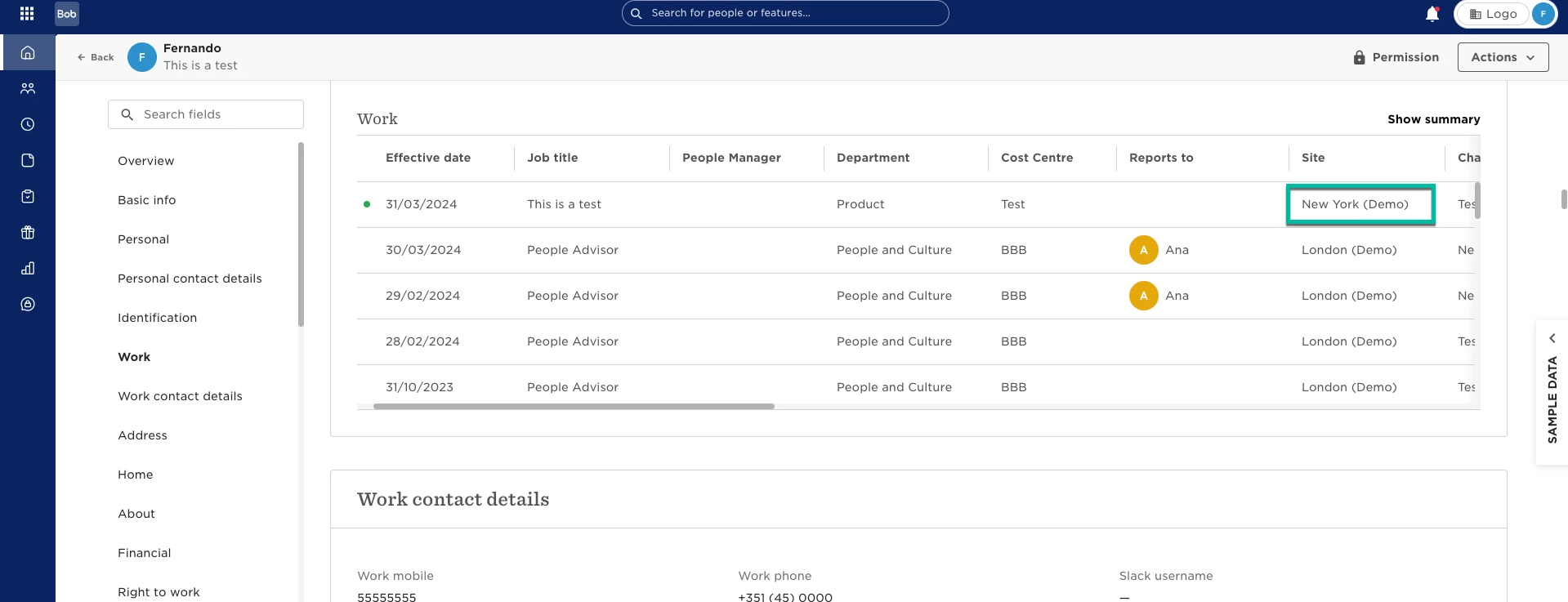
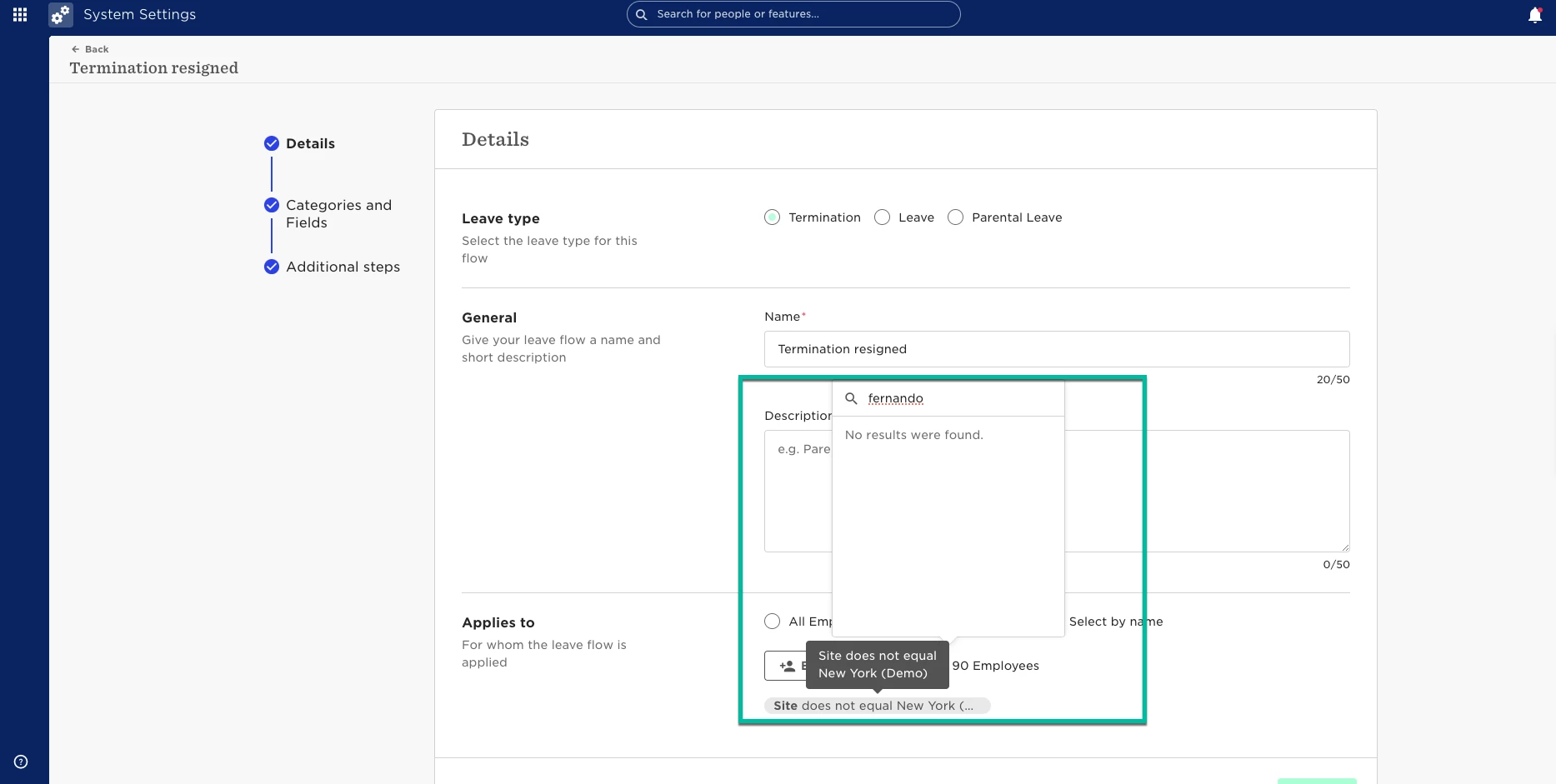
We do advise selecting 'lifecycle status equals employed (or any)'. This way the termination flow will be available for all current employees.
If this does not resolve the issue for you, please reach out to our Support team who can investigate this further for you.