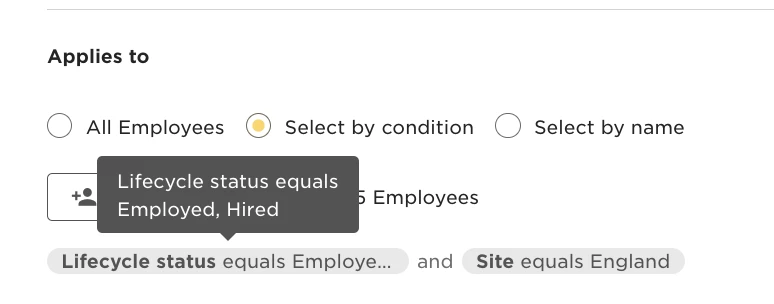
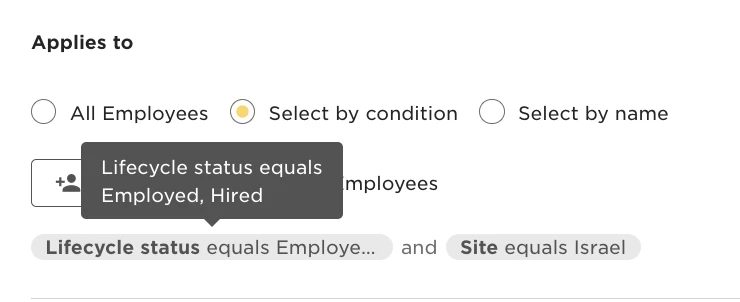
To setup two task lists for two different employee groups (for example, Onboarding Israel task list and Onboarding England task list) use the ‘Applies to’ for the auto-scheduled task list and add the right condition.
For example:
- For the task list to be triggered only to the Israel site’s new hires, the condition should be “Site equals Israel and Lifecycle status equals Hired, Employed”
- For the task list to be triggered only for the England site’s new hires, the condition should be “Site equals England and Lifecycle status equals Hired, Employed”