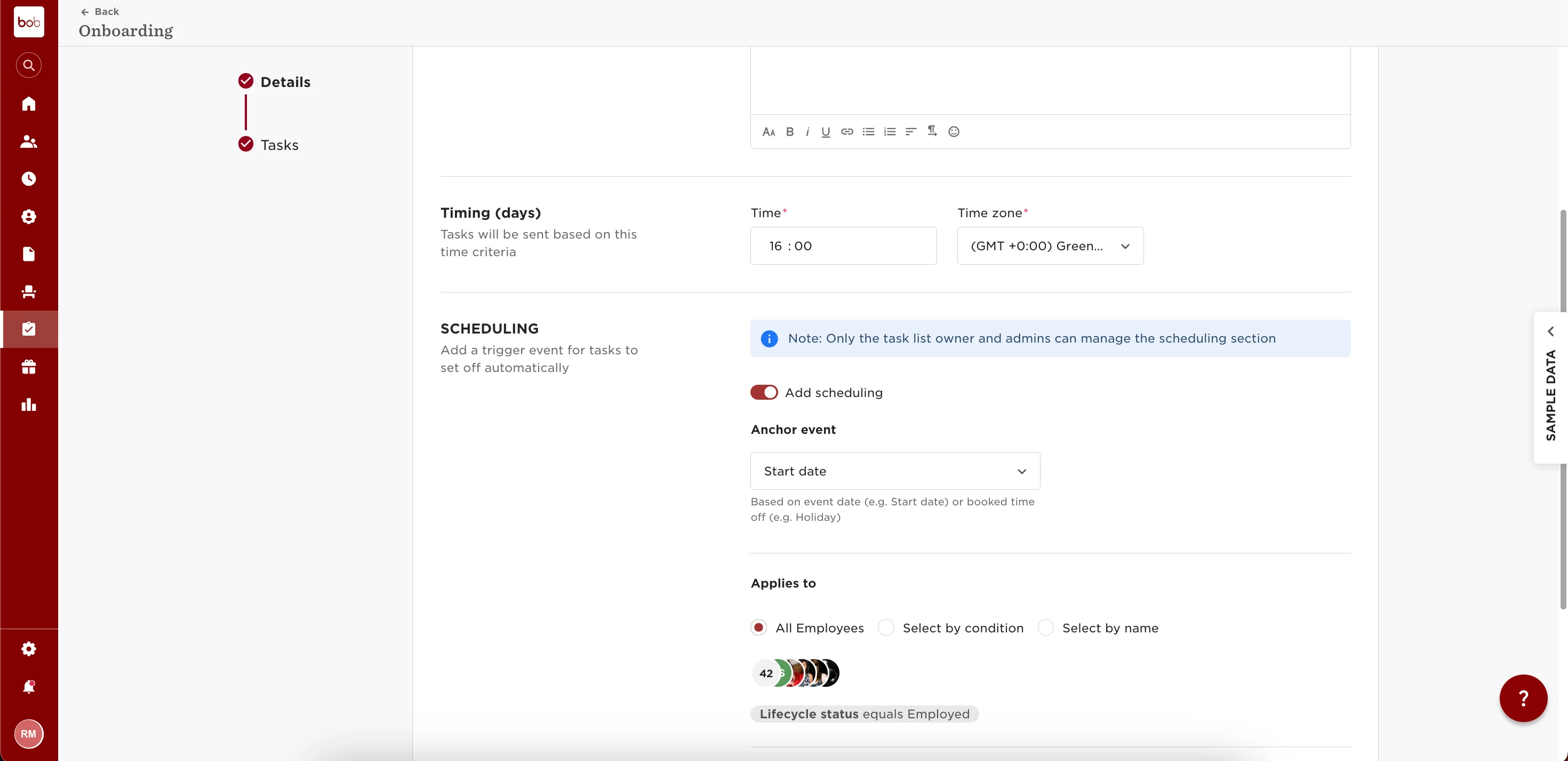
Any email and calendar event tasks will be sent to the employee’s personal email address if the employee is in Hired, or with Leave, Parental leave or Garden leave status.
Since an employee is usually not active on those statuses, Bob doesn't use the employee’s work email to communicate, but will use the employee’s personal email.
For New Hires: if you wish to send the new hire an email or calendar event task on their first day, you will need to make sure that task list is set to be triggered after the new hire turns to “Employed” status in Bob.
This can be done by coordinating the task list time zone with the new hire's site time zone.
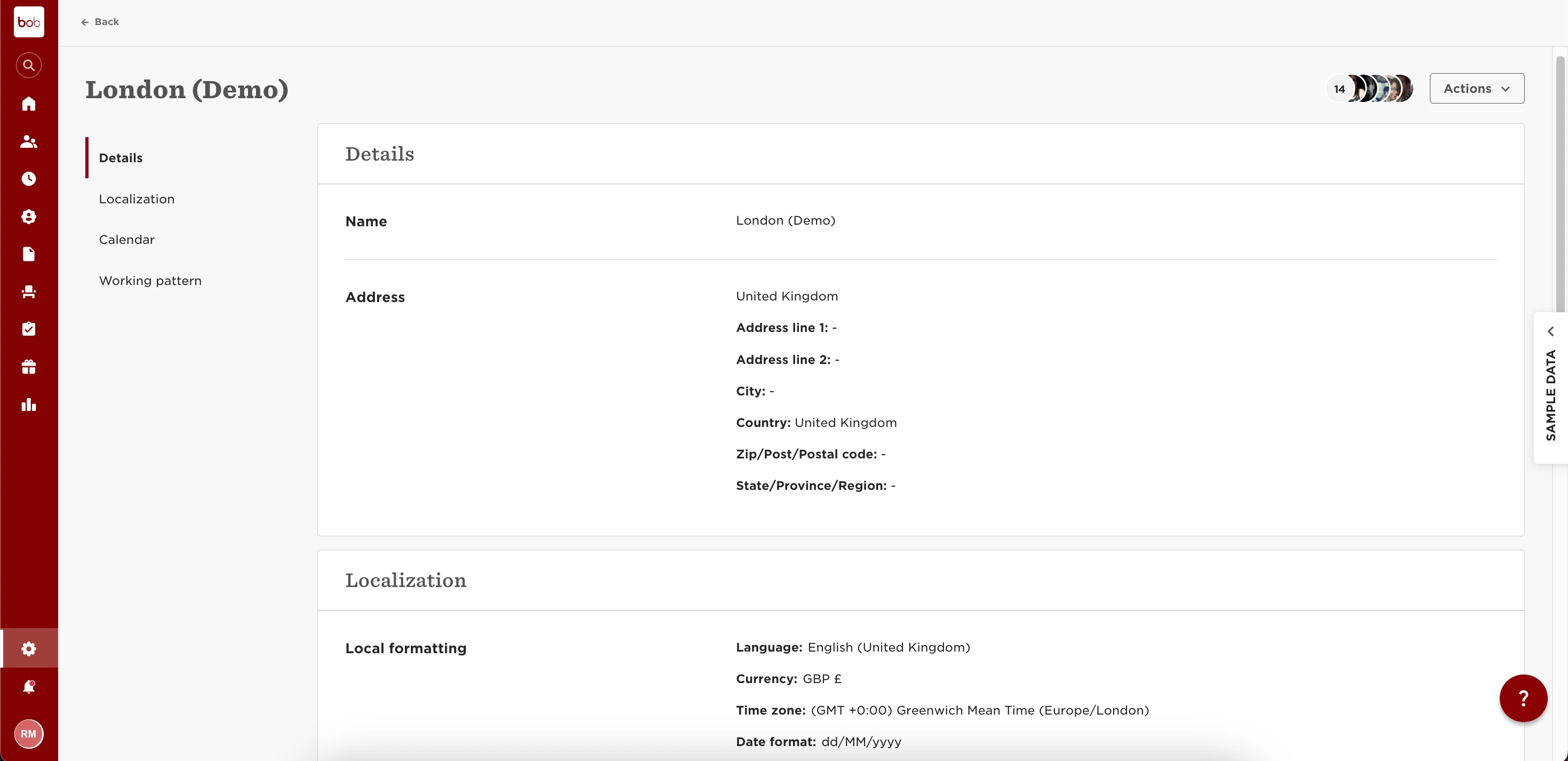

Example: a new hire from the UK will turn to “Employed” status at 12am GMT according to the following setup (this always happens at 12am):
Then, the Onboarding task list set up should look like this: