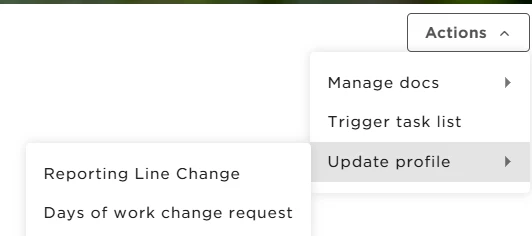

To allow other employees to trigger a task list that includes different task types, specific permissions are required. These permissions vary depending on both the type of task list and the tasks included in it.
You have two general permissions for triggering task lists. Choose one based on the level of access you want to give:
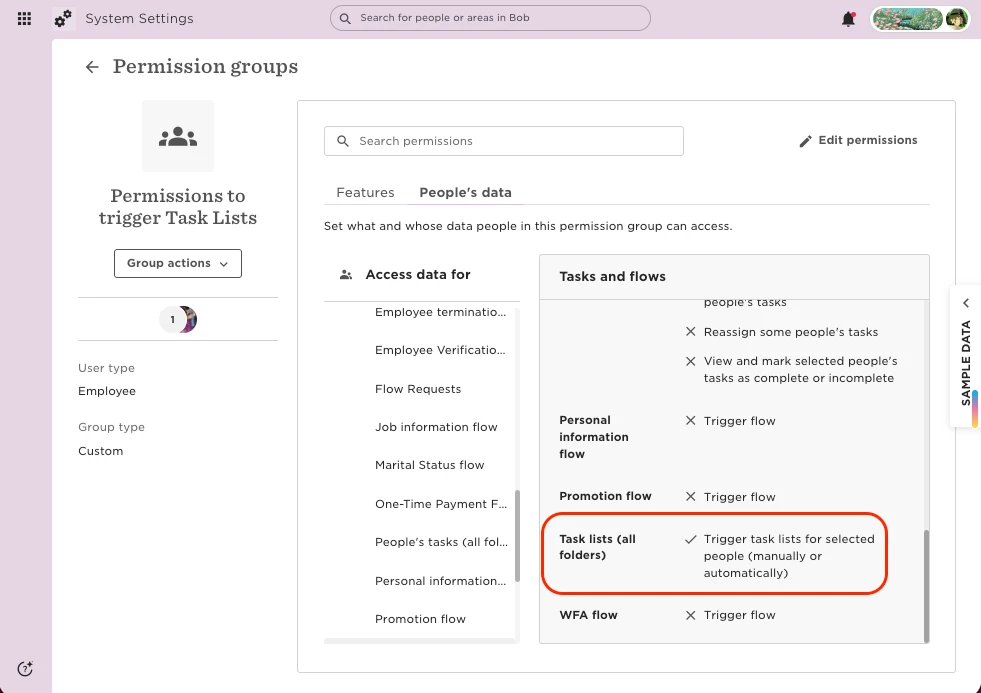
1. Trigger task lists for selected people (manually or automatically) –> Allows the person to trigger any task list, across all folders, for employees they have access to.
2. [Folder name] > Trigger task lists for selected people –> Limits triggering to task lists located within that specific folder.
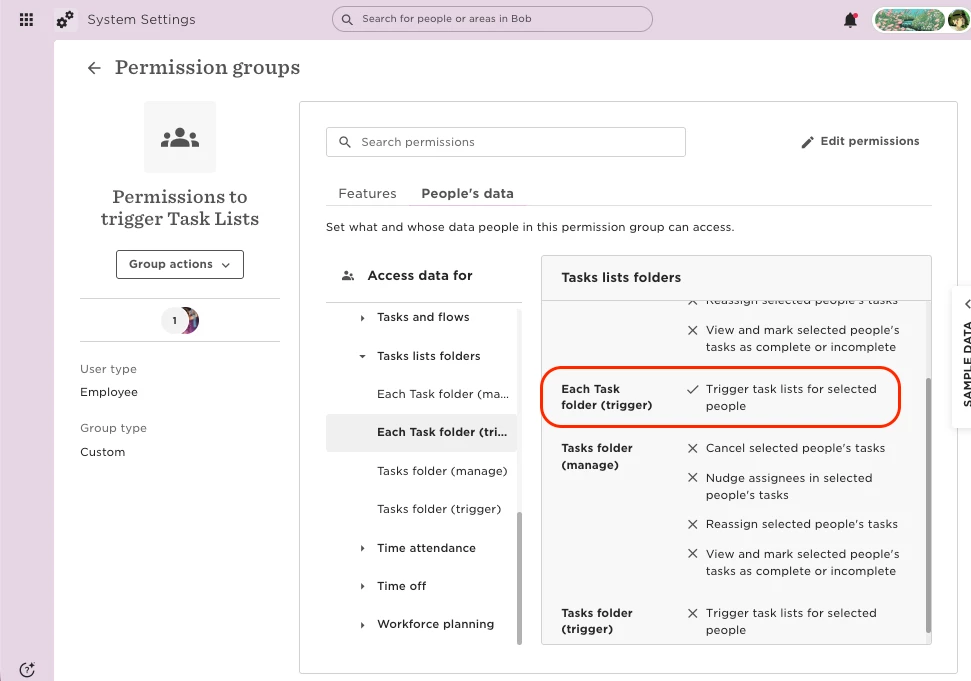
Note: If the general permission is granted, it overrides any folder-level permissions. To restrict access by folder, remove the general permission and assign only the folder-level one.
These permissions above apply to all general, email, and calendar tasks.
Other Specific Permissions:
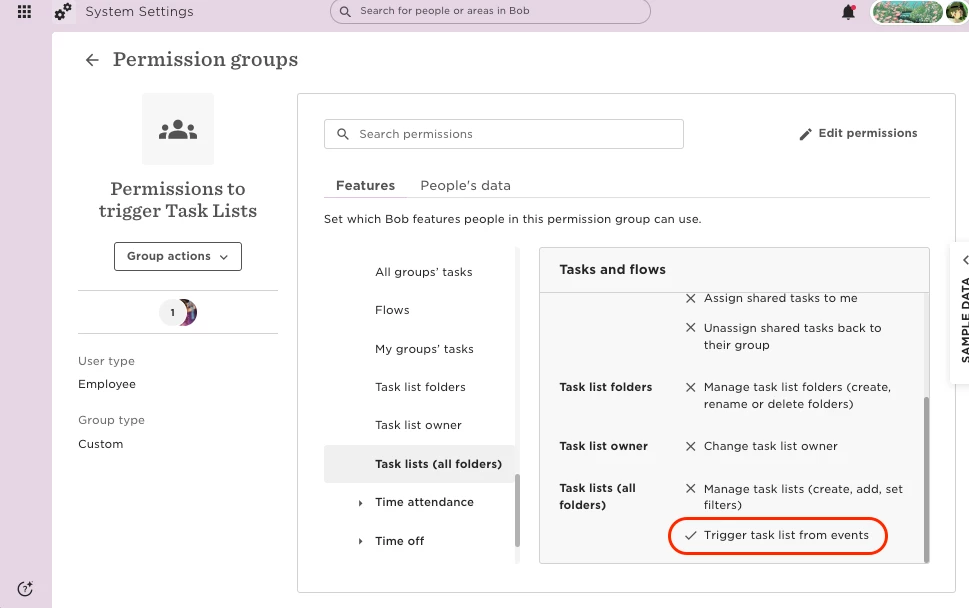
Trigger task list from events – Enables task lists to be automatically triggered based on employee events (such as onboarding completion, profile creation, or time-off approval).
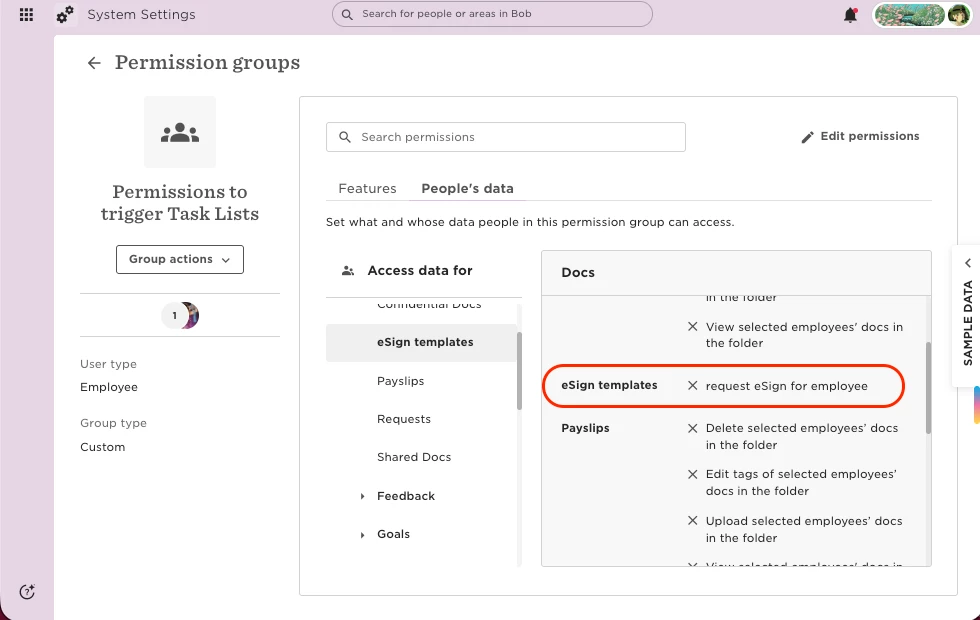
Request eSign for employee – Required to trigger an eSign task.
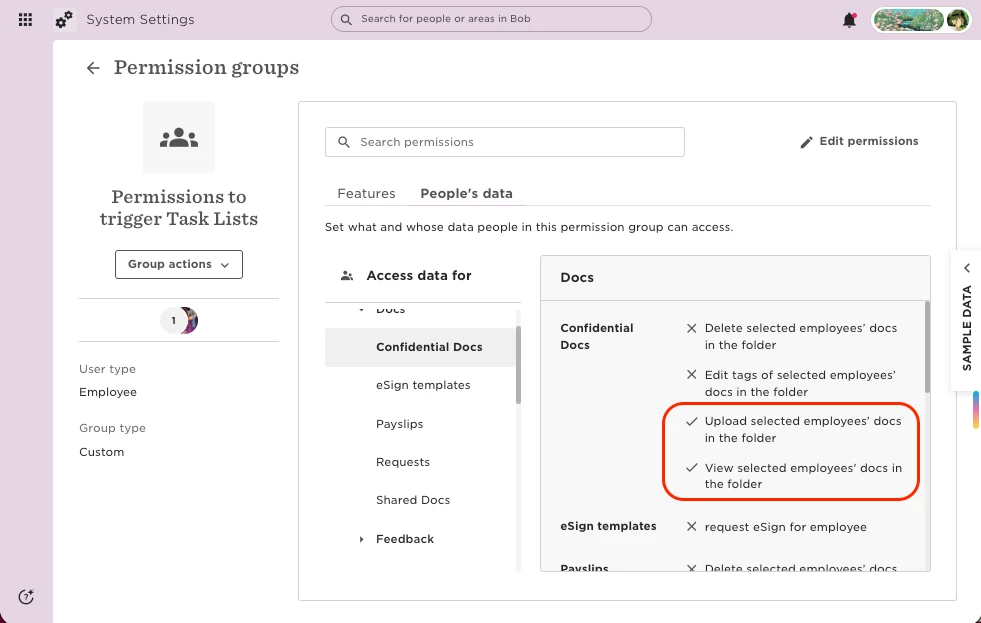
View and upload selected employees’ docs in the folder – Also required to trigger an eSign task.
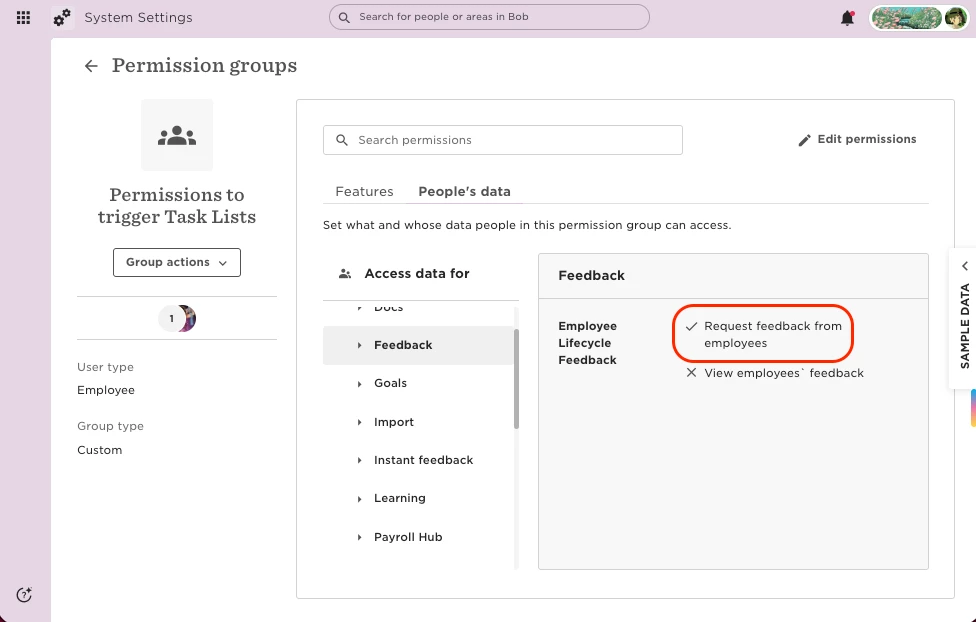
Request feedback from employees – Required to trigger an employee feedback task.
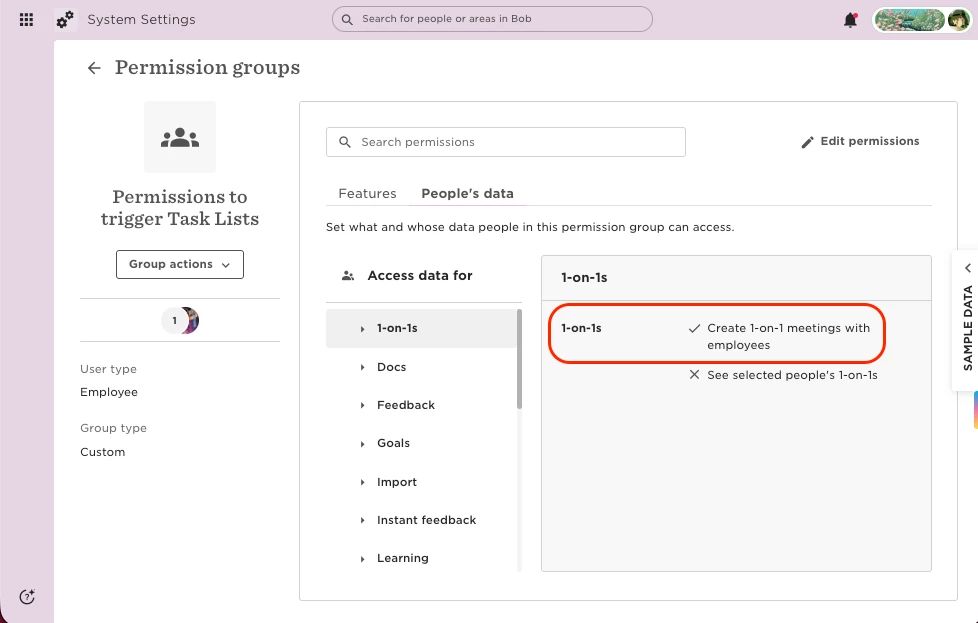
Create 1-on-1 meetings with employees – Required to trigger a 1-on-1 feedback task.
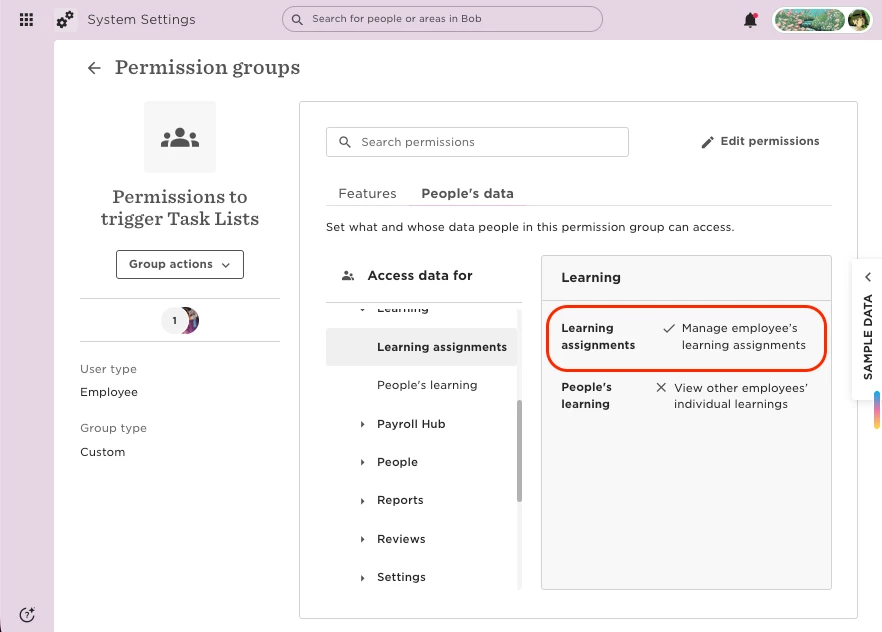
Manage employees’ learning assignments – Required to trigger a Learning task.
Review task list permissions regularly to ensure they still align with your team’s roles and access needs. As a best practice, make sure admins remain the owners of the task lists.