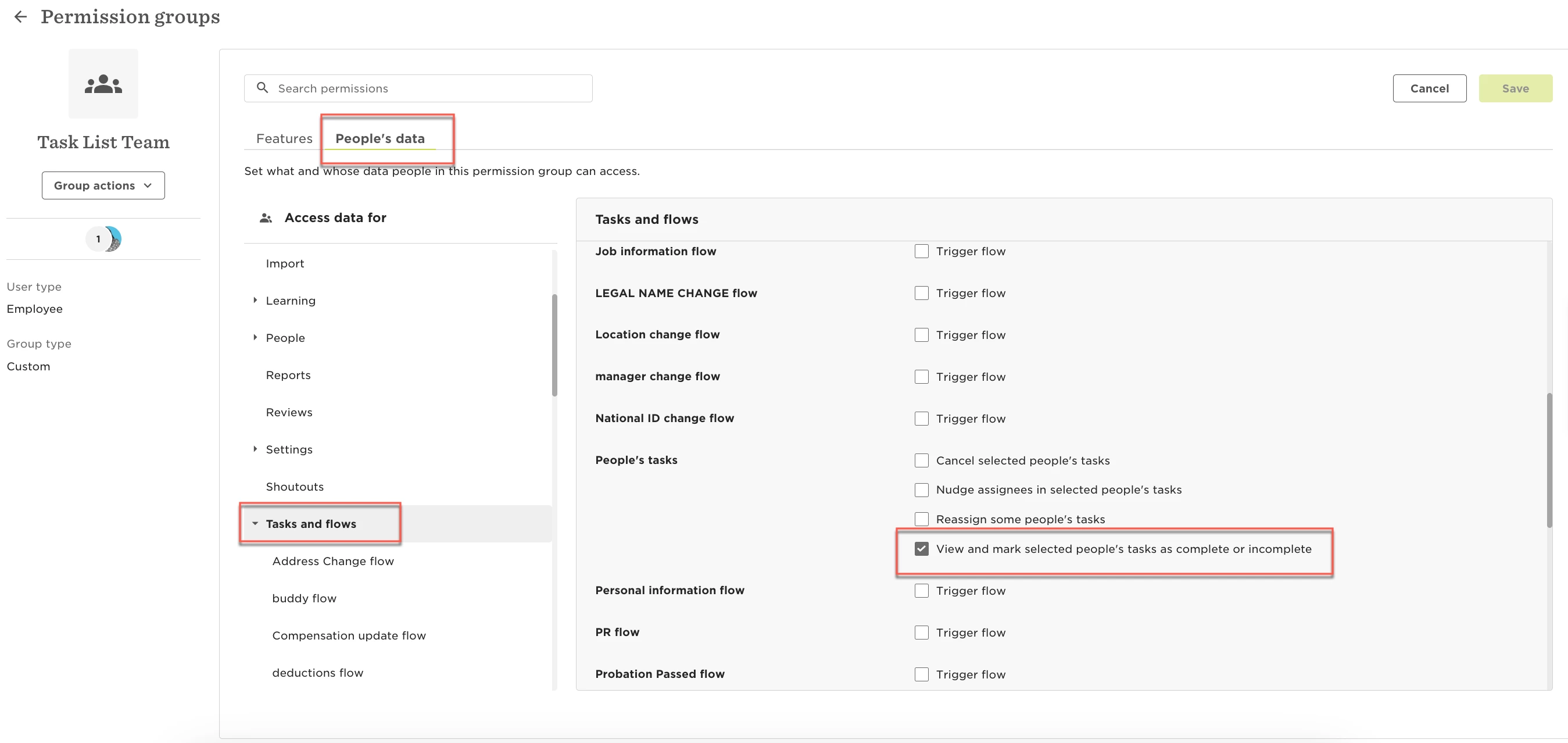
Understanding who can see what tasks can sometimes be confusing. Here’s a simple guide to help you navigate permissions for group tasks:
-
Admins:
- You can view all tasks for groups, regardless of whether they are assigned, scheduled, or triggered.
-
Employees in a Group:
- You will only see tasks for your group, whether they are assigned or not, and whether they are scheduled or triggered.
-
Employees with "Manage all shared tasks for groups" Permission:
- You can see all tasks for groups, similar to admins, whether they are assigned, scheduled, or triggered.

4. Employees with Individual Task Permissions:
- If you have permission to see individual tasks, you will see scheduled tasks for your group, but only for the employees whose tasks you are allowed to view.
Example: John can see tasks that are requested for Andy. If this task is a group task, John will only see it when it is in the "Scheduled" status. Once the task is triggered, he will no longer see the task.
We hope this clarifies how task visibility works. If you have any questions or need further assistance, please don’t hesitate to reach out. We're here to help!