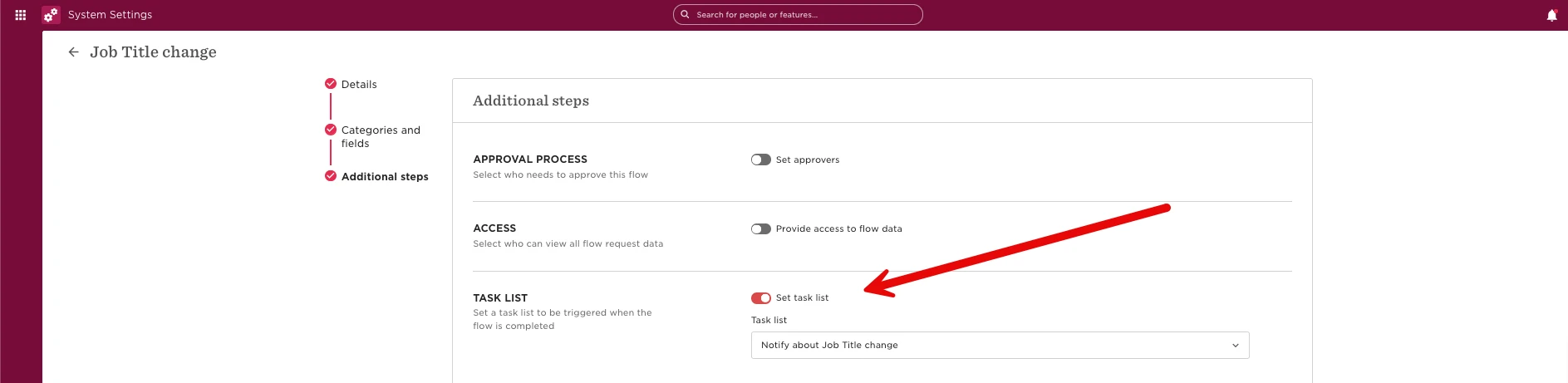
How to make sure everyone sees a job title change using a quick shoutout and a Task List.
-
Create a Task List
Add two general tasks to a new Task List and assign it to a relevant admin or manager.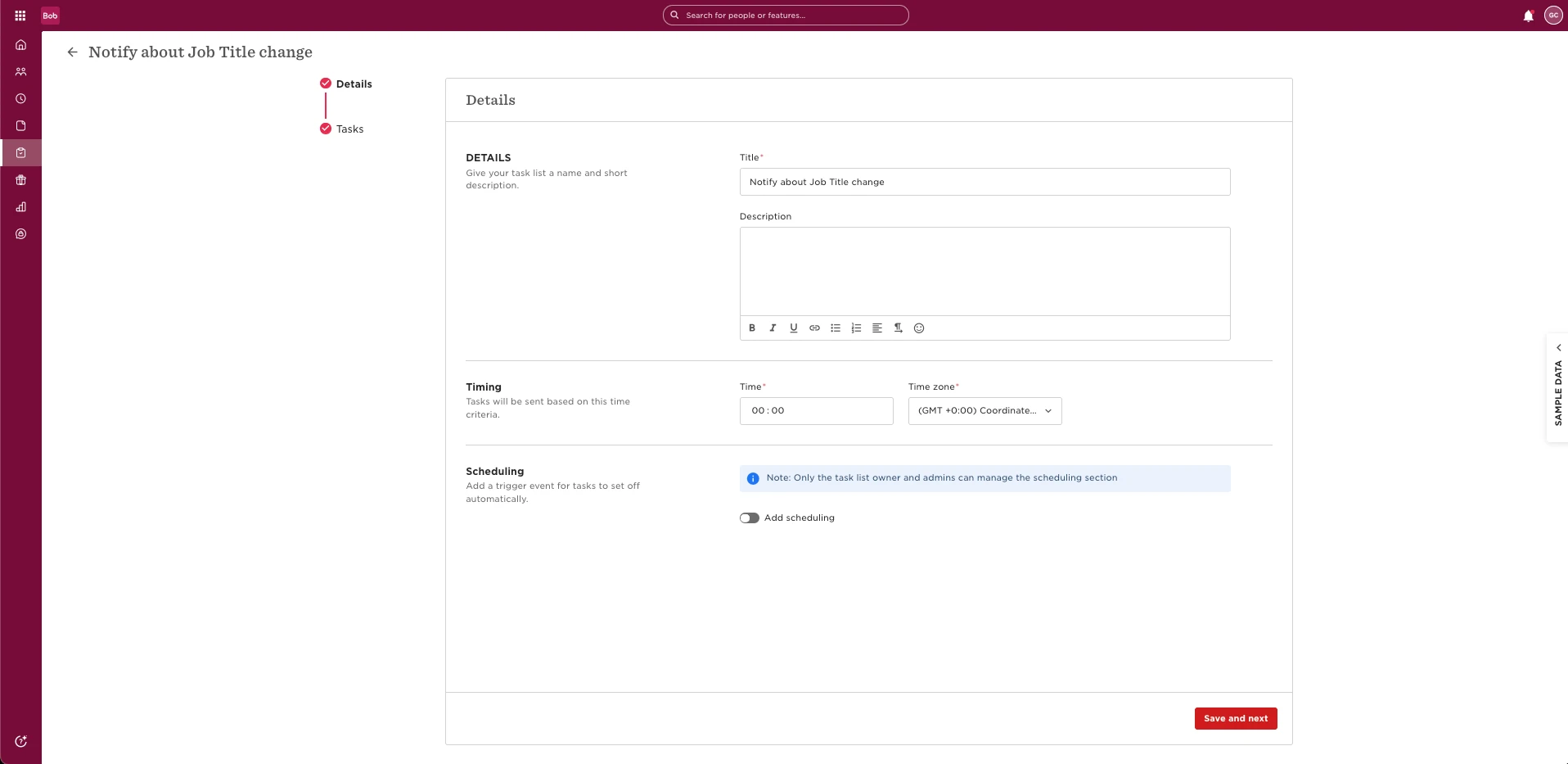
-
First Task: Announce the Change
-
Post a shoutout with the details of the job title change.
-
Pin the shoutout so it appears at the top of everyone's homepage when they log in.
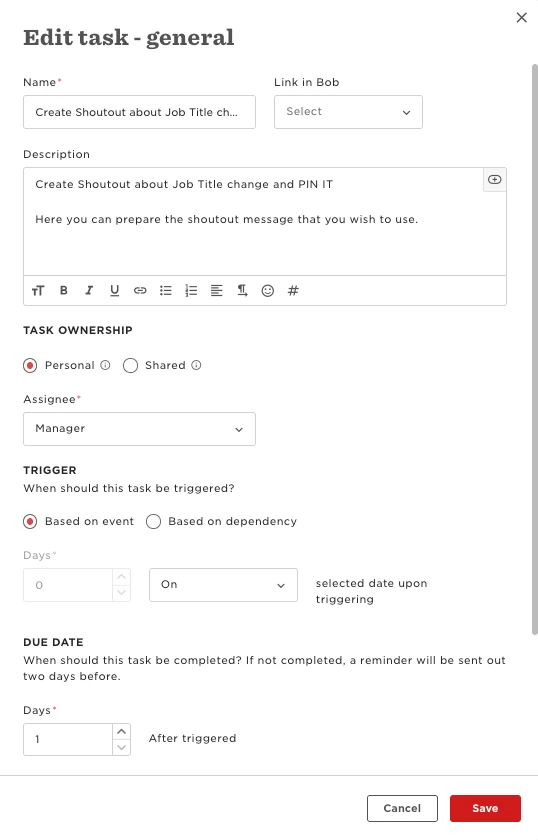
This ensures everyone sees the update right away.
-
-
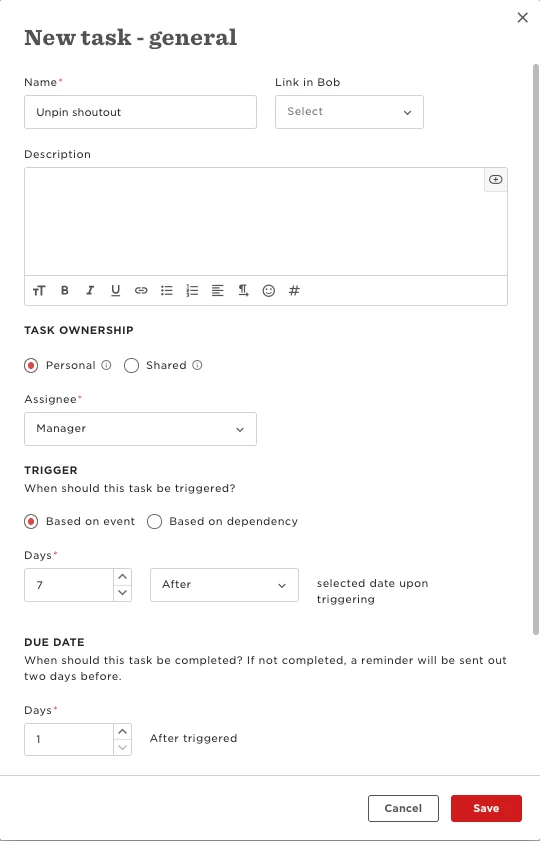
Second Task: Unpin the Shoutout
-
Schedule a follow-up task for one week later.
-
This task should prompt the assignee to unpin
the shoutout (but leave it live in the system).
-
This keeps the homepage clean while still allowing people to find the announcement.
-
-
Add Task List to a Flow
Once the Task List is ready, attach it to your flow for updating an employee’s job title. This ensures the notifications are triggered automatically.