

Send invites to employees who are already working at your company, with or without guiding them through an onboarding flow.
You can invite employees from either their profile (individually) or the directory (in bulk):
- Go to Actions > Manage access > Invite employee
In both cases, the invite is sent to the employee’s work email. When they click the link, they’ll be prompted to set a password and access Bob.
Invite without an onboarding flow
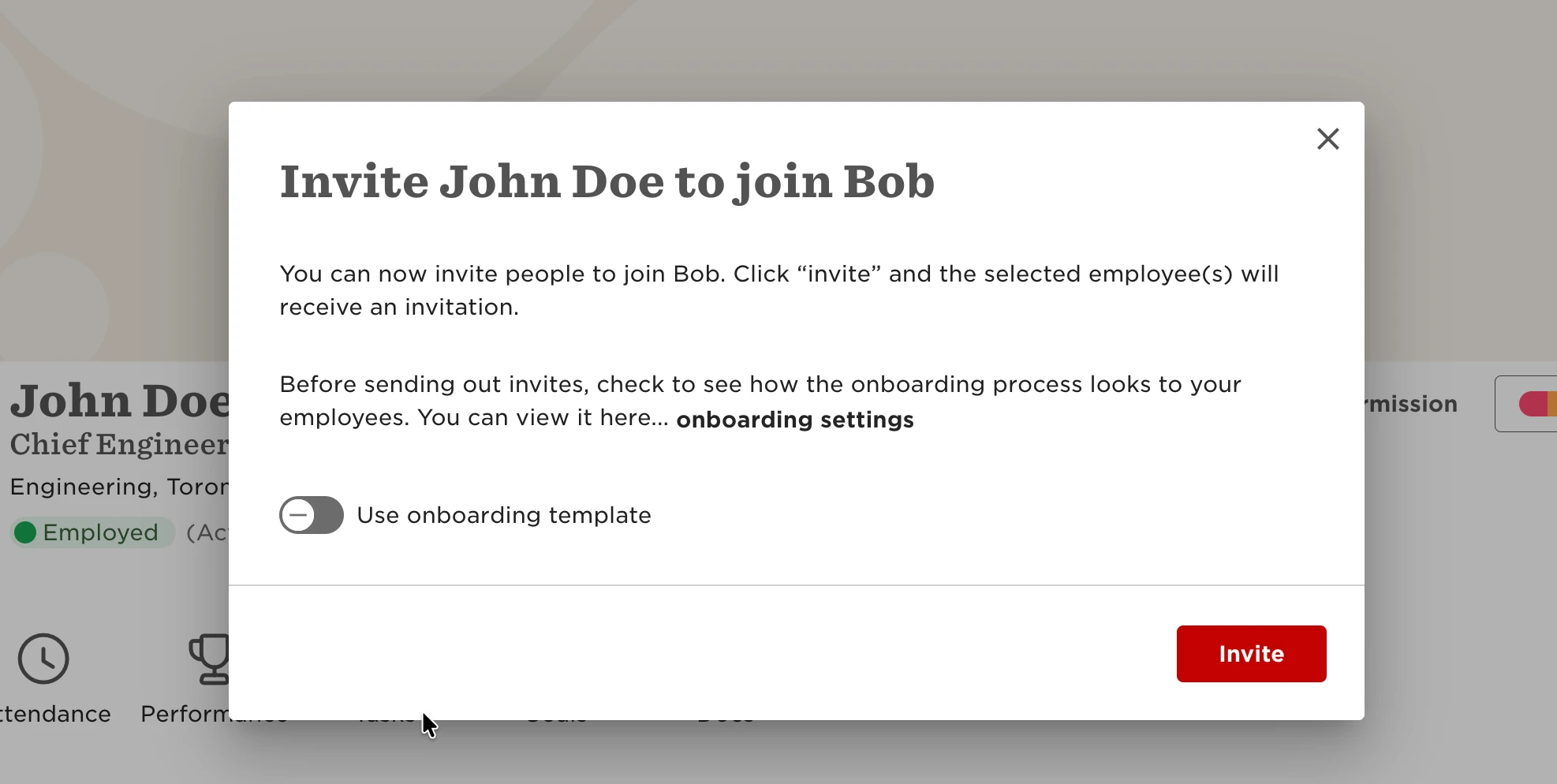
If the employee doesn’t need to complete any onboarding steps, leave the onboarding flow toggle turned off.
The employee will receive a standard (non-customizable) invitation email.
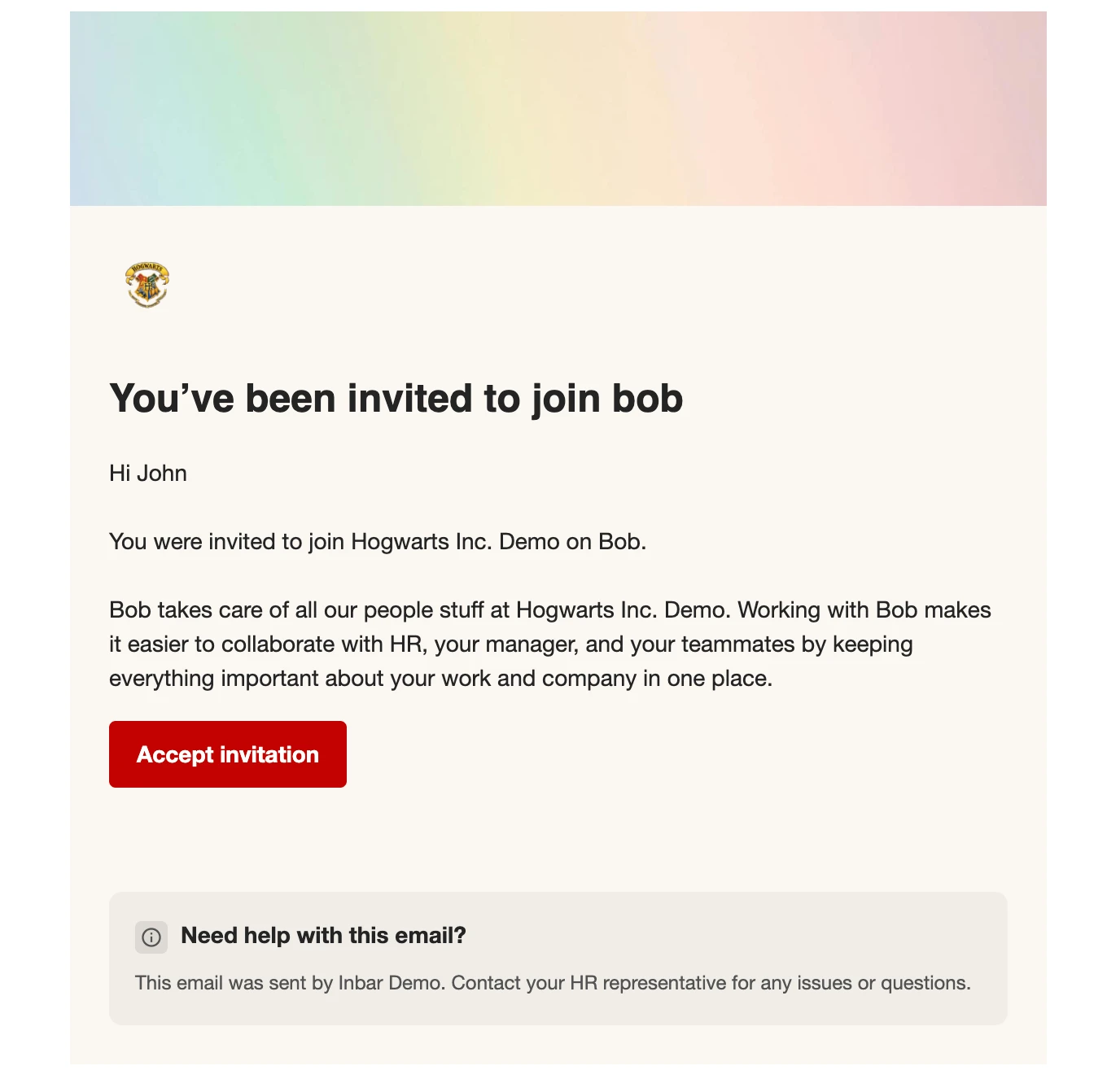
After setting their password, they can start using Bob right away.
Invite with an onboarding flow
If you’d like the employee to go through a Onboarding structured flow and receive a customized invite:
- Turn on the onboarding flow toggle
- Select the relevant onboarding flow
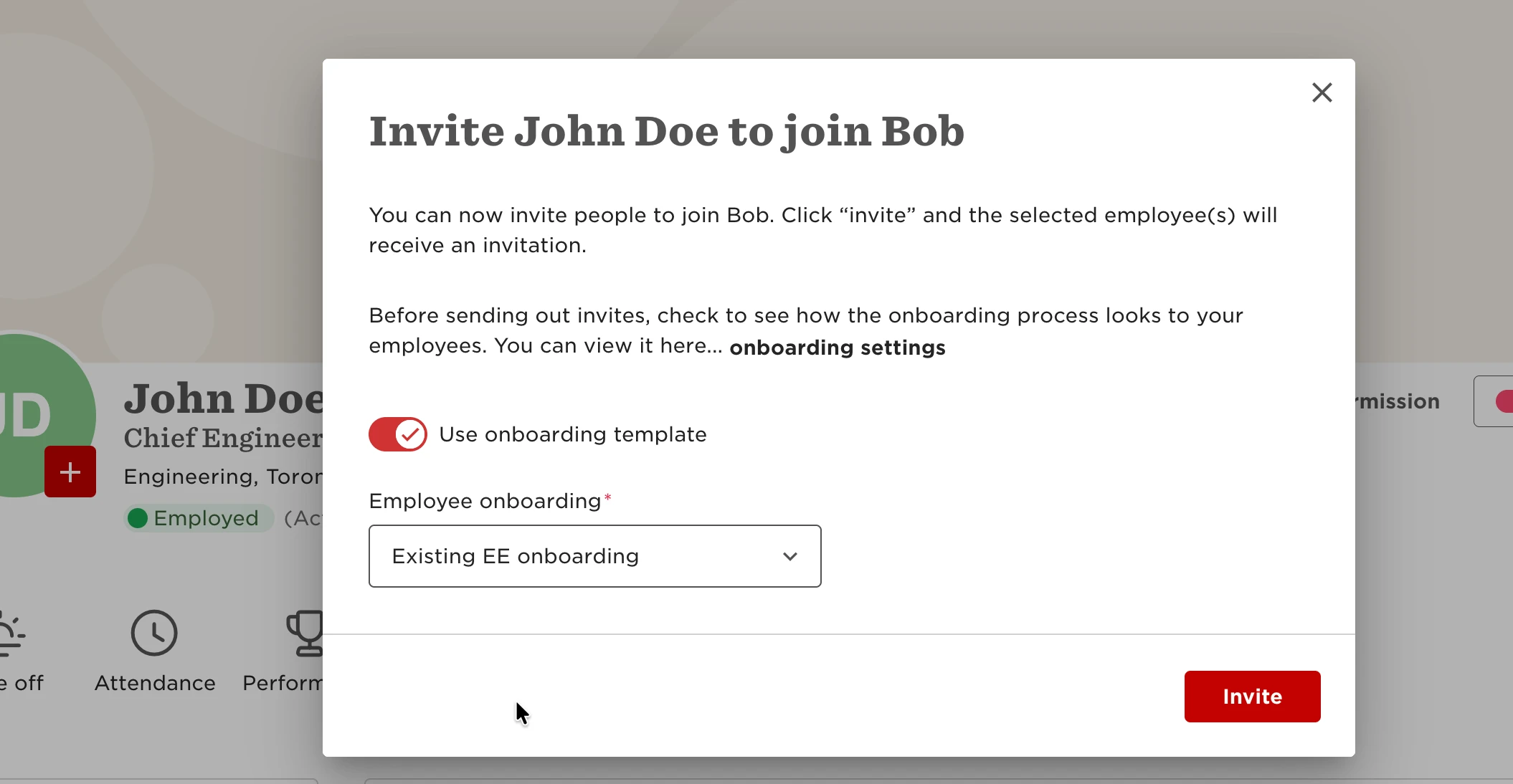
In this case, the invitation email is part of the onboarding flow and can be customized.
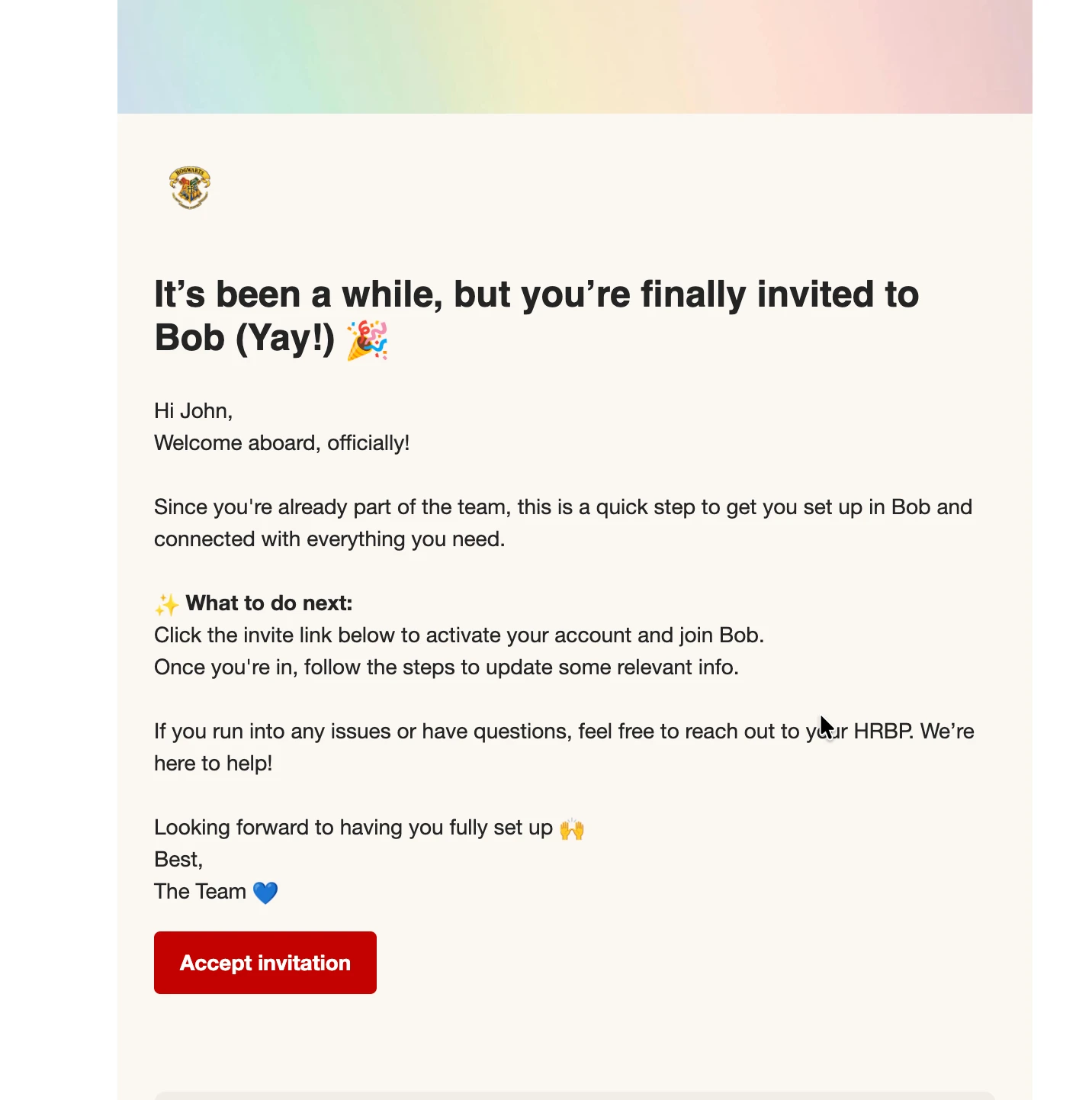
This is useful when inviting existing employees who don’t need a full new hire experience but still require specific steps or tailored communication.
To customize the invitation email:
- Go to System settings > Flow > New hire and onboarding > Onboarding
- Create a new flow or select an existing one, then click Manage
- Open the Welcome email step
- Scroll to the Start date email section and customize the content
Since the employee is already employed, the pre-onboarding email configured in the flow won’t be sent.