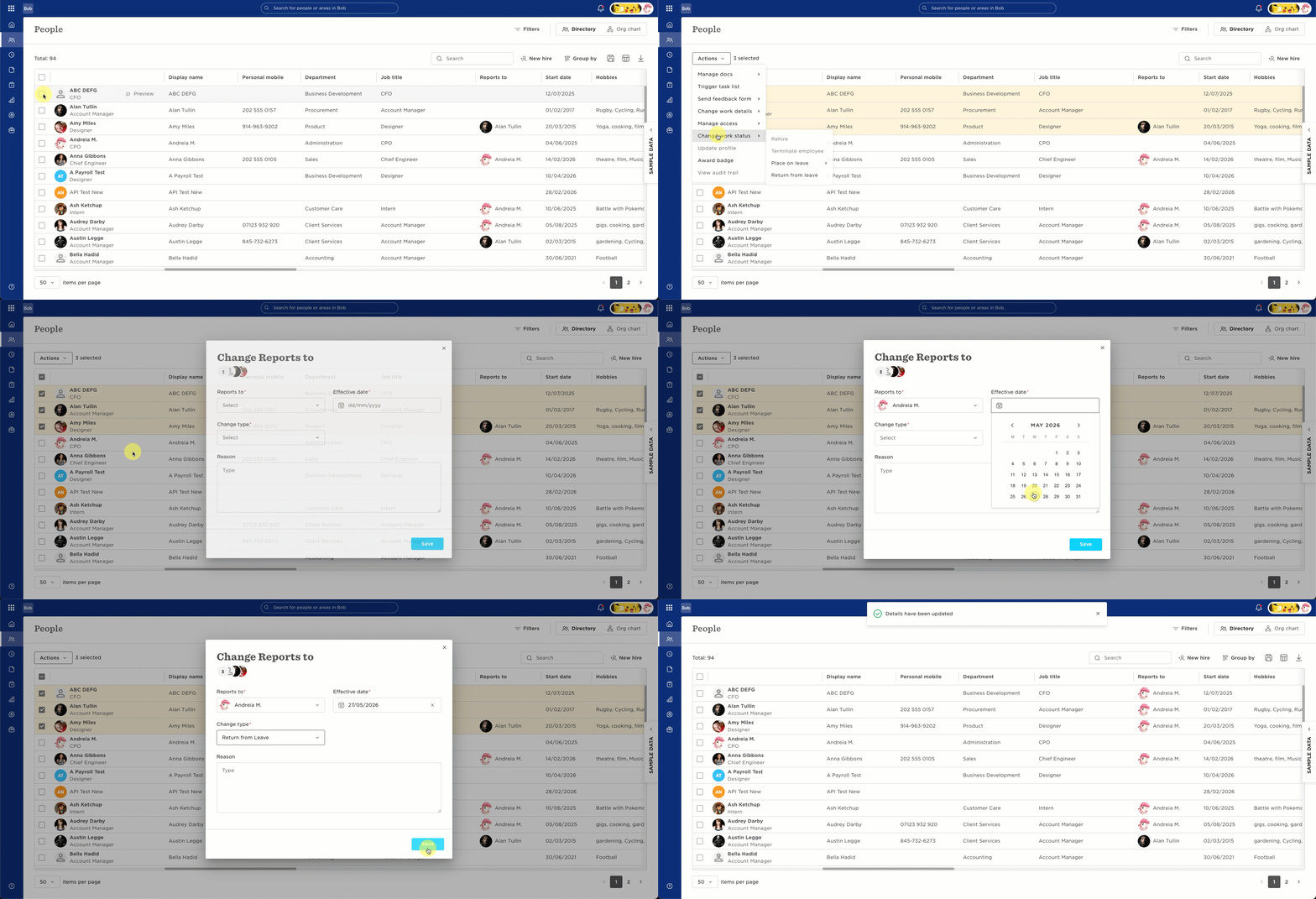

When a manager is going on leave and needs to hand over responsibilities like tasks, flows, direct reports, or surveys, you can assign a replacement directly through the Leave flow to make sure everything stays covered.
This helps maintain continuity without manually reassigning work across the system.
To set this up, start by placing the manager on leave as you normally would:
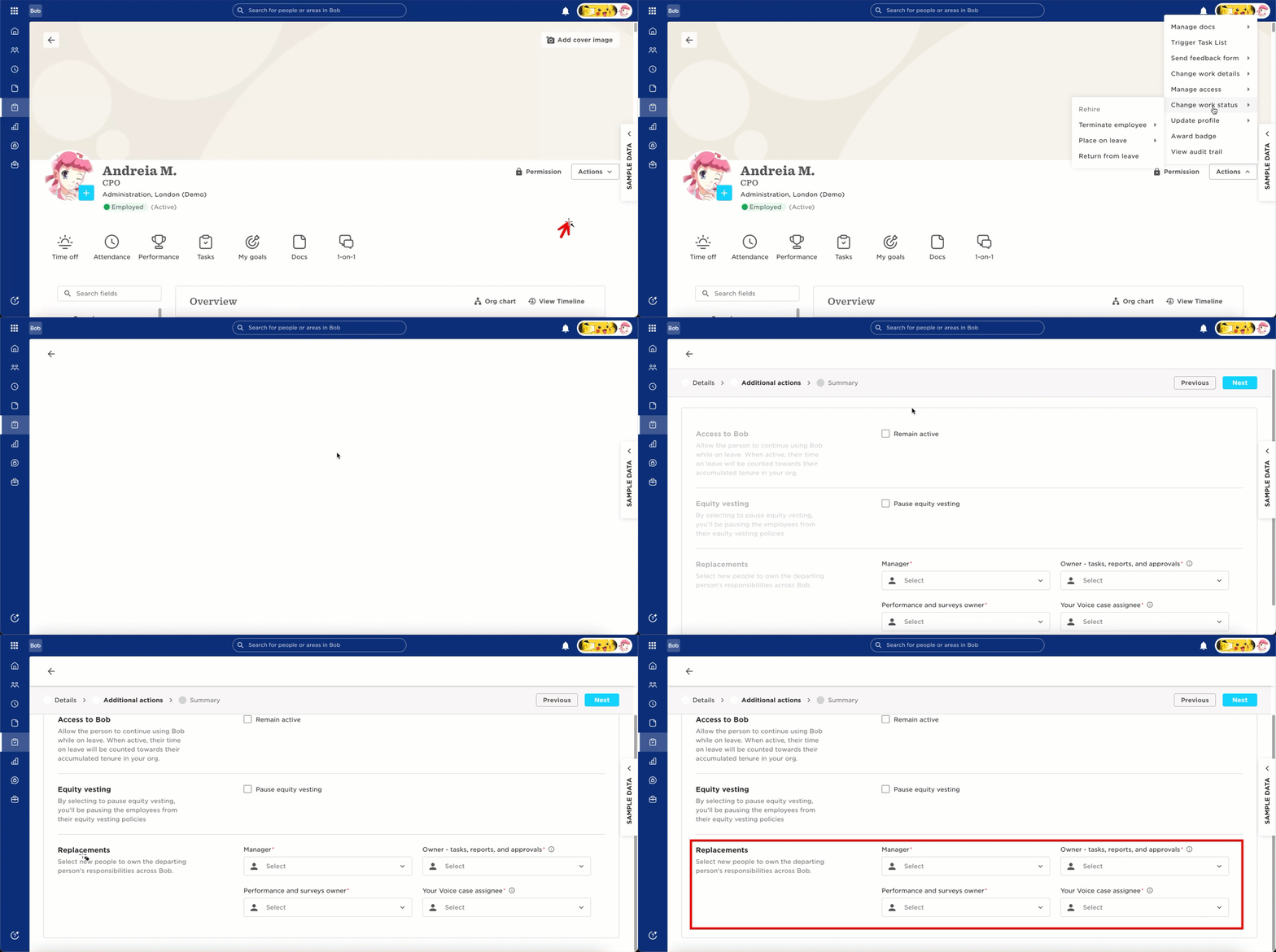
- Go to the Manager profile
- Select Actions > Change Work Status > Place on Leave
- Choose the relevant leave type and dates
- During the leave setup, you’ll see the option to assign a replacement.
- In the Replacement section, select the employee who should cover for the manager.
Bob will allow you to choose which responsibilities should be handed over, such as:
- Direct reports
- Tasks and approvals
- Performance and surveys
- Your Voice tasks
Once the leave is approved, the selected replacement automatically takes over the chosen responsibilities.
Important notes:
-
The replacement applies from the start date of the Leave and beyond. This makes it ideal for parental leave, sabbaticals, or any planned absence.
-
This feature is only available for Leave flows. If you place a Manager on Leave via Time Off, you won't be able to select replacements.