

When a Task list is triggered, either from a flow, or directly from an employee profile or the People Directory, individual Tasks still follow the Timing set in the Task list settings, not the moment you trigger it.
This logic applies even when selecting "Now" in the Trigger options, during the manual Task list trigger.
Here’s what actually happens:
- Every task has a configured Time (HH:MM) and Timezone
- When a task list is triggered manually (including via flow), tasks are scheduled based on that Timing.
- The trigger action (completing a flow or manually triggering) does not override the task timing
For example:
- You complete a flow at 09:00
- The task is set to 11:00
> The task will be sent at 11:00, not at 09:00
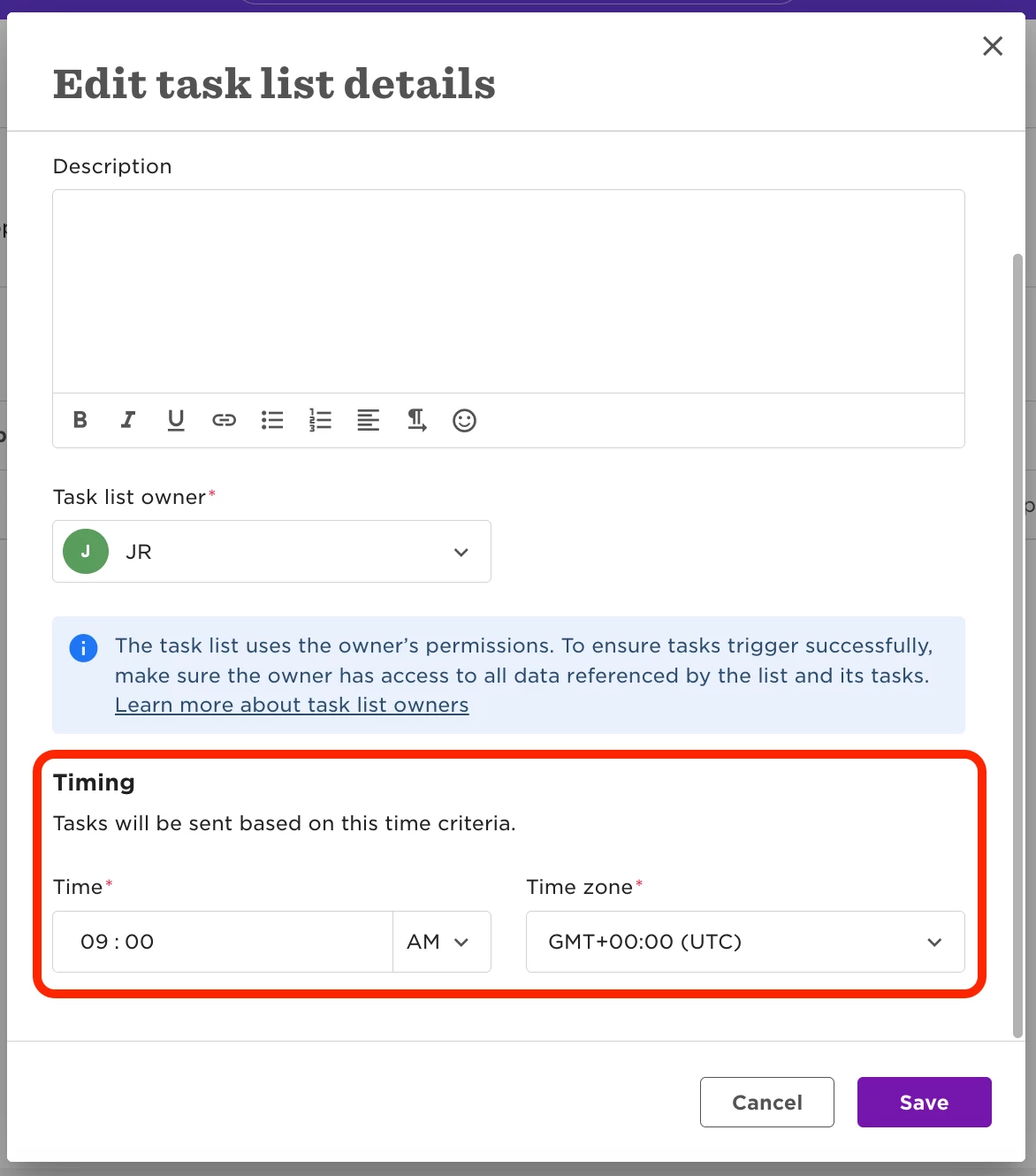
There is one key exception to be aware of:
- If you trigger the task list after the configured time has already passed, the task will be sent immediately
For example:
- Task is set to 11:00
- You trigger the task list at 12:00
> The task is sent right away
This happens because the system prioritises sending tasks on the correct date, and won’t delay them to the next day if the time has already passed.
A few important clarifications:
This behaviour is the same whether the task list is triggered:
- Even if the trigger is labeled as “Now”, this refers to the date, not the exact time
- After a manual trigger, Tasks will appear as Scheduled in the Manage Tasks page, until their configured Timing is reached. In that page, the Task Activity will show the time of the manual Task list trigger, followed by the the actual Task trigger based on the Task list Timing.
- If you need a task to go out immediately after a manual trigger or flow completion, make sure the Task Timing is set accordingly (or earlier than the expected trigger time).