

This can be done in three ways:
- Through the “New Hire” flow
- Through scheduling
- Manually
1.) New hire Flow:
If the task list feature is enabled on the new hire flow, then the Tasks tab will be part of the flow with a default task list (that can be changed manually to another task list if needed).
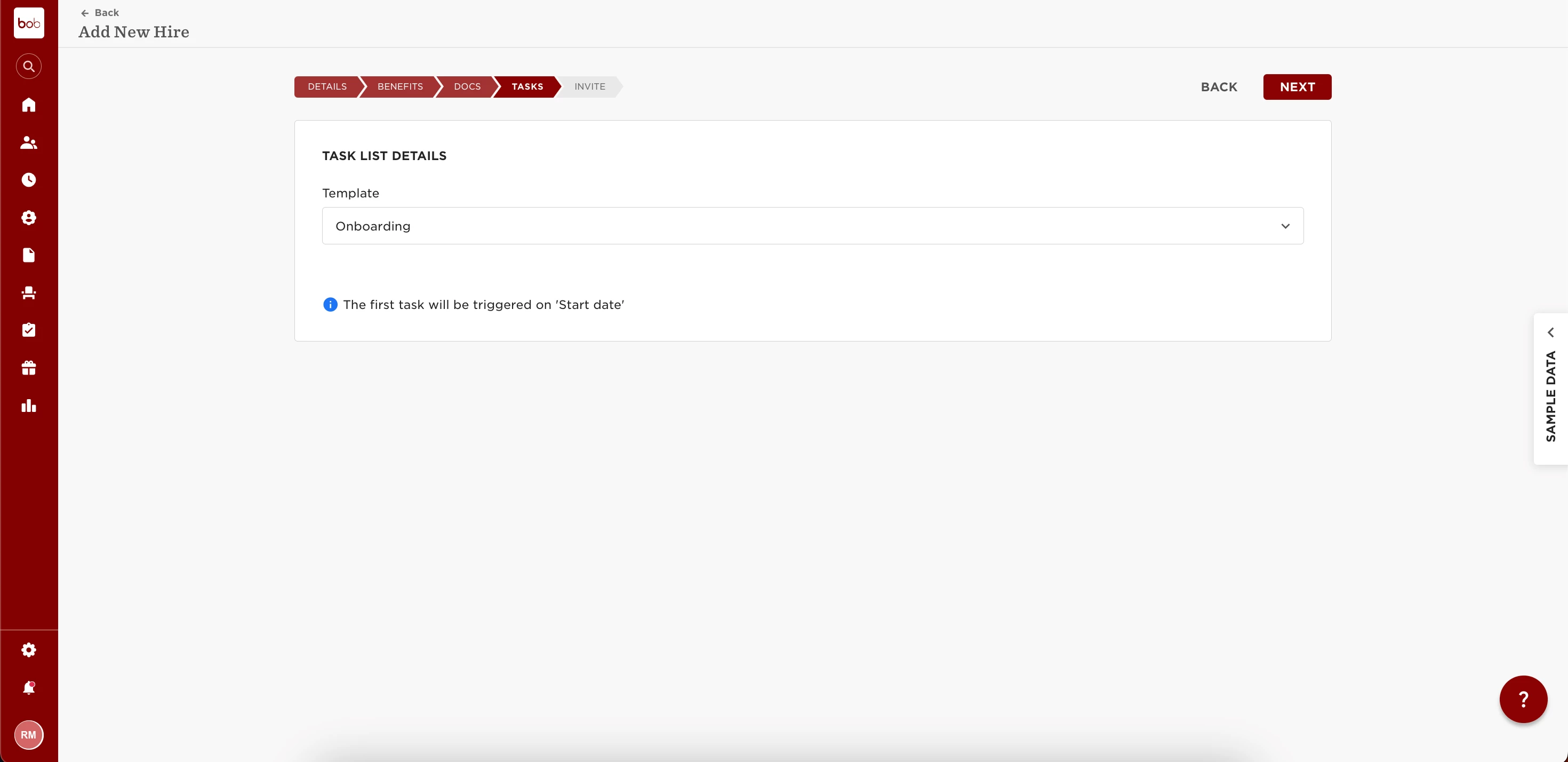
The Task list is documented in Bob as based on trigger date or manually (depends on if the task list is auto scheduled or not).
2.) If the task list set up is manual - then the anchor date is Now.
- If the task list set-up is auto-scheduled, then the anchor date is the anchor chosen in the task list.
- Set up the onboarding task list to be triggered automatically in “Scheduling”:
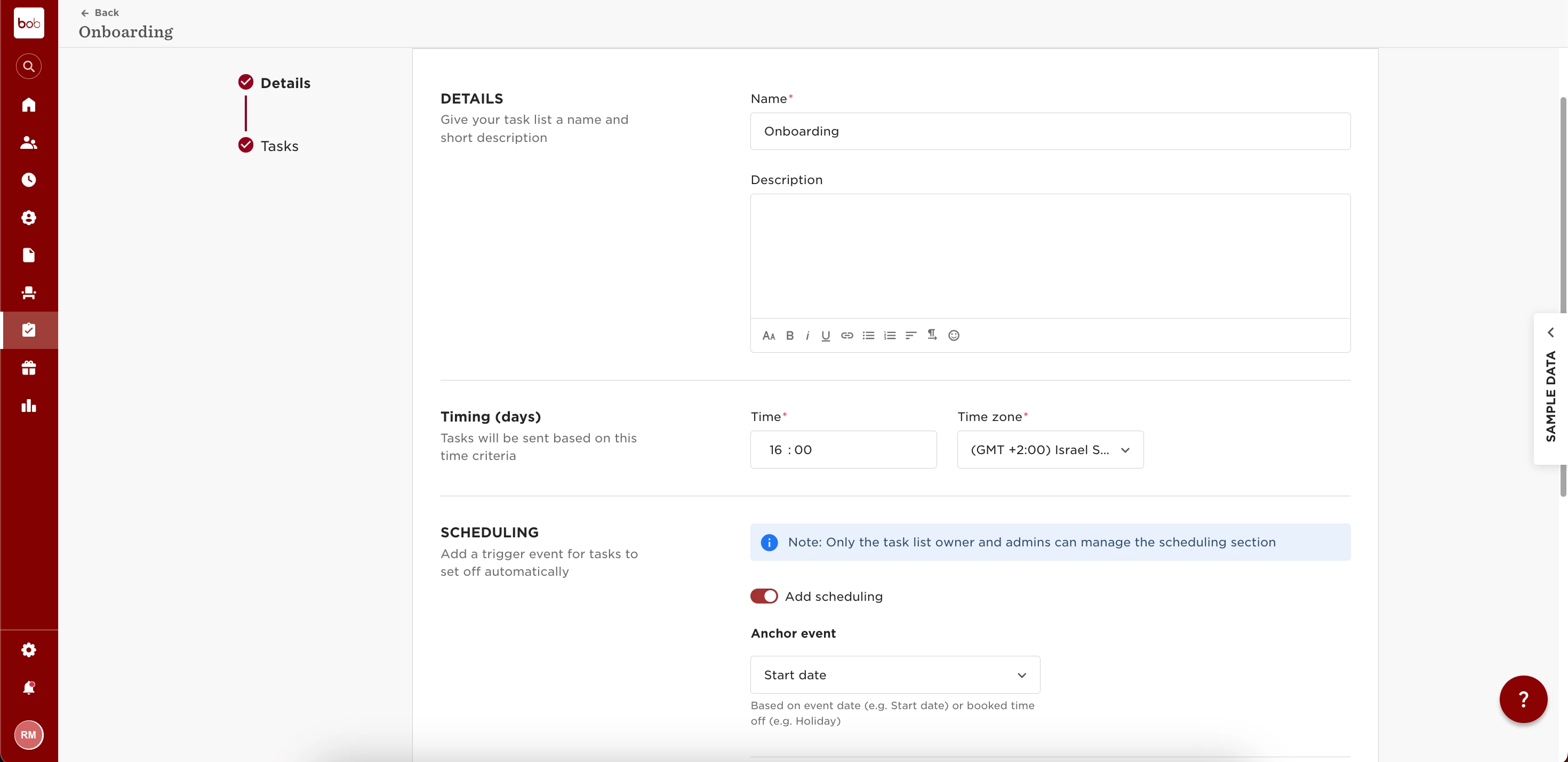
PLEASE NOTE: If task list is auto-scheduled, make sure to set up the applies to correctly to employees with “Lifecycle equals Hired”. Otherwise, Bob won't let you proceed with new hire flow, nor trigger the task list automatically before the start date. In any case, the task list won't trigger twice.
3.) Manually:
Trigger task list manually via the Directory.
In this option, Bob overrides the “Applies to” set up on the task list and triggers the task list on the spot.