

You can review approval flow details in Bob by creating a custom report.
While there isn’t a ready-made approval flow report under Analytics > Reports, you can use this workaround to generate one:
-
Go to Org » Approvals » All approval flows
-
Click Download or Save report and choose where you want to store it
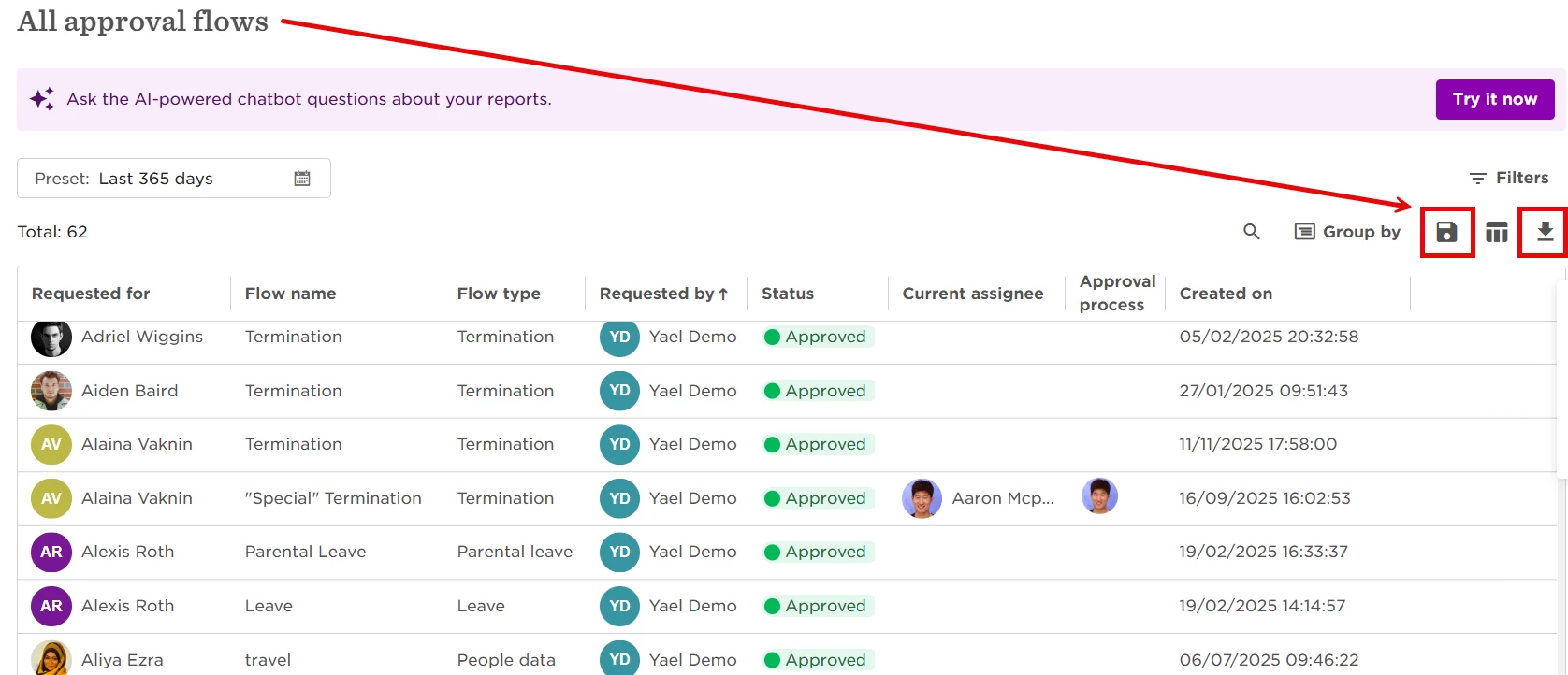
After saving, open the report to review details such as the flow name, status, approval process, and more.
This report makes it easier to track pending approvals and analyze approval flow data in one place.
For further details and overview, please see: Manage flow approval requests