


When using a flow to update user data and changing an effective date in Bob, a new row is added to the table only if new information is provided in at least one of its columns.

If no other field is updated, an error occurs. To prevent the Error:
1. Check all the tables – Ensure that all the tables in t
he flow were reviewed.
2. Update a Field – When changing an effective date, you must also update at least one other field in that table.
3. Verify Before Submitting – Ensure that the changes are consistent across all the relevant tables.
📌Example Fix
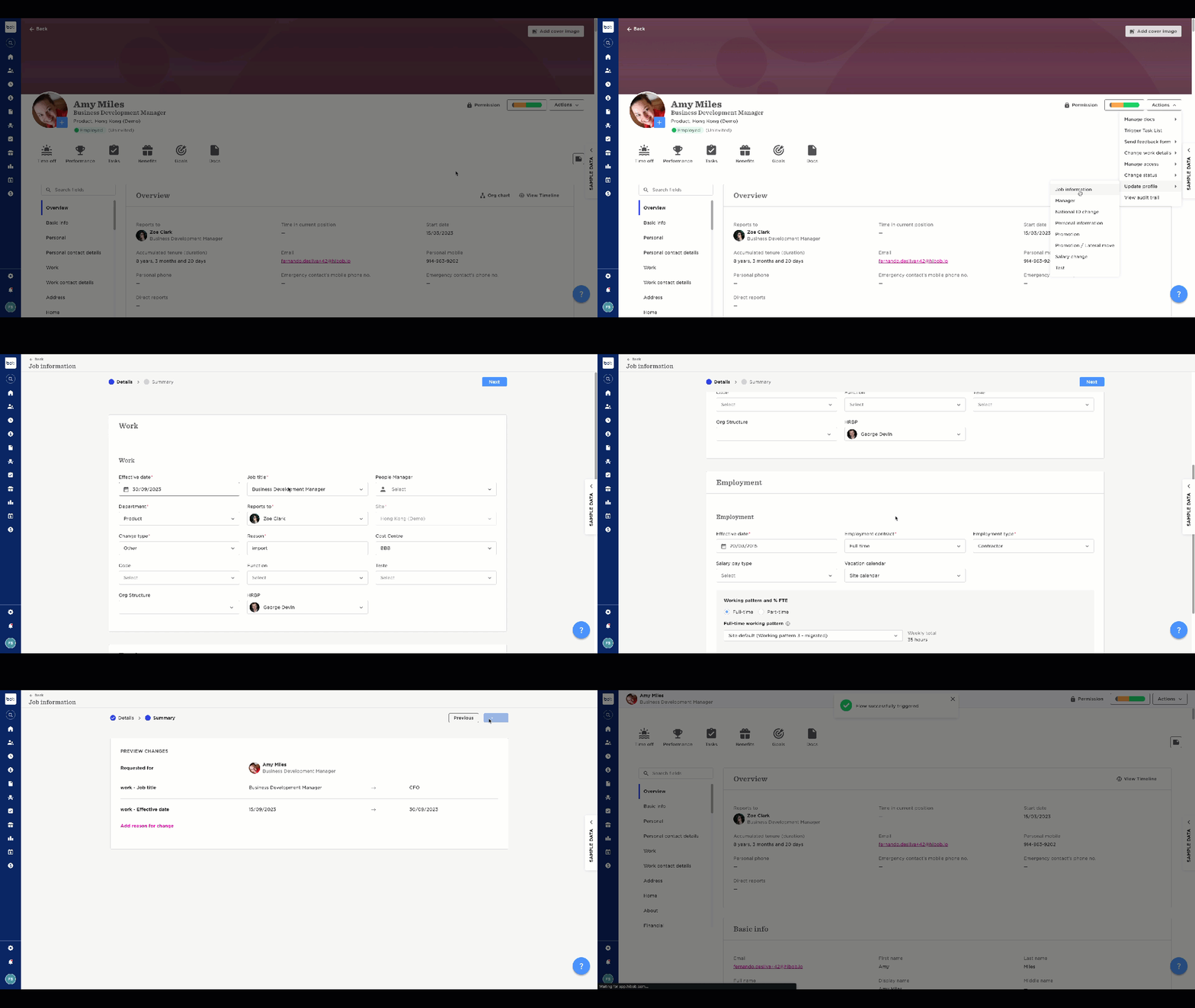
Incorrect: Changing only the effective date in a table included in the flow

Correct: Change the effective date and update at least one other field (e.g., Job title or Department in Work, Employment type in Employment, Base salary in Payroll, etc.)
Still need Help?
If the issue persists, review your changes and contact support with details. See attached videos for further guidance.