This isn’t currently possible. Employee Lifecycle Feedback tasks can only be sent to the employees themselves, not to their managers. However, you can use Performance reviews as a workaround to collect feedback from an employee’s manager.
To create the review cycle:
- From the top-left corner, go to Bob products.
- Select Talent.
- From the left menu, select Performance.
- Select Manage cycles.
- Click + New cycle.
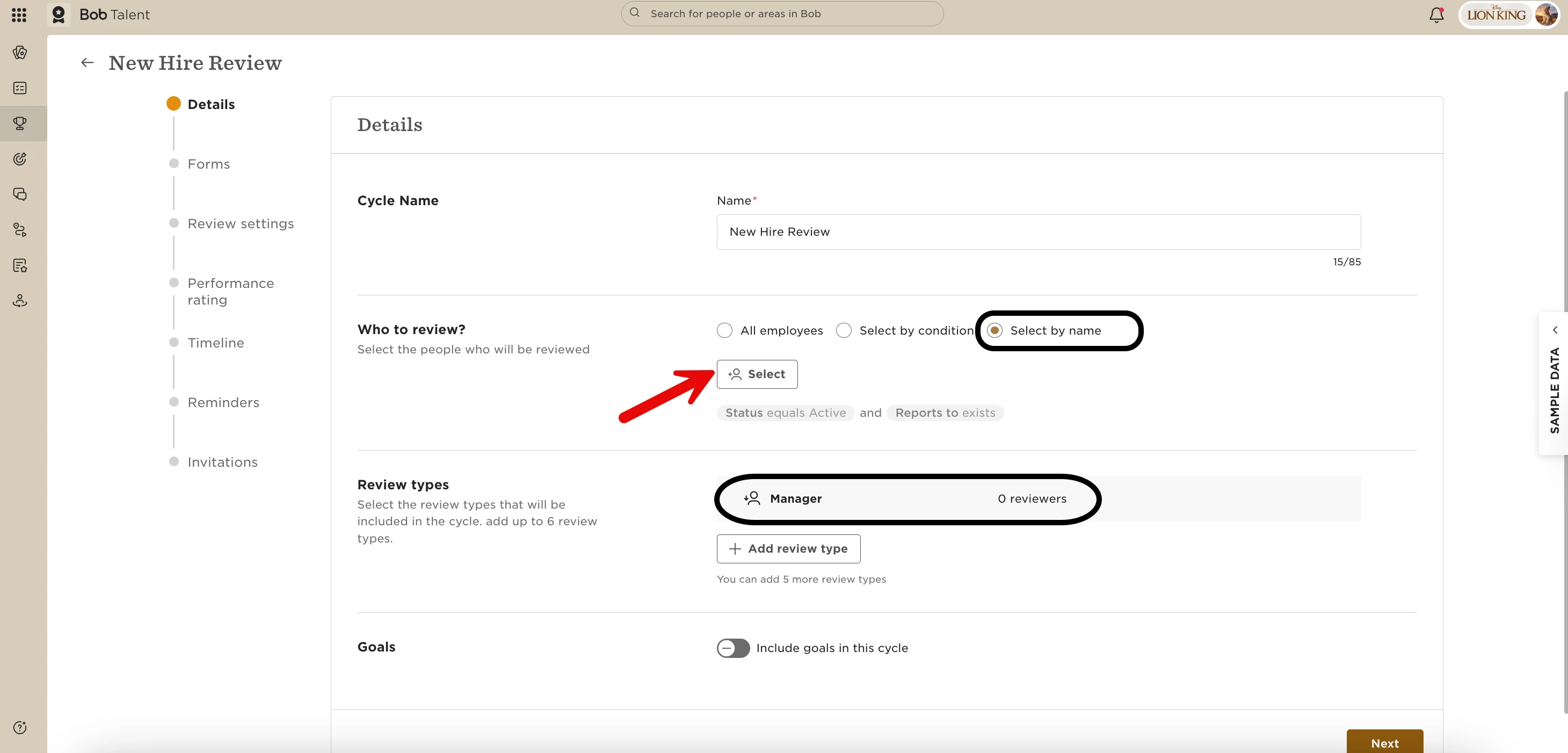
- Give the cycle a clear name that reflects the feedback you want to collect.
- Set it up as a manager review.
- Keep the cycle open for an extended period, extending it as needed so you can continue adding employees.
- Don’t select the option to share results when the cycle ends, since you’ll keep the cycle open to add employees as needed.
To help you remember when to add employees to the cycle, you can create a task list:
- Go to Tasks and create a new task list.
- Configure the task timing based on when you want to collect feedback.
- When you receive the reminder, manually add the relevant employee to the ongoing performance review cycle.
This is not a fully automated flow, but it can help you collect manager feedback at the relevant milestones using the currently available functionality.