

In order for employees to receive Bob communications, they need to be Active. This also applies to Sandbox.
Therefore, when testing a Company Survey on Sandbox, make sure the employees used to test your survey are Active in Sandbox - not just the production environment.
You can update the employees’ Sandbox email addresses to an *alias* of your own email, such as abc+1@gmail.com, so the test invitations are delivered to your inbox.
Then, in the production environment, add these alias addresses to the *approved emails* in Sandbox.
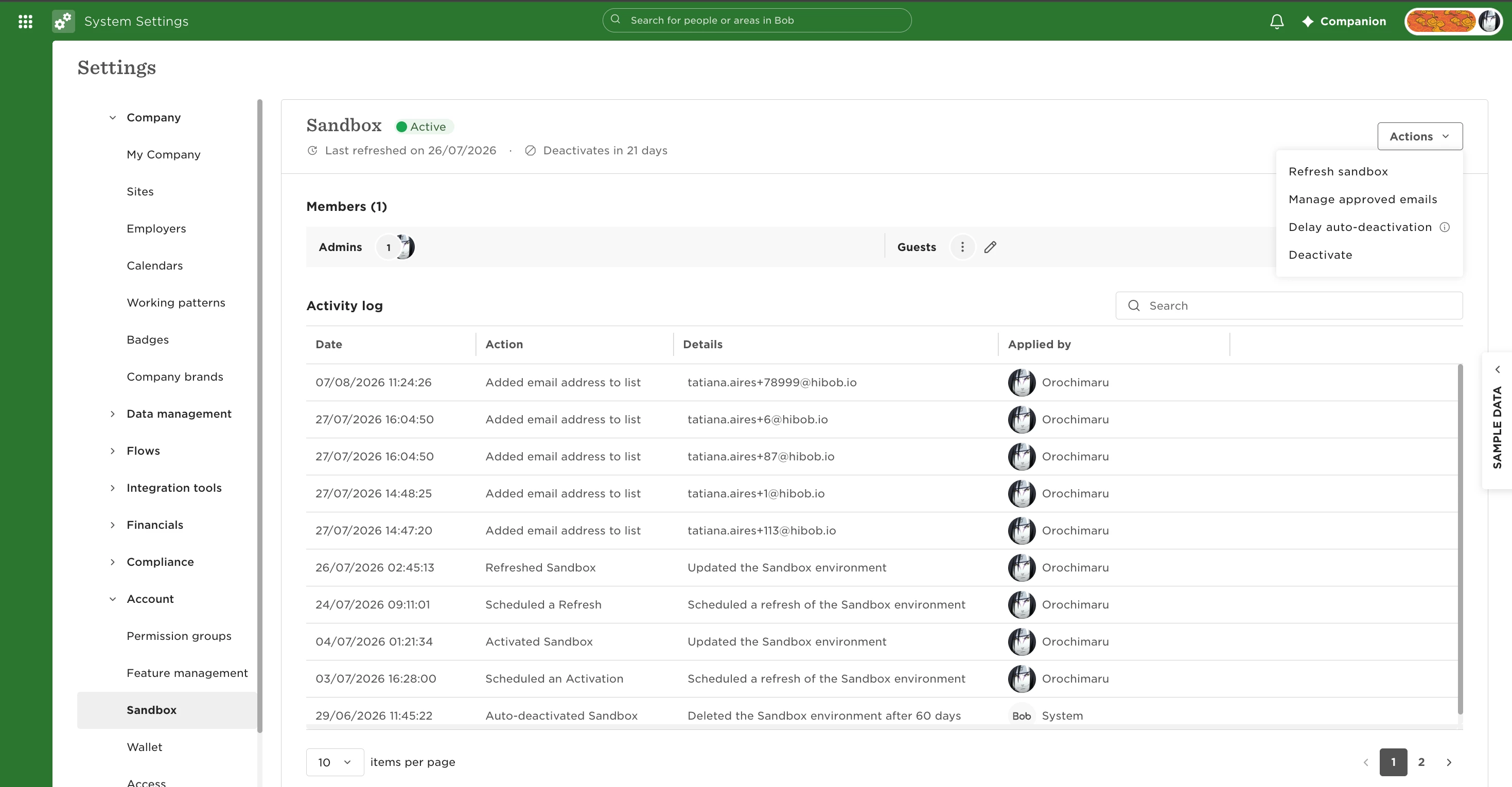
Afterward, you will invite these employees in Sandbox. You'll receive the invitation email on your inbox. Once you log in through the invitation, their profile becomes Active in Sandbox.
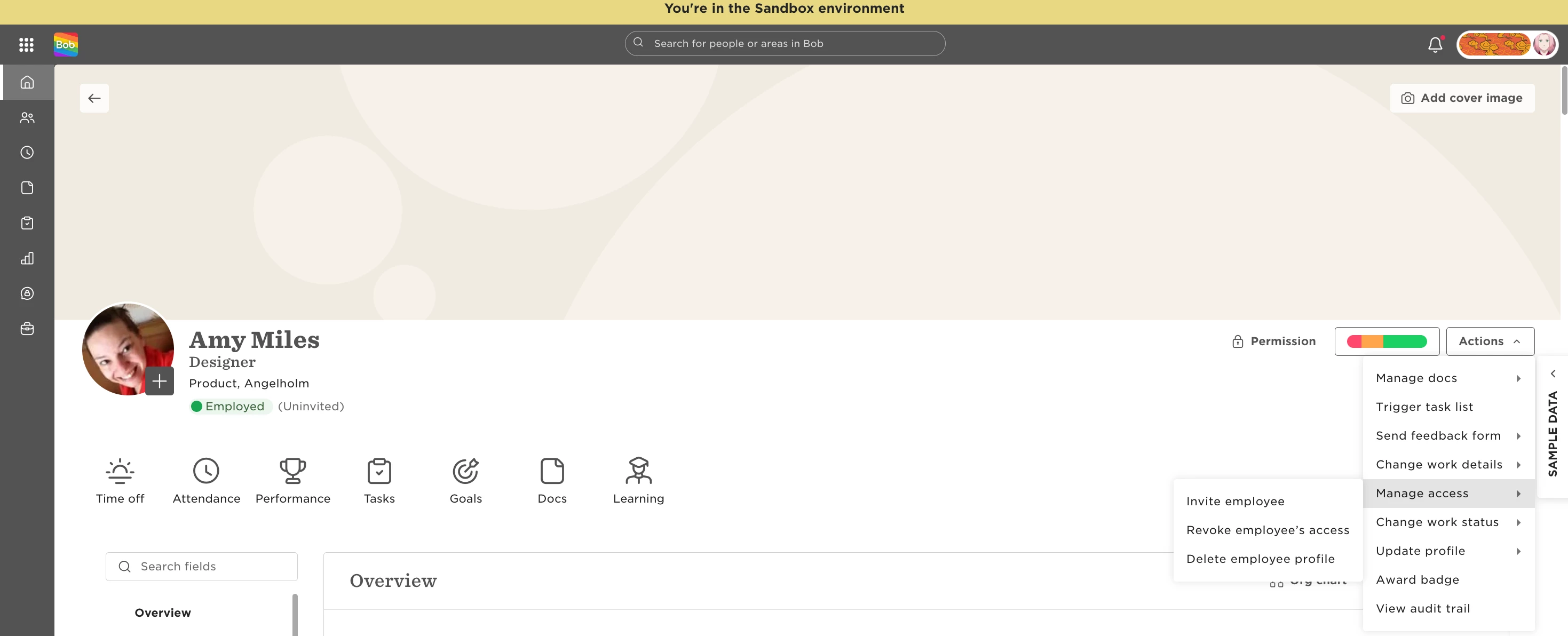
Once the employees are Active, they'll receive survey email invitations.
If they had already been added as survey participants before being Active, remove them from the survey and add them again. This triggers a new survey invitation to be sent.