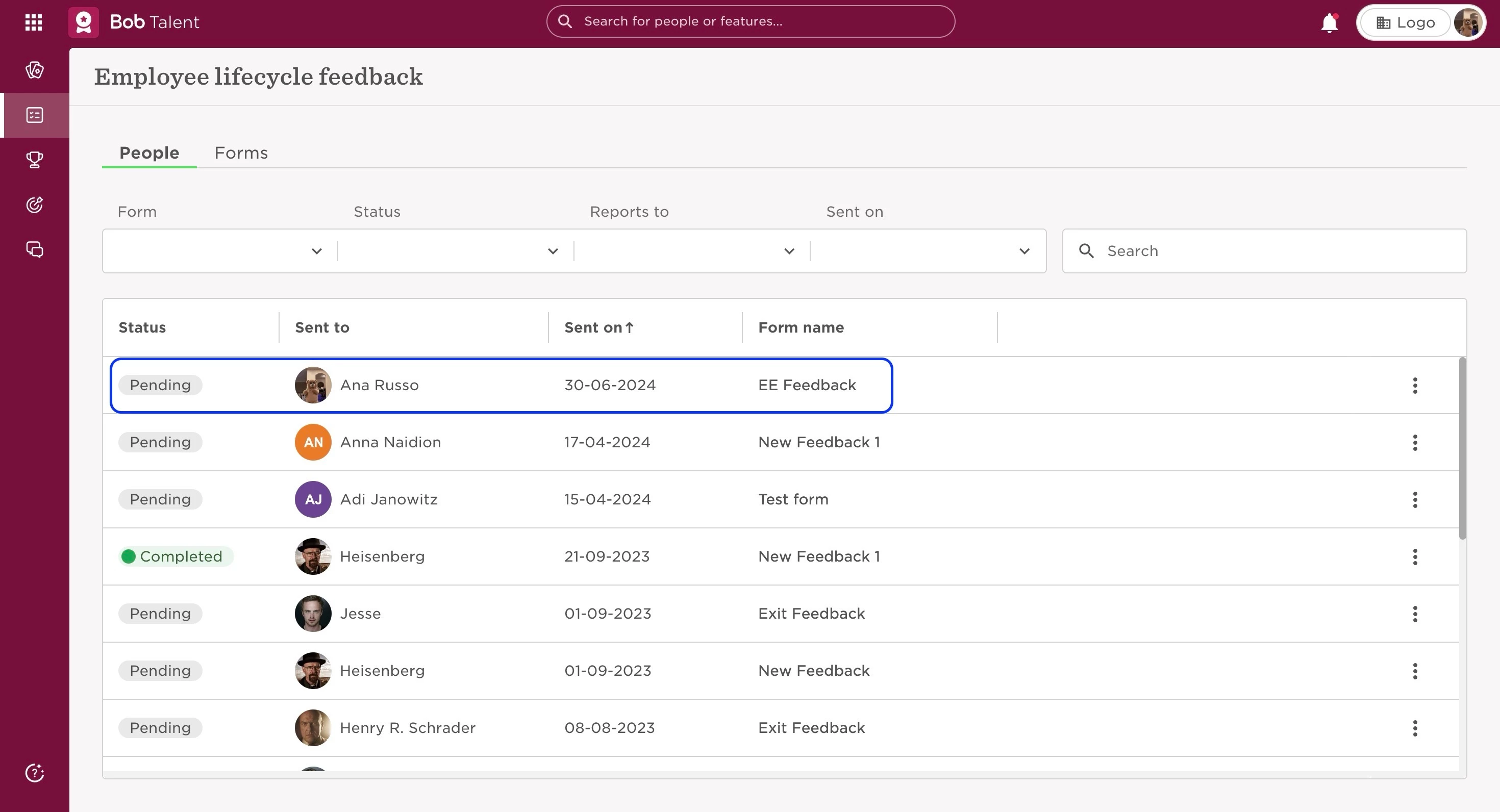
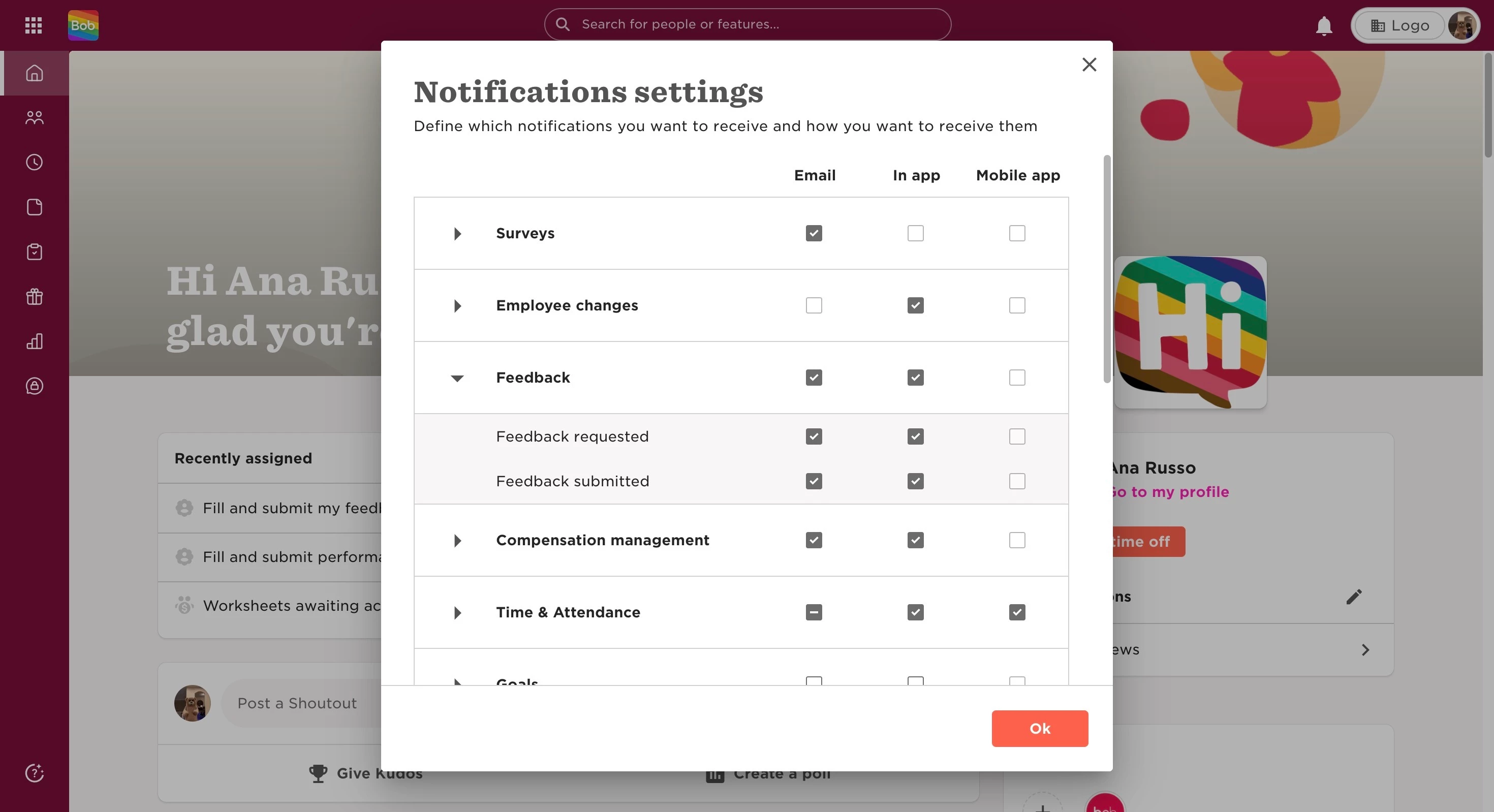
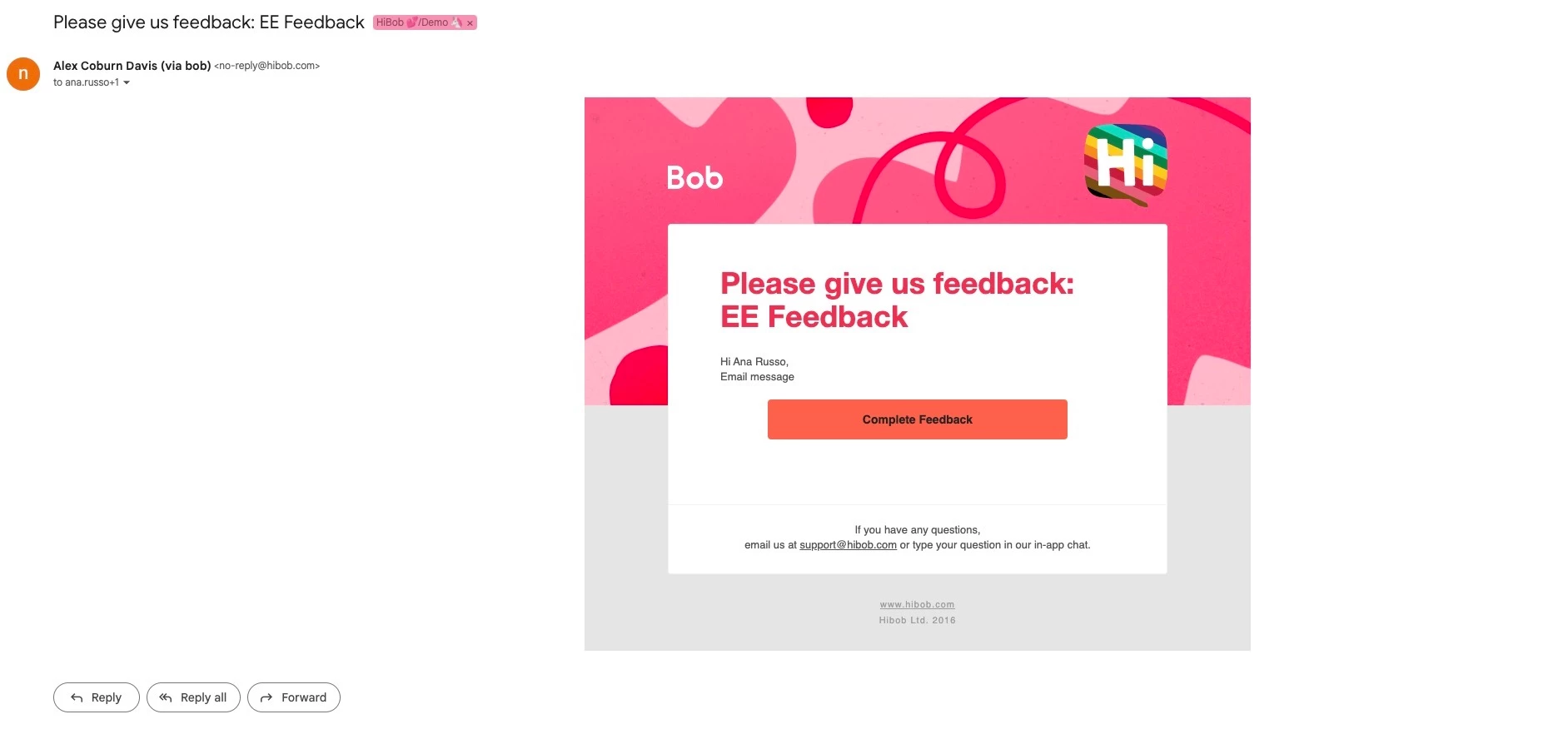
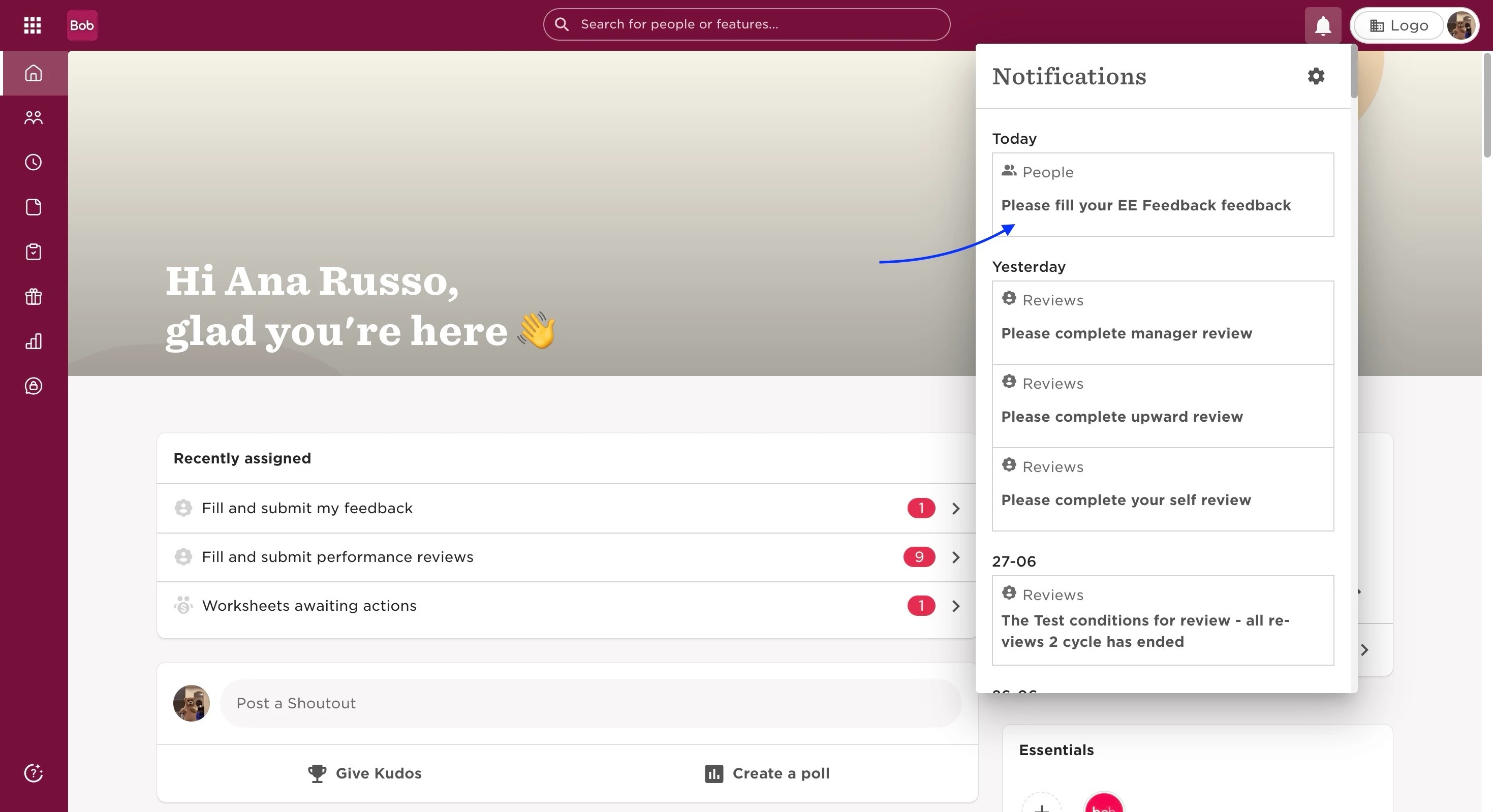
Notifications when requesting an Employee Feedback Form

  • July 18, 2023
  • 2 replies
  • 272 views

The employees will see a pending action in their HiBob homepage “Recently assigned” and will be able to access it through that link or:

  • From the top left, click on Bob products
  • Select Talent 
  • You will find in the left menu the option Surveys
  • Then, select Employee Lifecycle Feedback
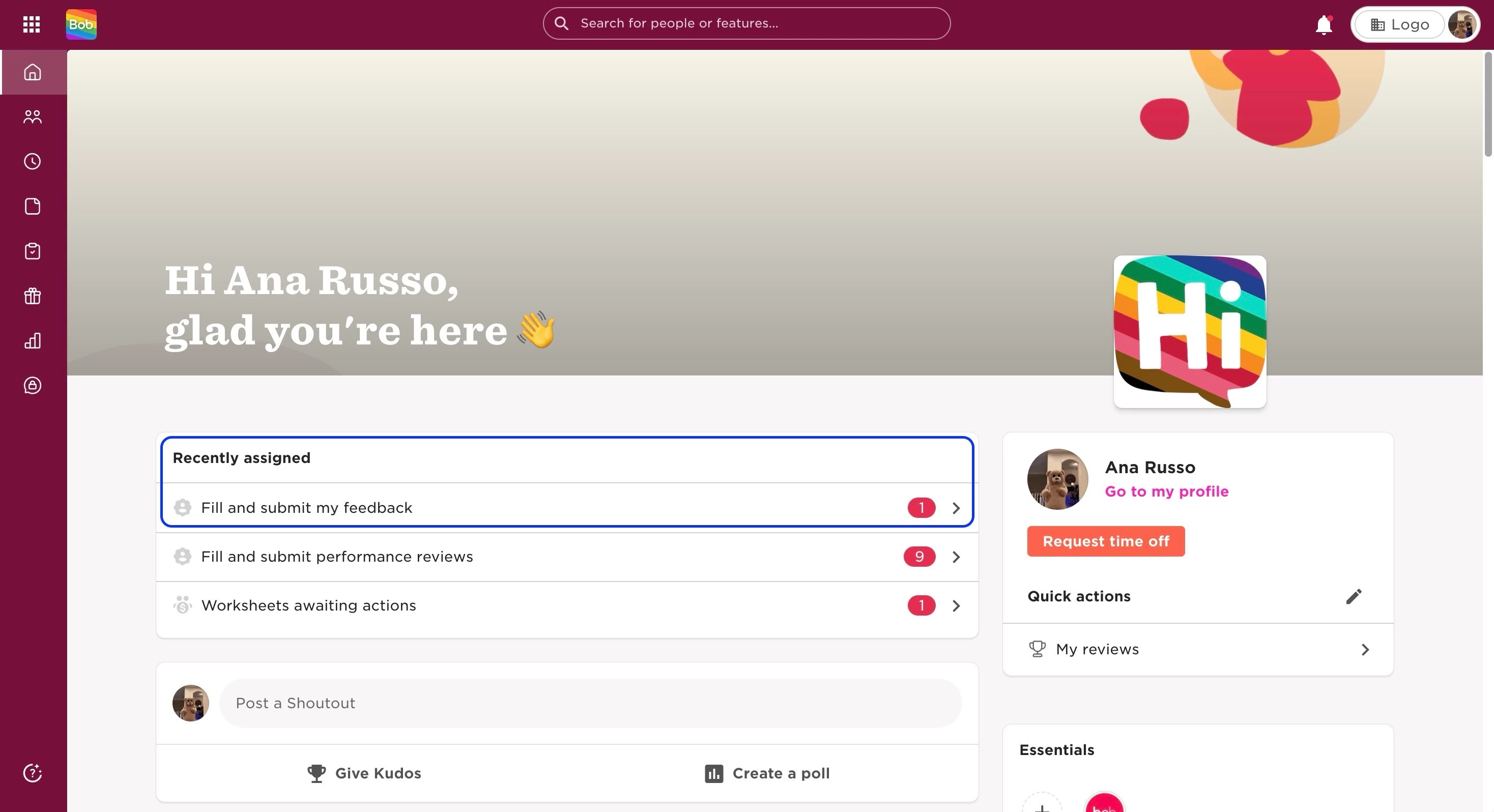
 

They can receive an email, if the notification settings are on in their profile. However, they will not receive an email notification if this is not set on.


Last updated June 30th, 2024

2 replies

  • October 30, 2023

Thanks for this information. Quick question, if you change the notification settings as described above, as an admin user, will this set the notification permissions for all users, or is it just unique to my own user profile?  Thanks so much.


Lindsay Sinenberg
Bobber

Hi @KnosysHR! There currently is no company wide notifications option on the platform, so the changes will be for the specific profile only. I can confirm that this has been requested already so the Product team is aware of this missing functionality. I went ahead and added your company along with the users on the thread below 😊