

If comments entered by employees in an Employee Lifecycle Feedback survey are missing from your exported report, make sure you export the results directly from the Employee lifecycle feedback area in Talent. Exporting the data through the Reports tab won't include written comments.
1. Go to Bob > Talent
2. From the left menu, select Surveys > Employee lifecycle feedback.
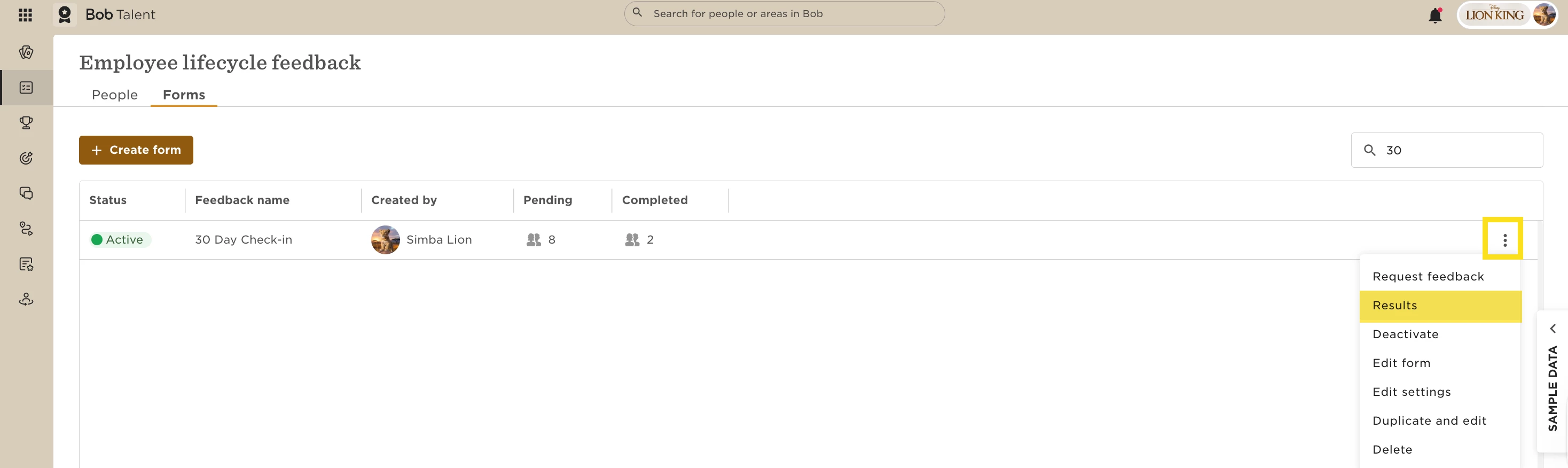
3. Open the Forms tab
4. Click the three-dot menu next to the relevant form and select 'Results'
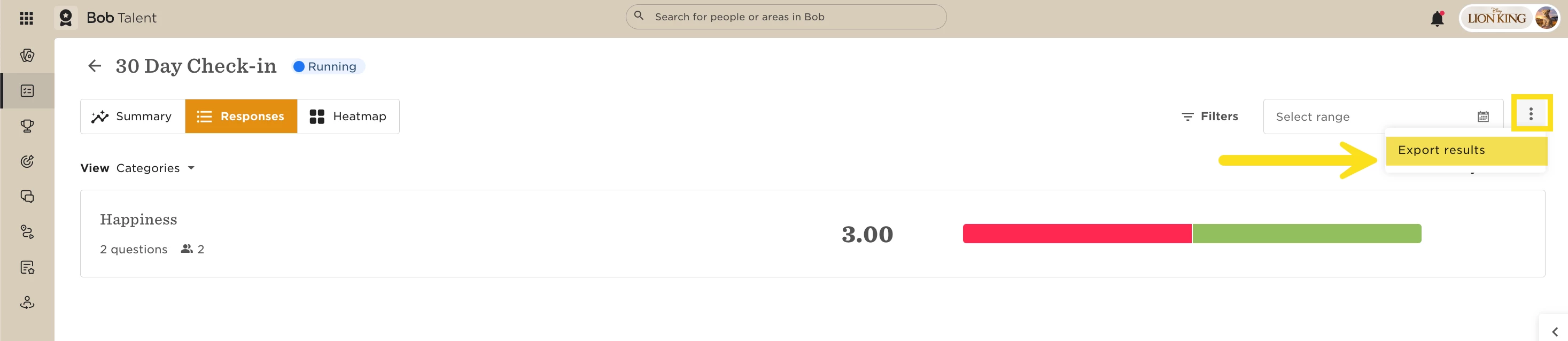
5. To export the full results, including comments, click the 'Export results' button in the top-right corner of the results page to download the Excel file.
If you export the data from the Reports tab instead, employee comments will not appear in the file.