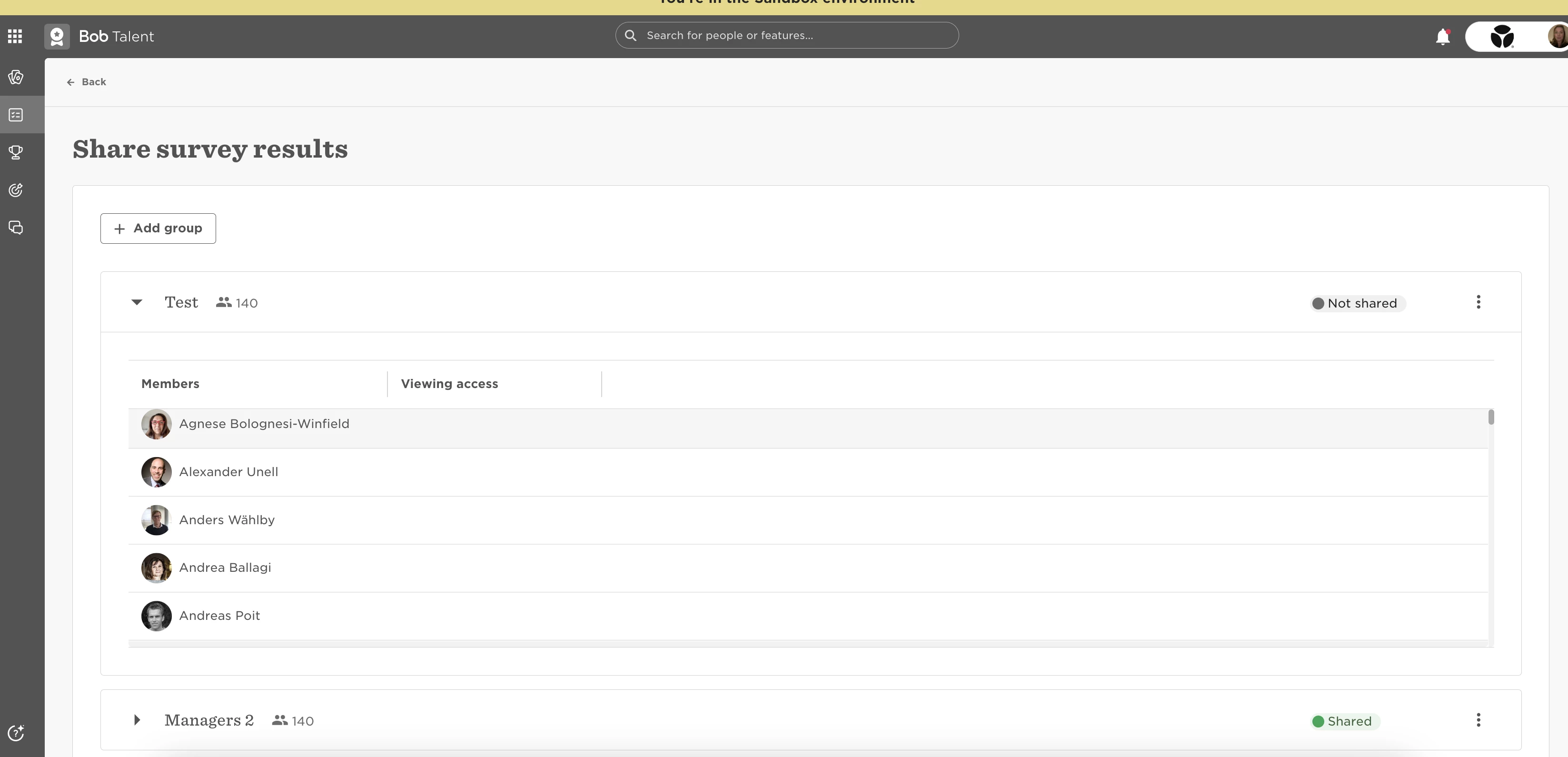
⚠️ This behavior only occurs in Sandbox. In production, survey sharing groups populate as expected.
When creating a survey sharing group in Sandbox, if you log in as an Admin, go to Talent > Surveys, and under Share results create a group with the condition Is a manager = Yes and set the access level to Reports to / Indirect to viewer, the group is created but the Viewing access column remains empty. Managers will not see the survey results of their direct and indirect reports.
Workaround
-
Create the sharing group in your production environment.
-
Refresh Sandbox so the live setup, including the filter, copies over.