
To prevent emails from being sent to employees during testing in the sandbox environment, Bob is designed so that no emails are sent from the sandbox to employees' email addresses.
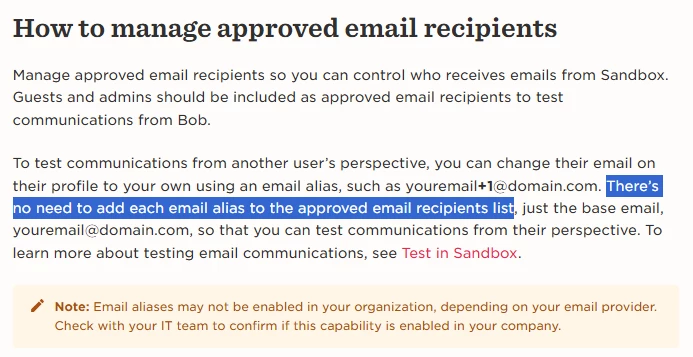
If you want emails to be sent to employees from the sandbox environment, you will need to add their email addresses to the approved email list. Here’s how you can do that:
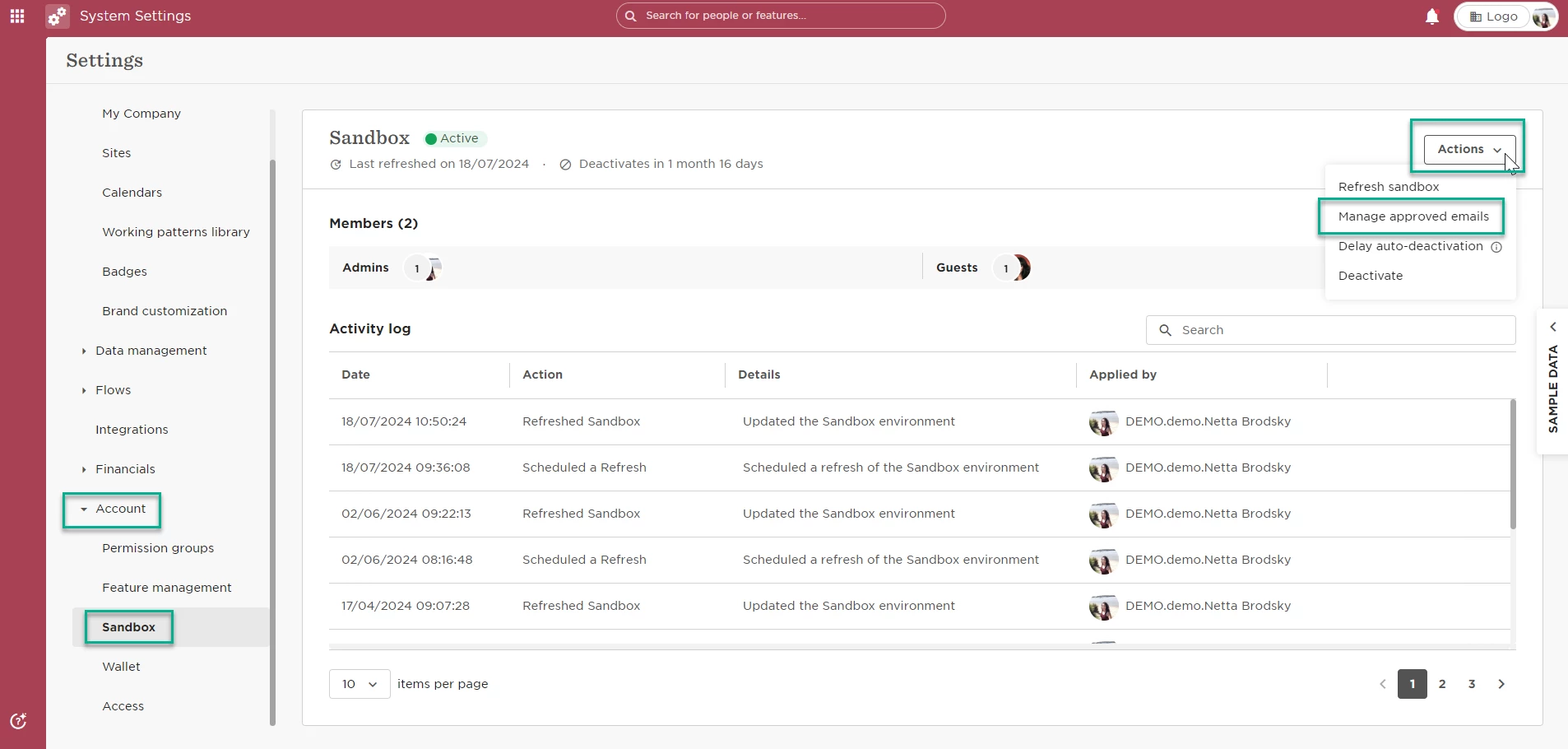
Click the waffle icon > System Settings > Account > Sandbox
Then navigate to the Actions menu > MAnage Approved Emails > and add employee's email > Save