


You can see each employee’s Time in current position in their profile, but this field isn’t available in reports. If you want to see this info for multiple people at once, here’s how to calculate it using a formula.
What you’ll see in the profile
In the Overview tab of the employee profile, there's a default field called Time in current position.
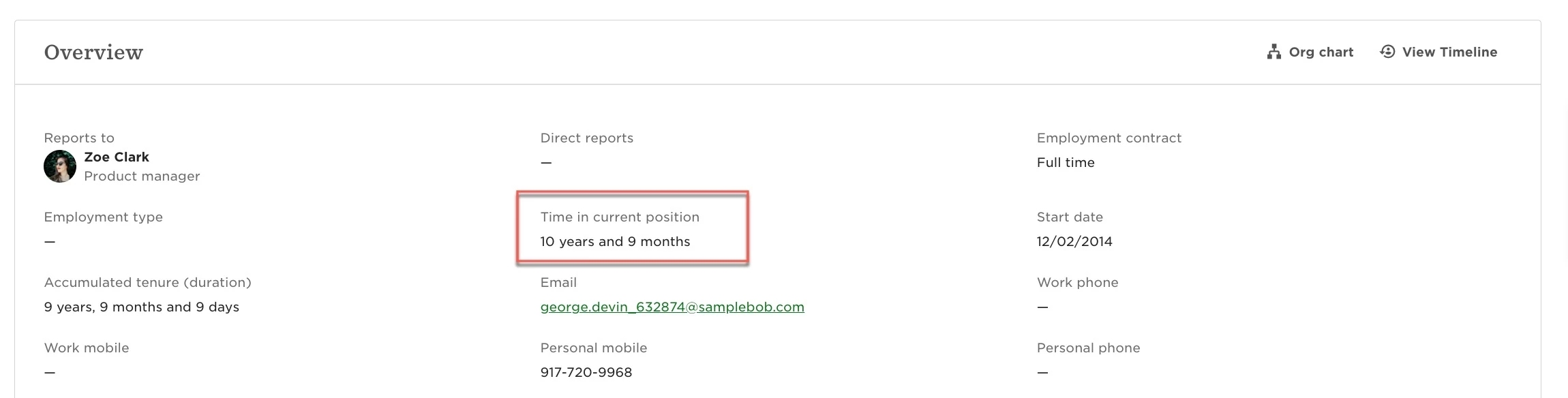
But this field isn’t available in reports, so you can’t use it to pull data in bulk.
How to get the same data in a report
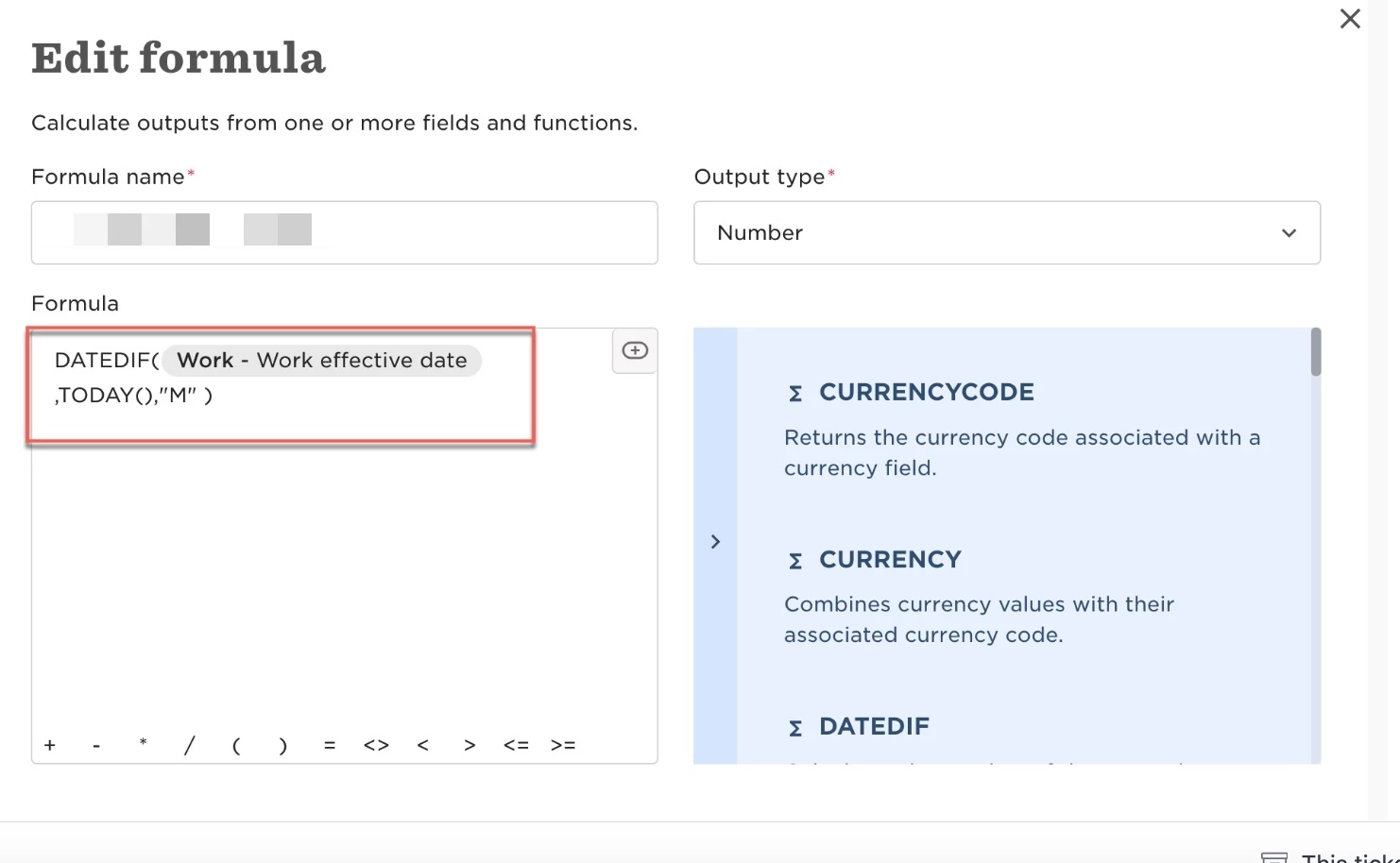
You can use a DATEDIF formula to calculate this in a report.
We will use the 'Work - Work effective date' (not history, not previous) to represent the Start Date.
We will then subtract today's date from the work effective date.
You can get the time period in any unit you like.
For example, the formula below gives you the number of months between the two dates:
DATEDIF({Work - Work effective date}, TODAY(), "M")
📝 A few notes:
-
Use Work - Work effective date (not position history or previous fields)
-
You can change
"M"to:-
"Y"for years -
"D"for days
-