


Custom tables in Bob are multi-record tables without a supported effective date.
Because of this structure, custom tables cannot be used in most general reports (such as Changes reports or Point-in-Time reports). Those report types rely on effective-date logic, which custom tables do not support.
How to Access Custom Table Data
Each table created automatically generates a dedicated report with the same name.
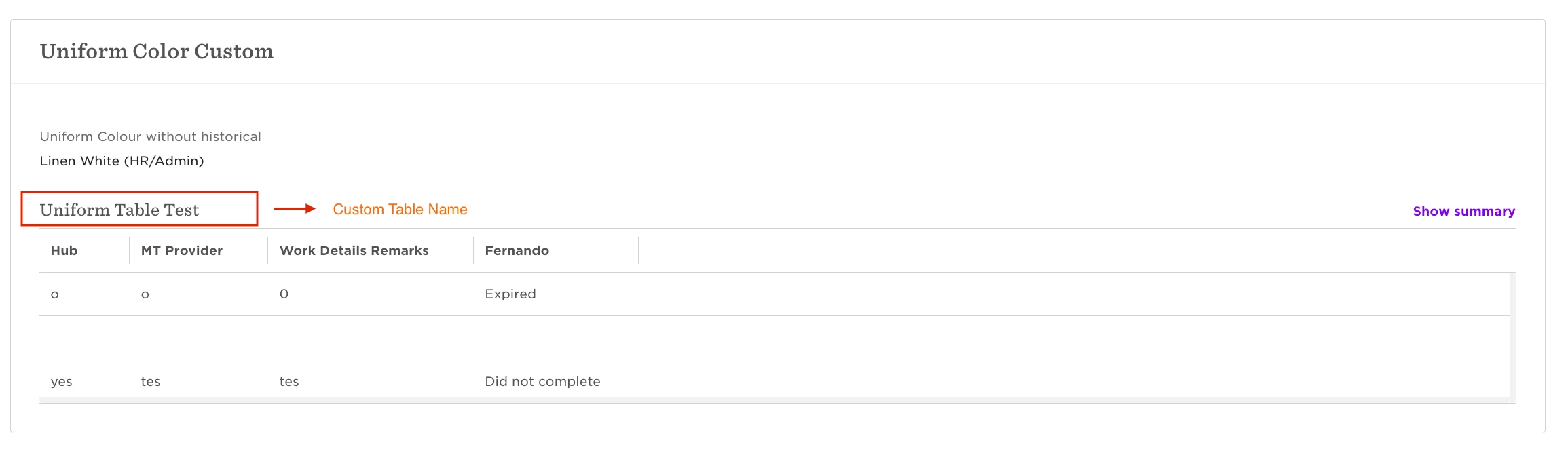
To find it:
Go to Analytics > Reports > +Add Report
Search for your table name
Select the matching report
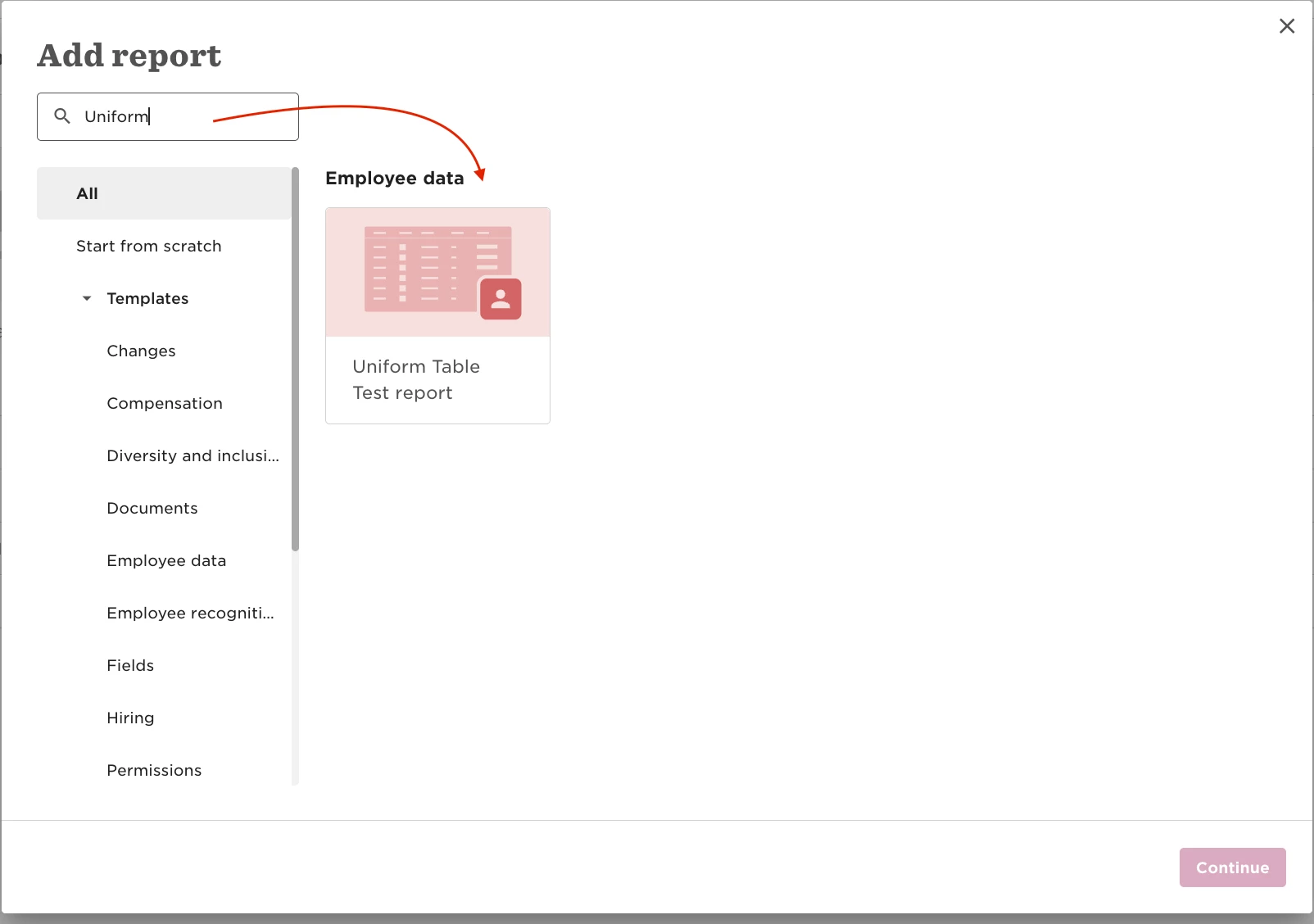
This is the only way to report on custom table fields.
Important to Know:
The custom table report will only include employees who have at least one populated field in that table.
If an employee’s custom table is blank, they will not appear in the report.