

To view the "All Requests" report in Bob, users need a specific permission enabled.
Go to the relevant Permission group and turn on:
“View, approve or decline requests that are pending approval of others.”
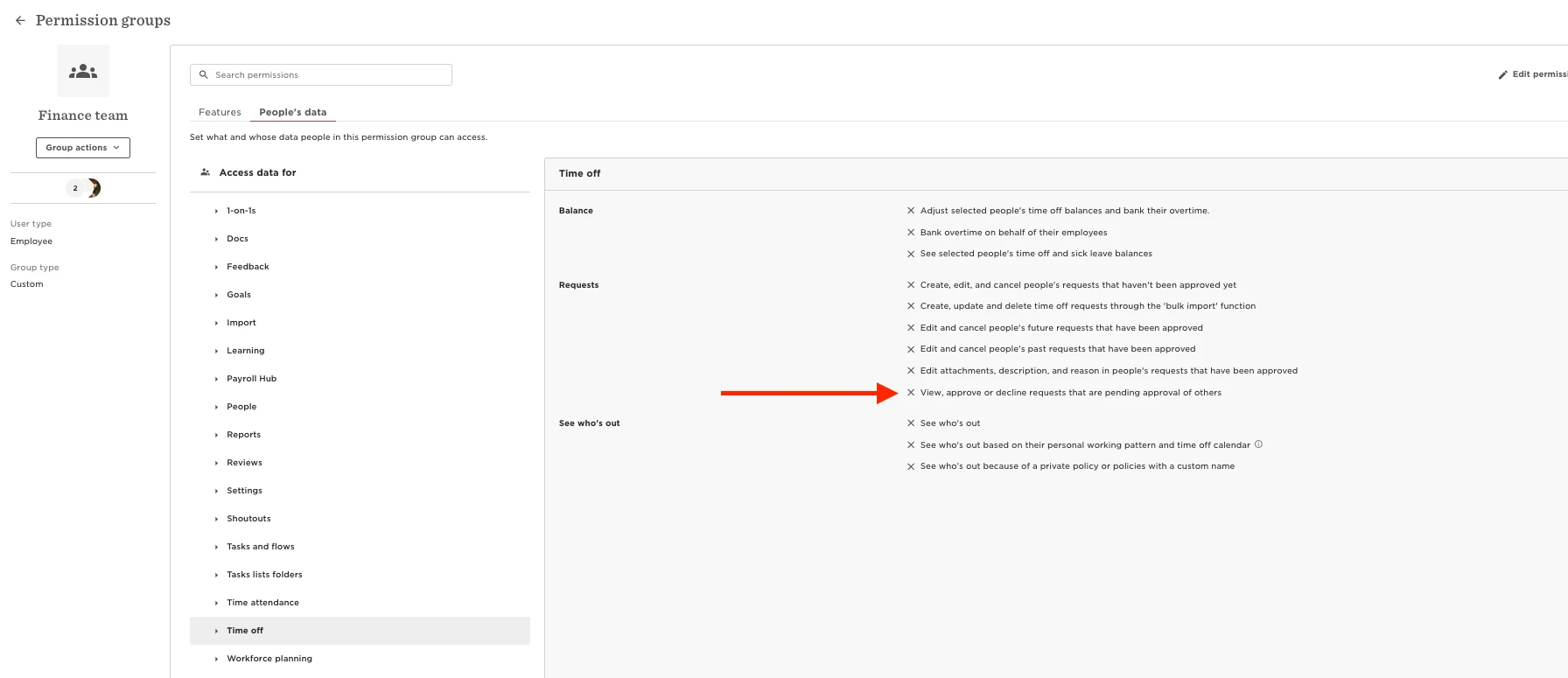
This permission will allow members of the group to open and view the All Requests report.
Please note:
While the permission technically allows approving or declining requests, users should be advised to use it only for viewing purposes if that’s the intent.