

When building Analytics reports with job assignment data, it’s important to understand the difference between the "Job" and "Job (history)" columns, as they return different results.
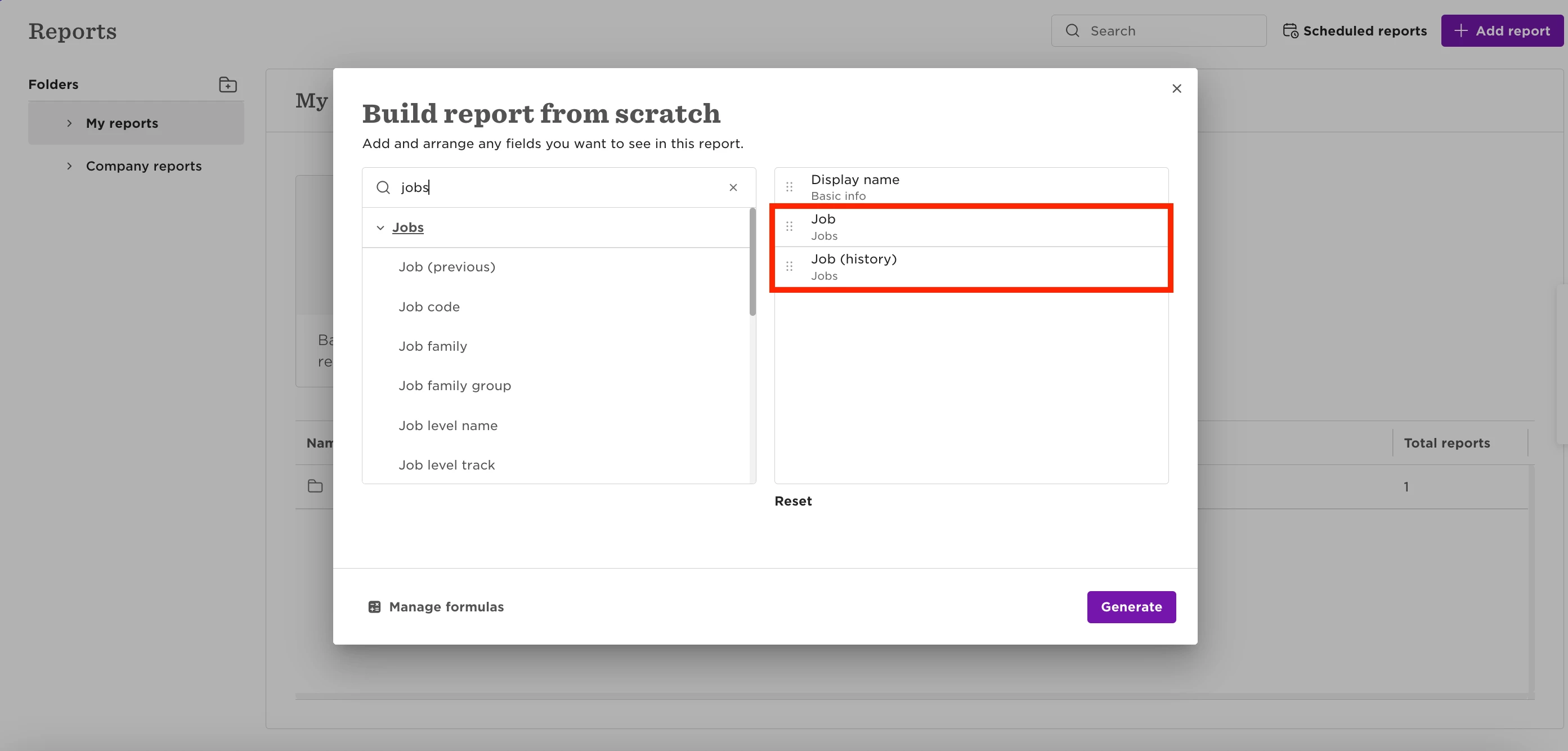
Using the Job Column
If you add only the Job column to a General report, the report:
- Generates one row per employee
- Displays only the employee’s latest jJob profile assignment
- Does not automatically add an Effective date column
This means the report only reflects the employee’s current assignment.
Using the Job (history) Column
If you add the Job (history) column, the report automatically:
- Generates separate rows for each Job profile assignment
- Adds an Effective date column to the report
- Displays historical Job profile assignments
Important Limitation
When the same Job profile is assigned multiple times in an employee’s profile with different effective dates, Analytics reports do not display every effective-dated assignment row.
Instead, the report only includes the earliest assignment for that Job profile sequence.
Because of this:
- Some effective-dated rows visible in the employee profile may not appear in the report
- The row shown in the report may not match the row currently marked as active in the employee’s Jobs table