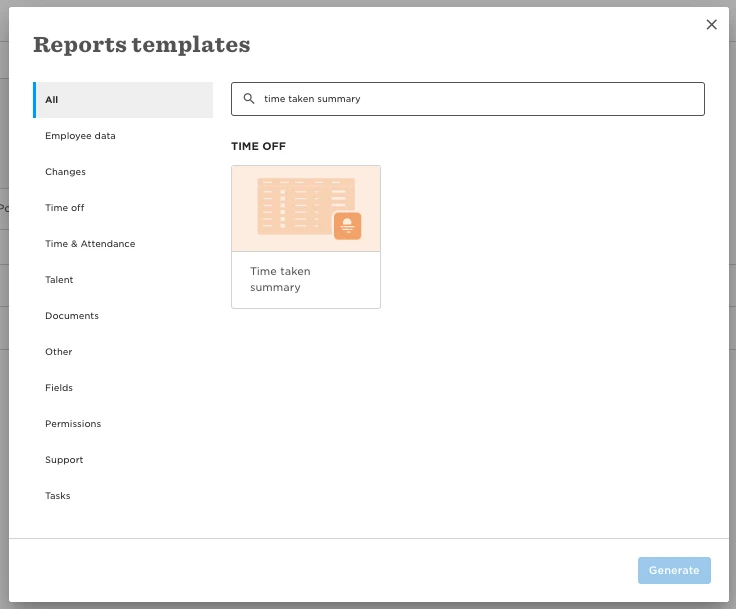
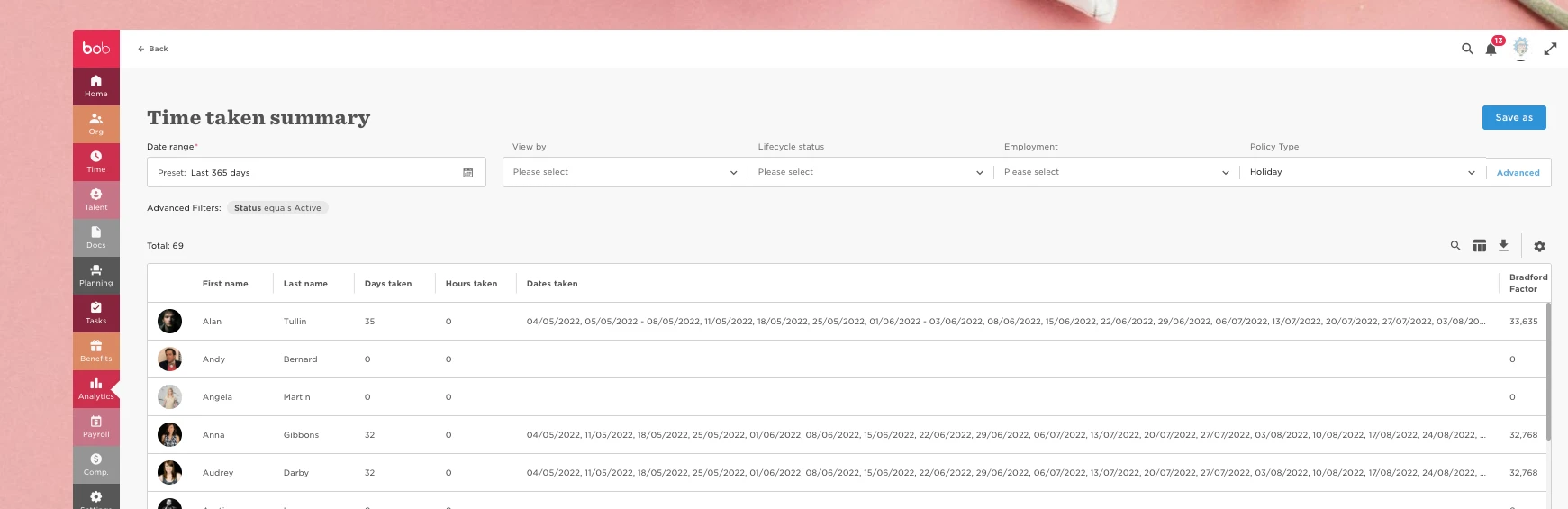
You can run the Time Taken Summary report in order to view this information.
To do this go to Analytics > Reports > New Report > Use Template > Time Taken Summary. You can view the days taken in the column, and select the time period from the date picker.