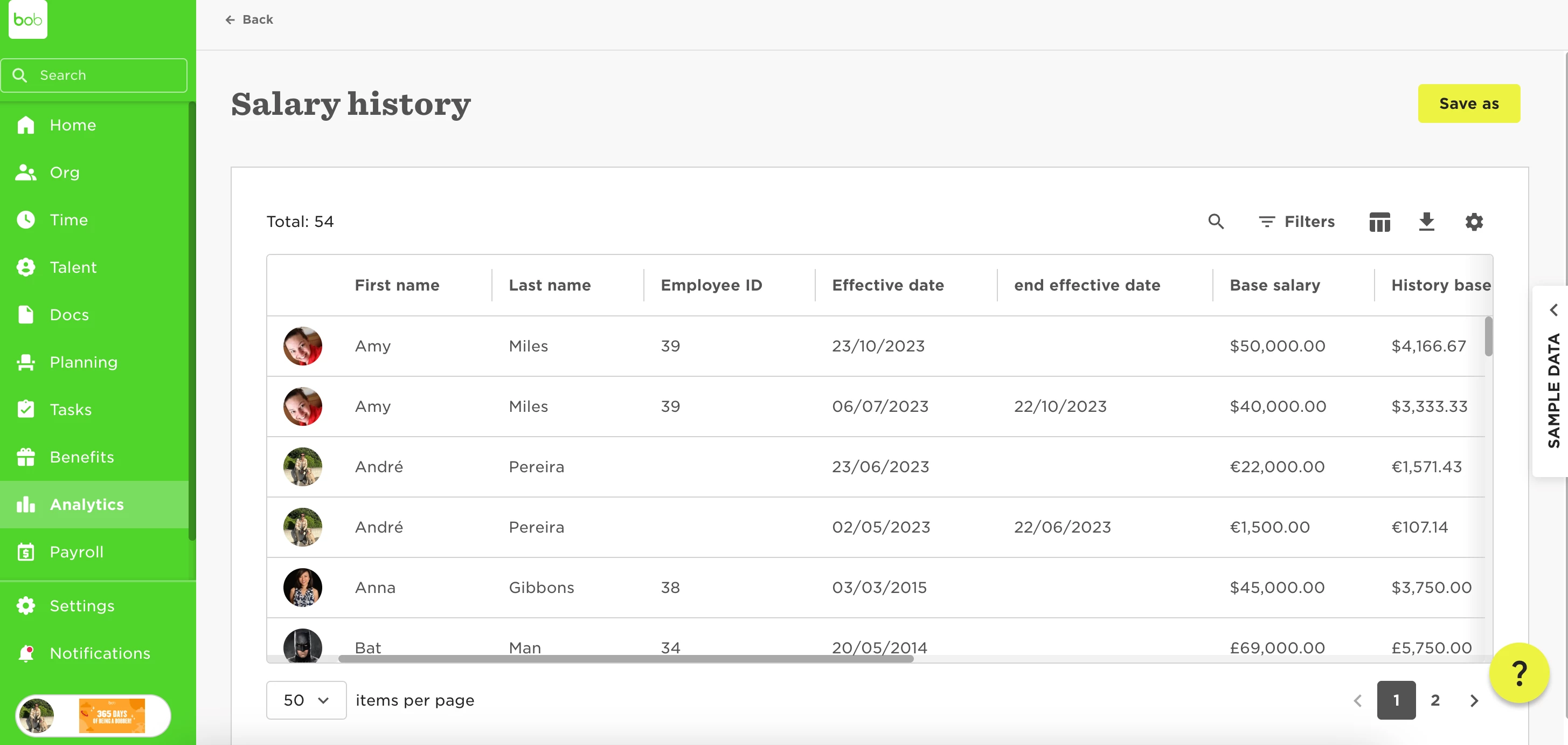
To run a report for Salary changes, we can use the Salary History default template, which we can access in Analytics > reports > add new > use a template > salary history:
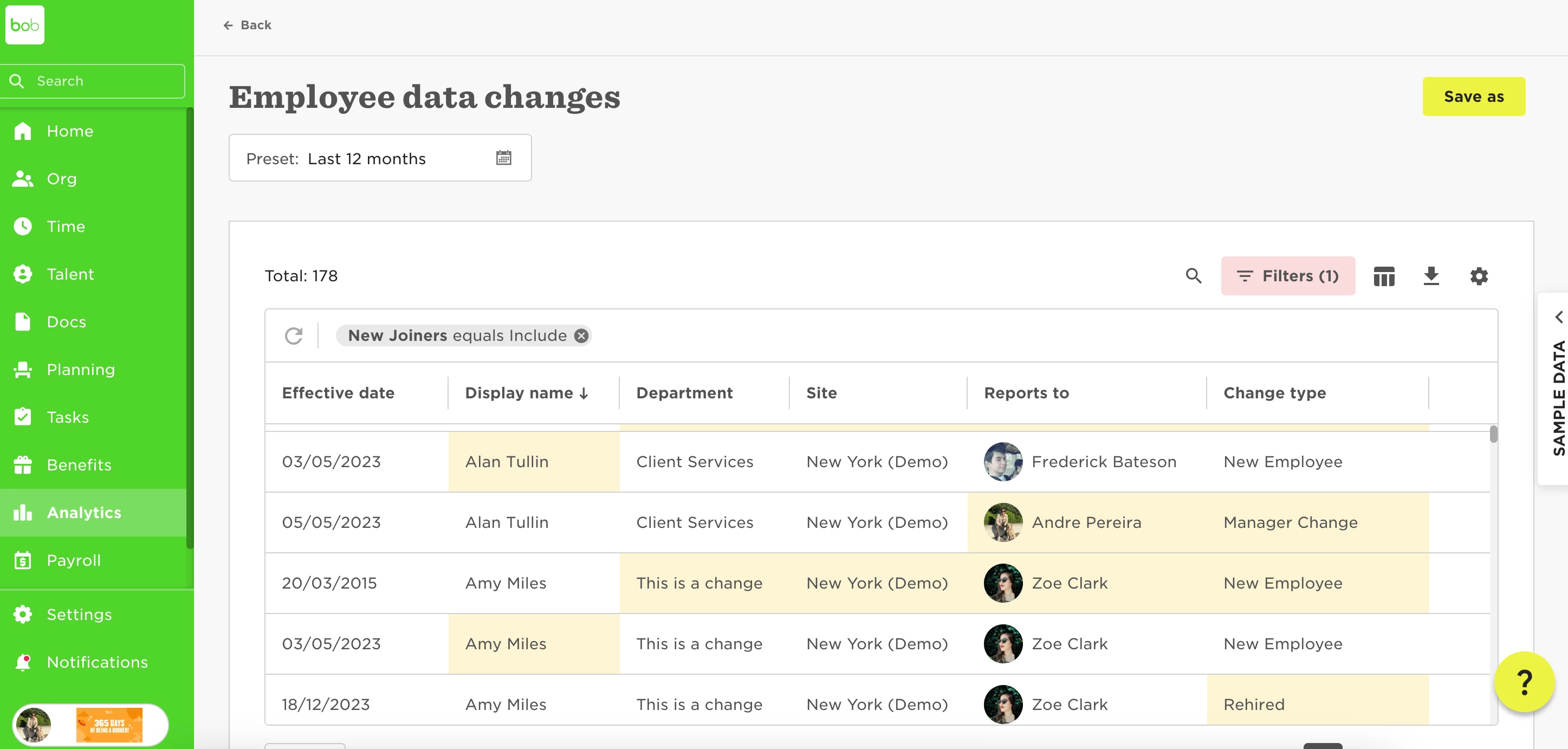
To see all changes in Payroll, we'll need to run an Employee Data changes, and we can access it when creating a new report from the default templates too:
We will need to add an Advanced filter to get only changes that happened within the Payroll table and set a time range for the changes:
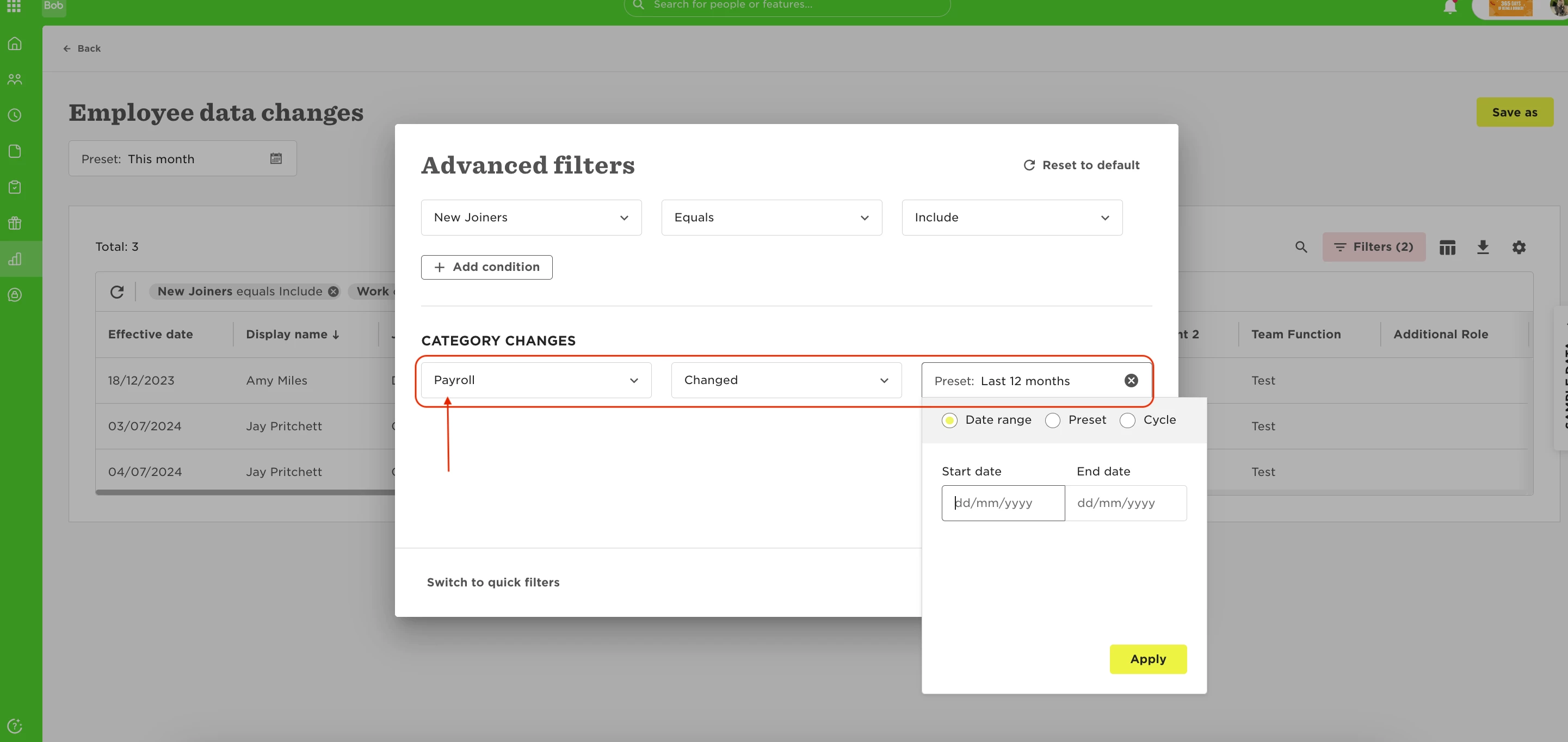
Note: this will show all changes for the same employee if there is more than one change in the period selected, which means that it can show more than one row for the same employee.